AI Pro
Unified AI automation for Grav
AI Pro connects Grav to modern AI services with a single, powerful workflow layer. Manage multiple providers, easily interact with your Grav page content, and quickly switch between AI providers and models directly in the Admin without custom code or brittle integrations. Also includes a flexible Assistant UI for quick prompts, conversation history, and context-aware responses that fit right into your existing workflow.
Everything you need. Nothing you don’t.
Over 9 distinct features and integrations, out of the box.
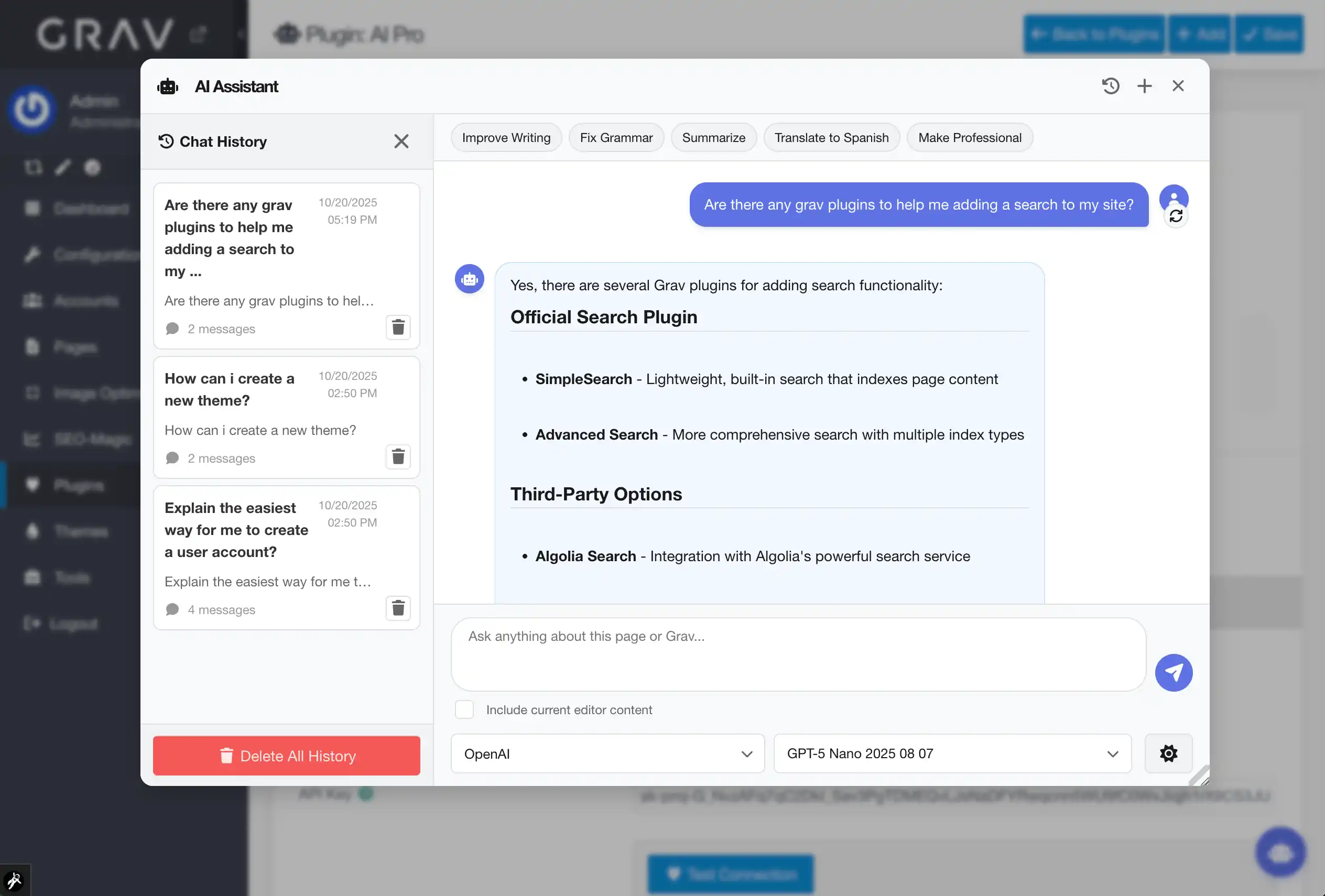
Assistant Everywhere
Bring AI directly into your Grav Admin workflow. Trigger quick prompts, reference saved chats, and inject responses right where you are working—no browser tabs or copy/paste required.
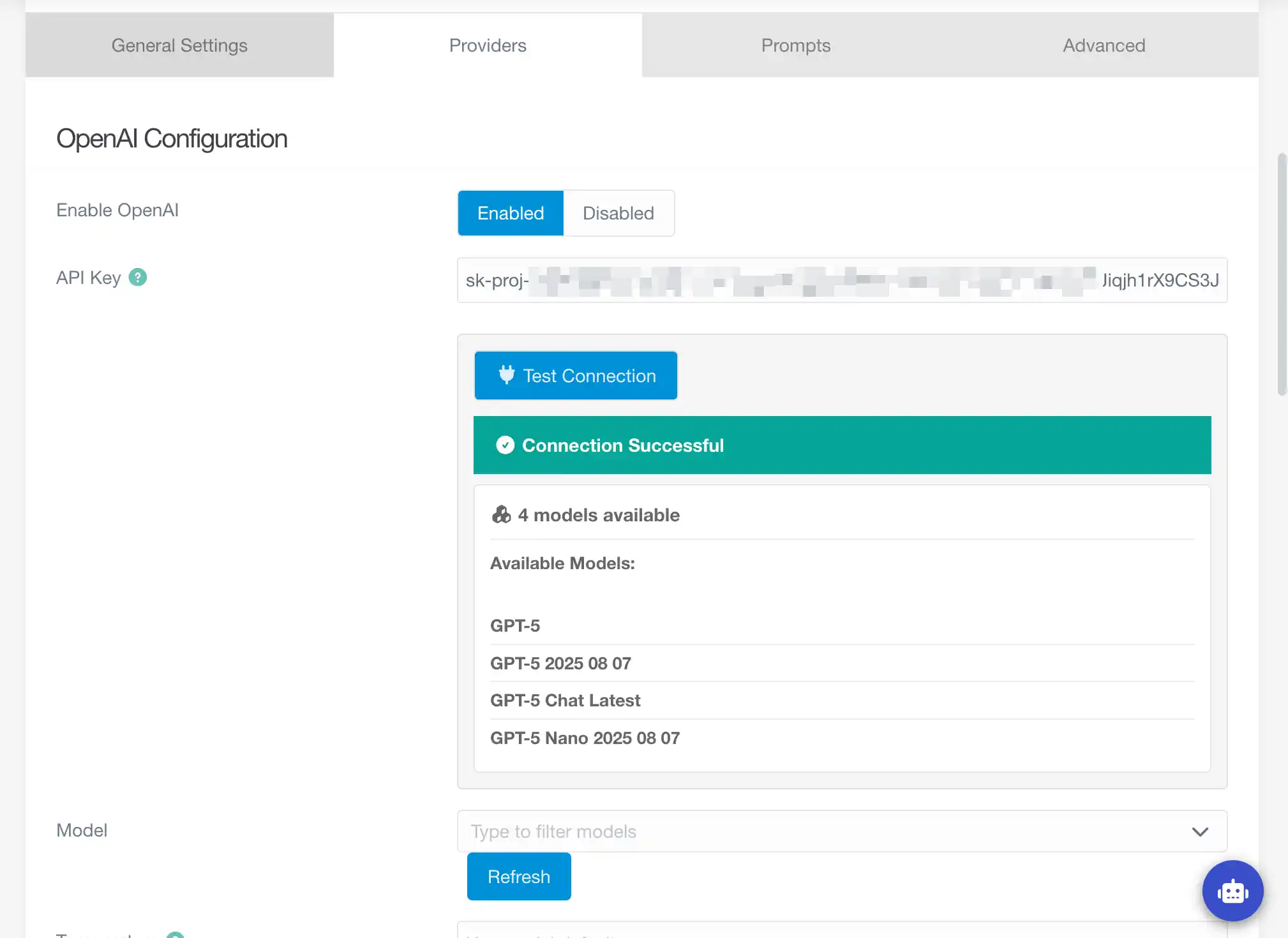
Multi-Provider Control
Configure multiple providers once and switch between them instantly. AI Pro exposes model lists, validation tools, and intelligent fallbacks so you can pick the right AI for every job.
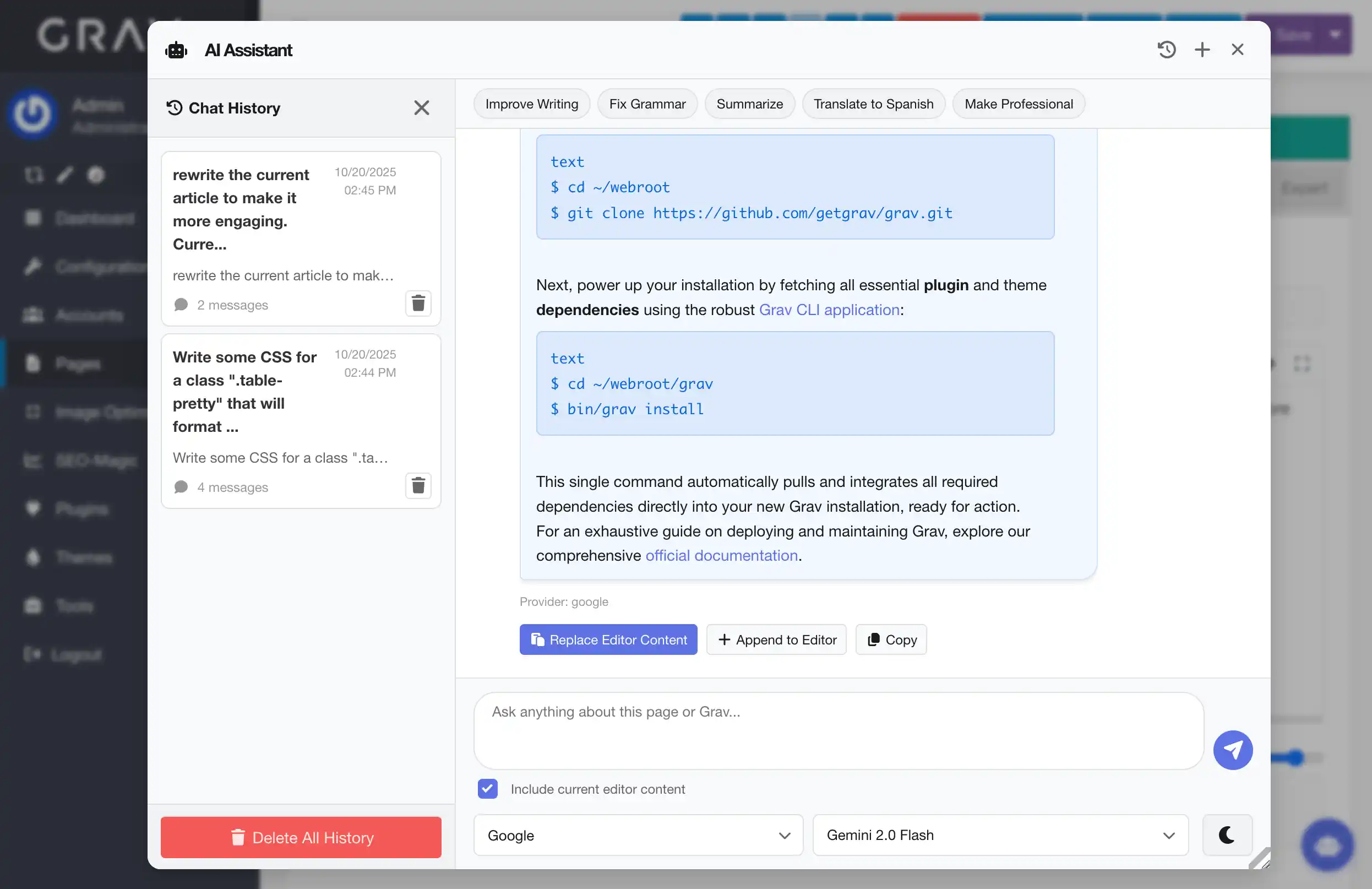
Context-Aware Responses
Reference your current page content and instantly improve it, summarize it, or generate new content based on it. AI Pro handles chunking and context windows so you get the best results every time, no worries about timeouts or token limits.
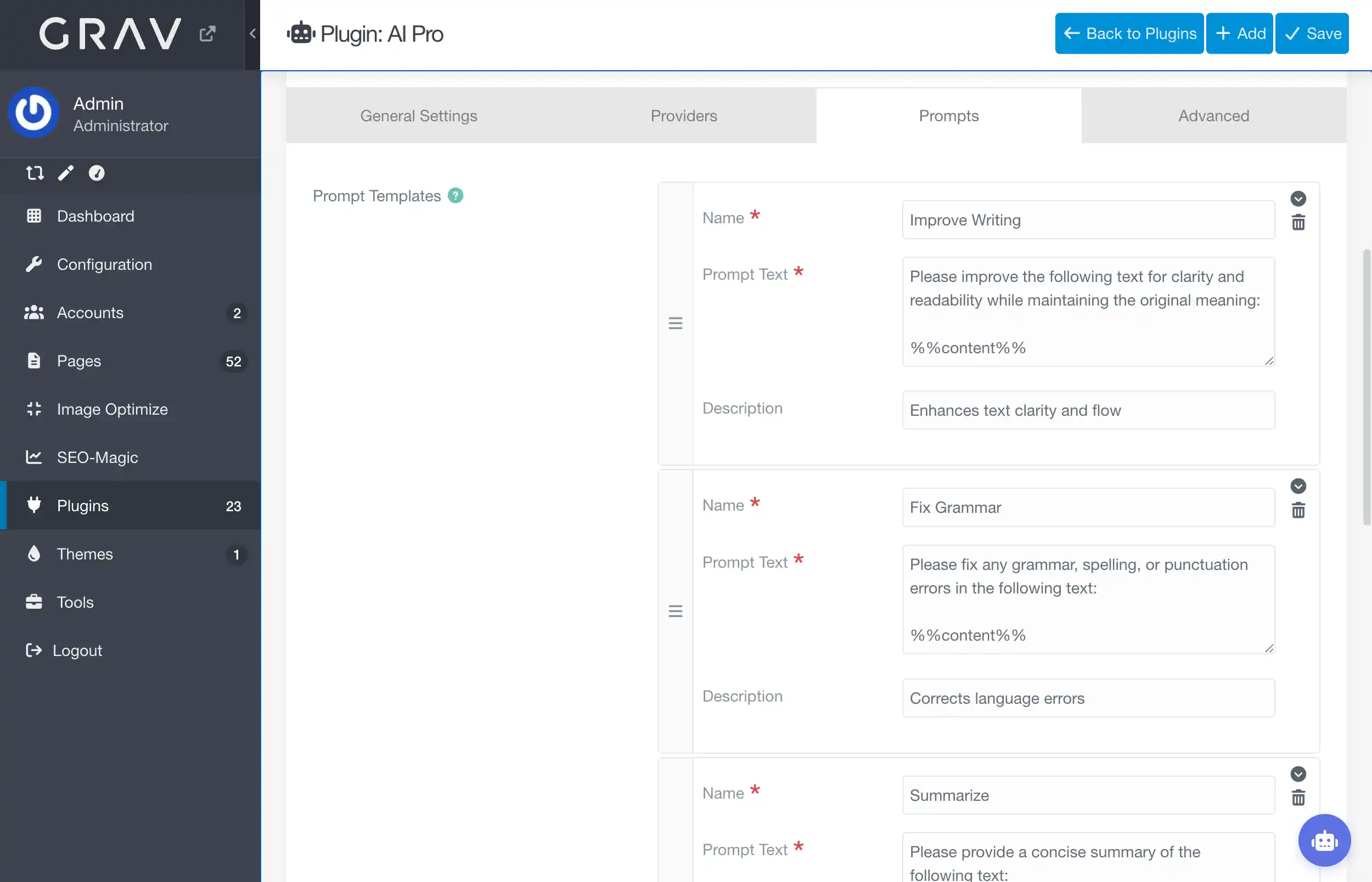
Create custom prompts
Save and reuse custom prompts to streamline your workflow. Whether you're generating blog posts, product descriptions, or code snippets, having a library of prompts at your fingertips saves time and ensures consistency.
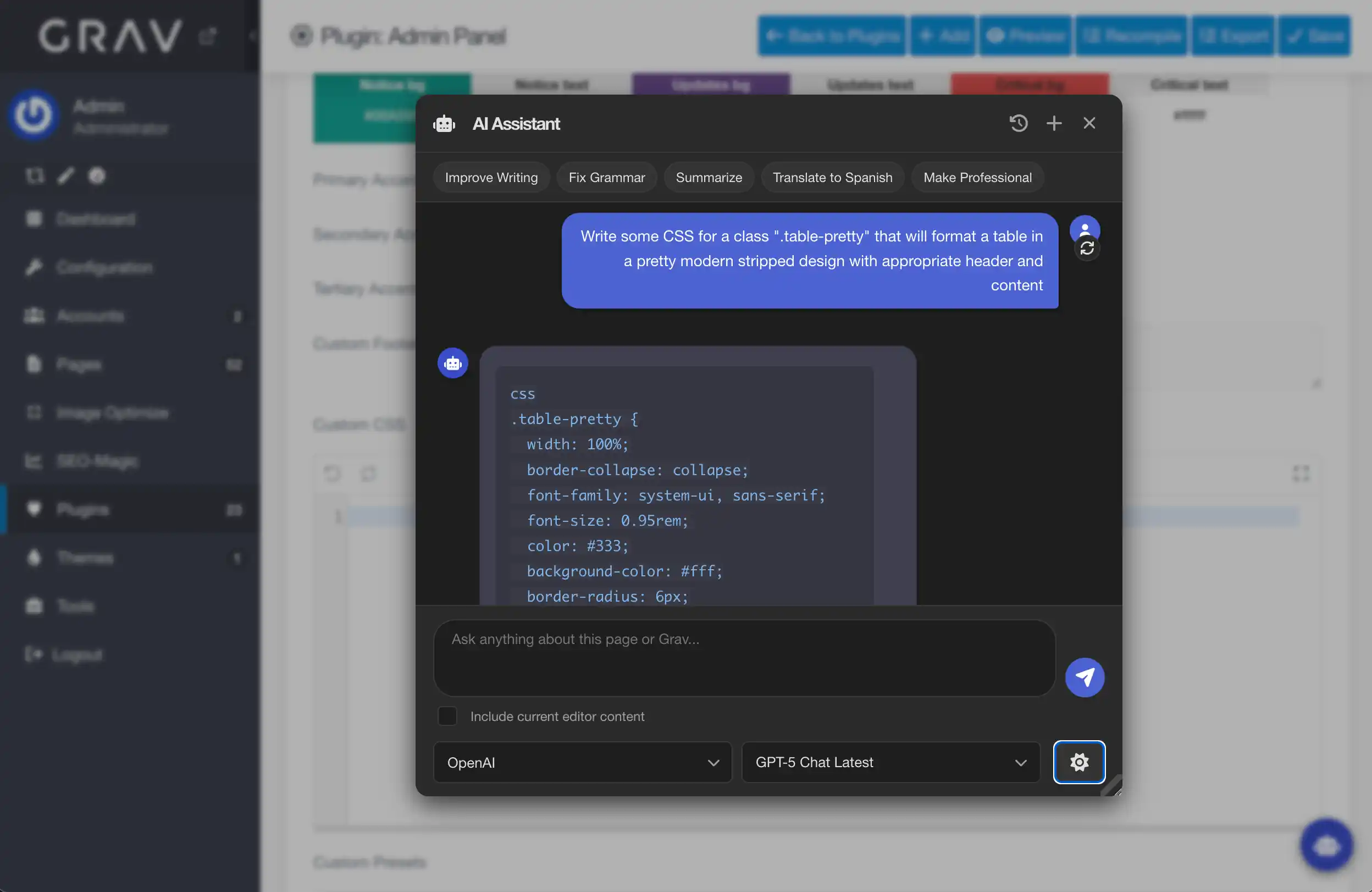
Not just for content
Use AI Pro to generate images (coming soon), analyze data, or create code snippets. AI Pro's AI Assistant is available throughout Grav Admin, so you can leverage AI for a variety of tasks beyond just content creation.
Built for Automation
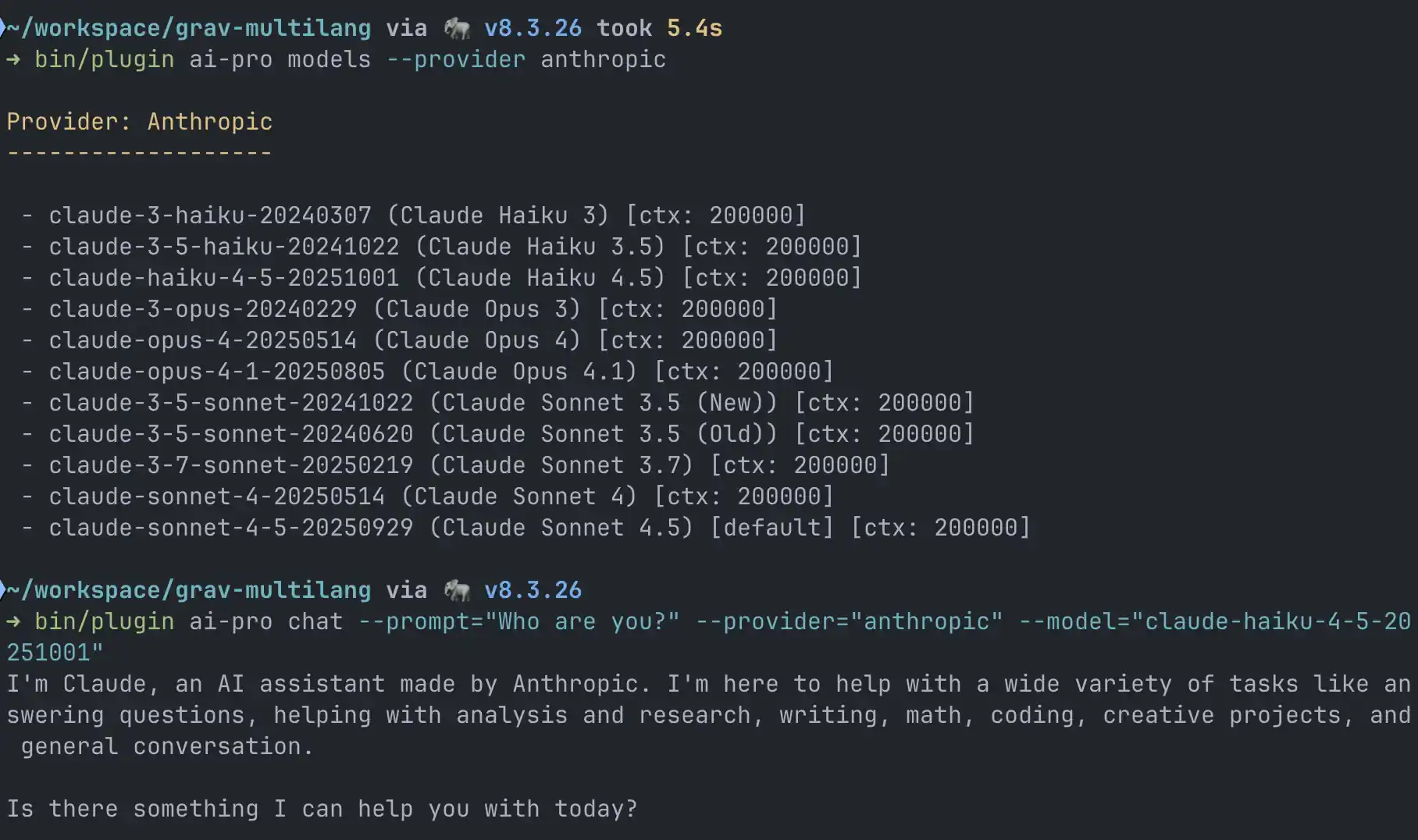
Process heavy jobs in the background, output results live, or drive workflows via the CLI. AI Pro handles chunking, retries, and caching so you can focus on building the experience.
Frequently Asked Questions
The most commonly asked questions about the AI Pro plugin
Do I need multiple subscriptions to use different AI providers?
No. AI Pro lets you configure any combination of providers you already have access to. Simply paste each API key and enable the providers you want to make available. The plugin will expose them in the Assistant UI, CLI, and other tools.
Can I extend AI Pro with a custom, currently unsupported AI provider?
Absolutely. AI Pro exposes a provider registry so you can register new providers from a custom plugin. Extend the AbstractProvider class, implement the required methods (endpoint, headers, request parsing), and AI Pro handles the UI, CLI, and caching automatically. Use the freely avaialble "AI-Pro Deepseek" as a reference implementation.