Cloudflare Manager
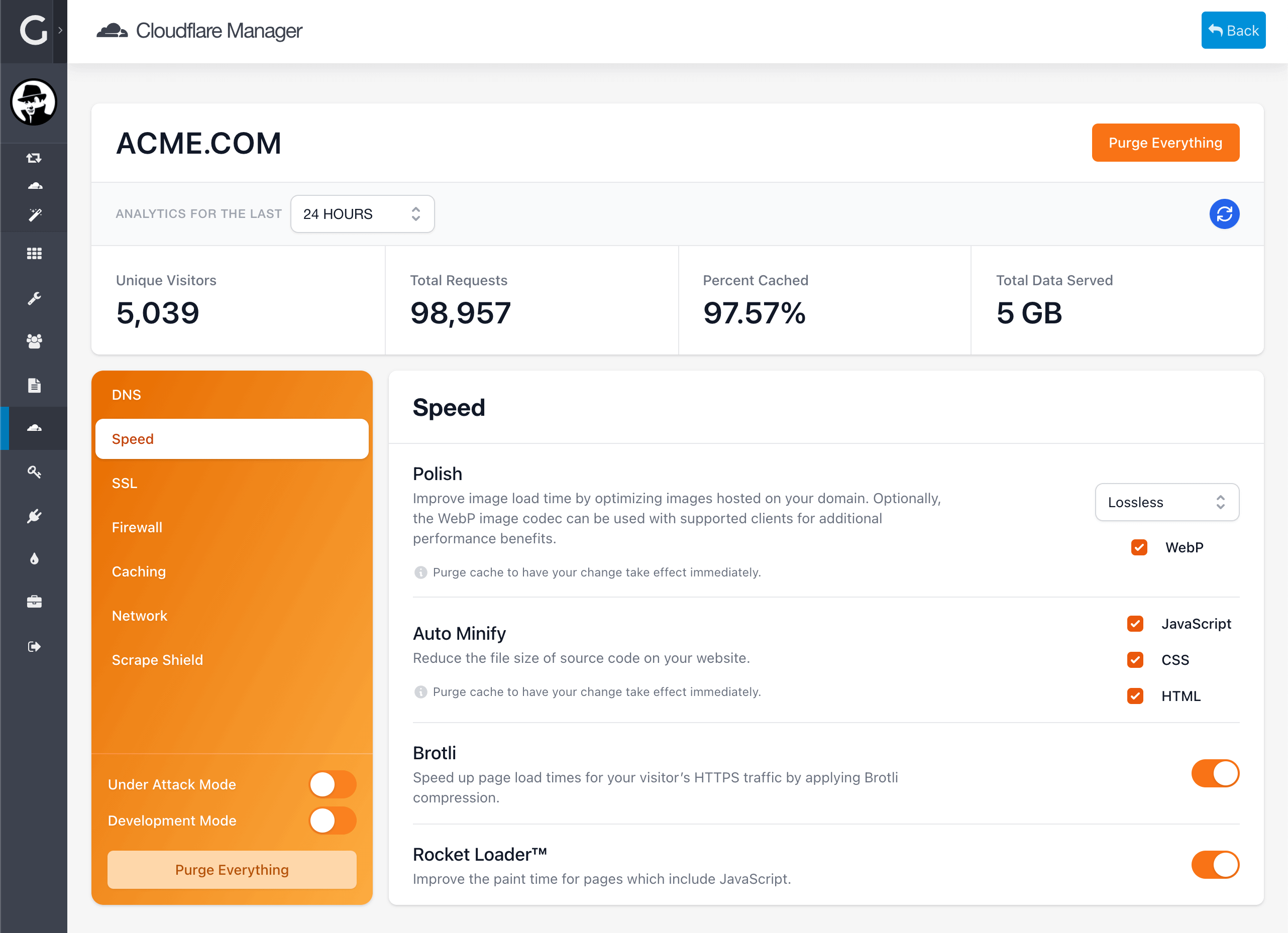
Integrate Cloudflare into your Grav site and manage your domain name server from the comfort of the Admin Panel. With Cloudflare Manager not only you can configure DNS records, SSL, Firewall, Caching, Network and optimize for Speed and Scrape Shield, you will also have quick access to your domain's Analytics.
Everything you need. Nothing you don’t.
Over 14 distinct features and integrations, out of the box.
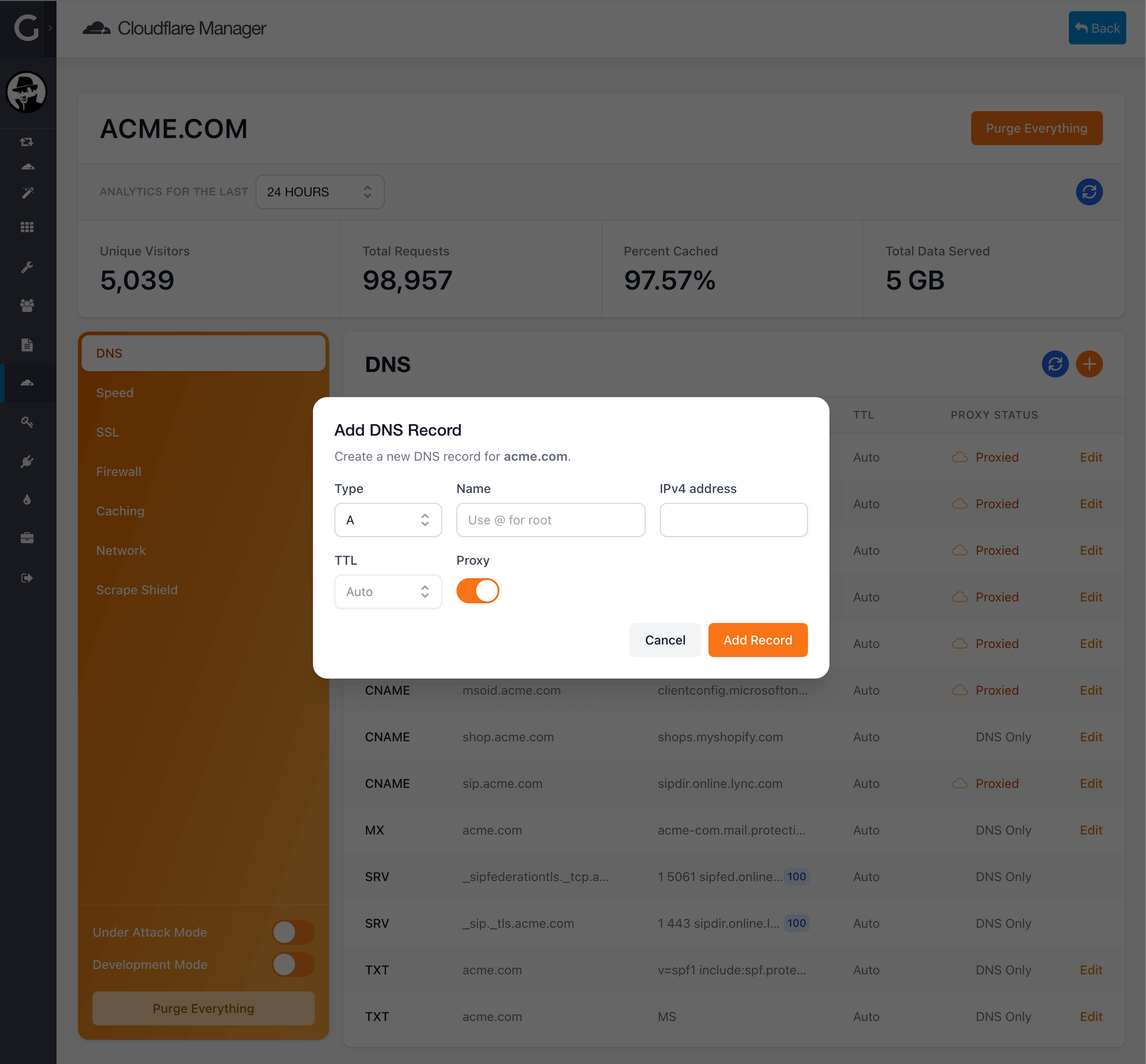
A, CNAME, MX or TXT record type as well as Proxy through Cloudflare
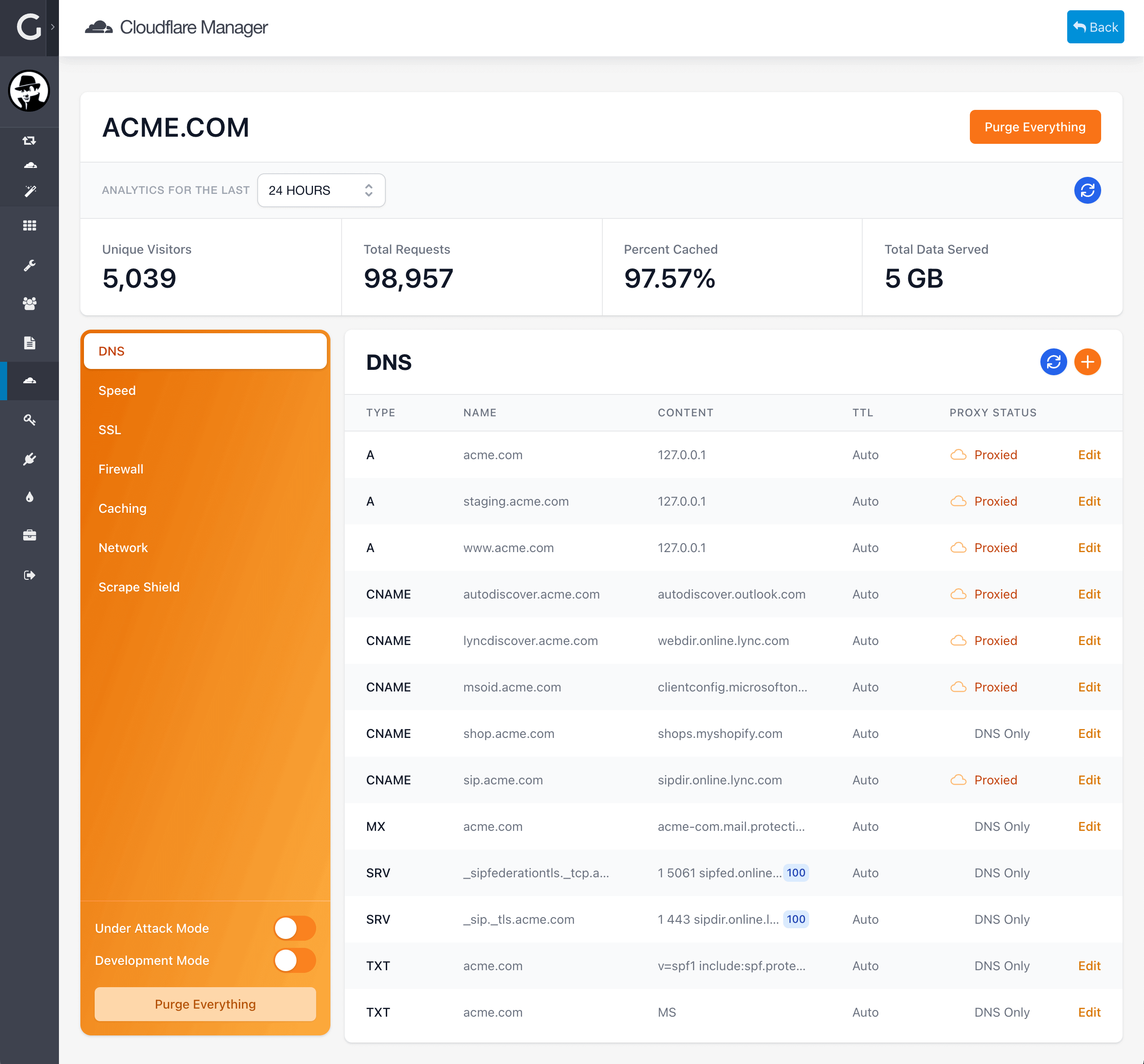
DNS Manager
Analytics
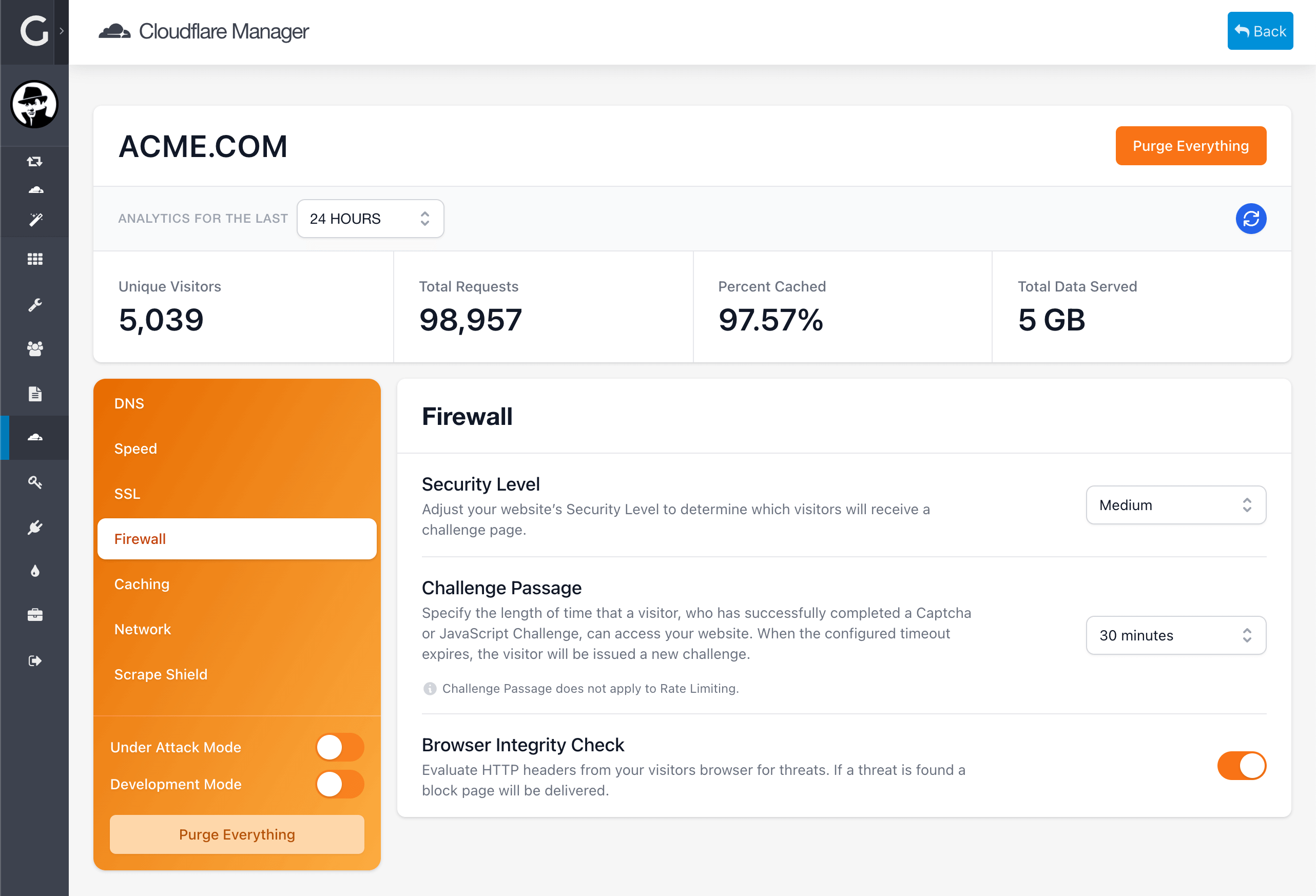
Cloudflare Manager provides insight to your website traffic.
Know how many unique visitors and the total requests you had in the past 24 hours, 7 days or 30 days. Additionally, analytics will provide insight about the percentage of cached data served to your users and how much data has been served.
Quick Actions
Quickly access common features from the Quick Actions area.
If you are under attack (DDoS) or your site is under extremely heavy traffic, you can toggle "Under Attack Mode" to let Cloudflare mitigate the traffic for you.
If you are actively developing your Grav site, enabling "Development Mode" will help to retrieve lesser cached data, or alternatively just Purge Everything.
SSL
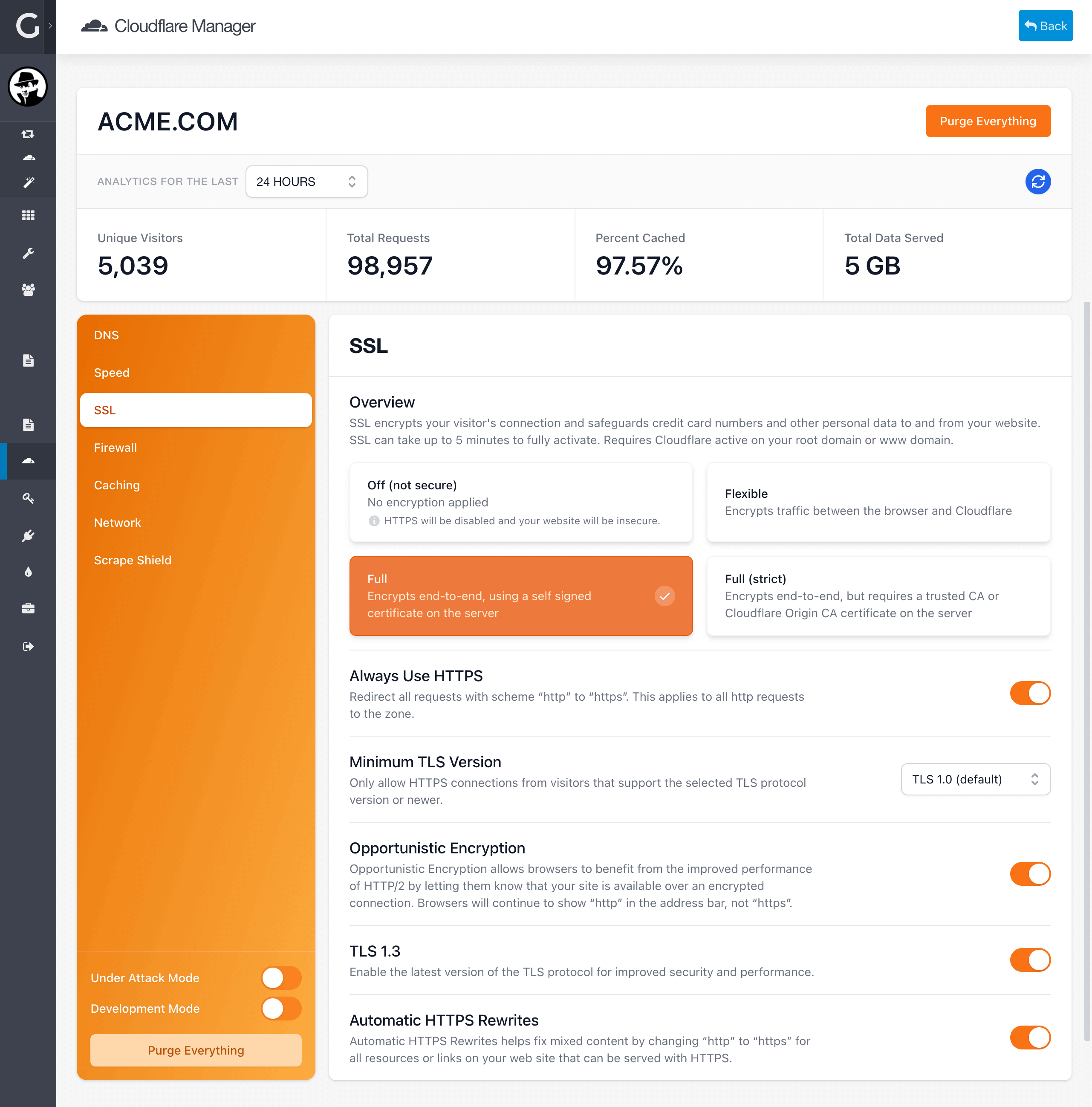
The simplest way to encrypt your website, with just a click. Choose between three type of SSL encryption offered by Cloudflare, or turn it off entirely (not advised!).
In no time your website will be encrypted and secure, your visitors will feel safer and SEO will reward your domain.
Quick Tray
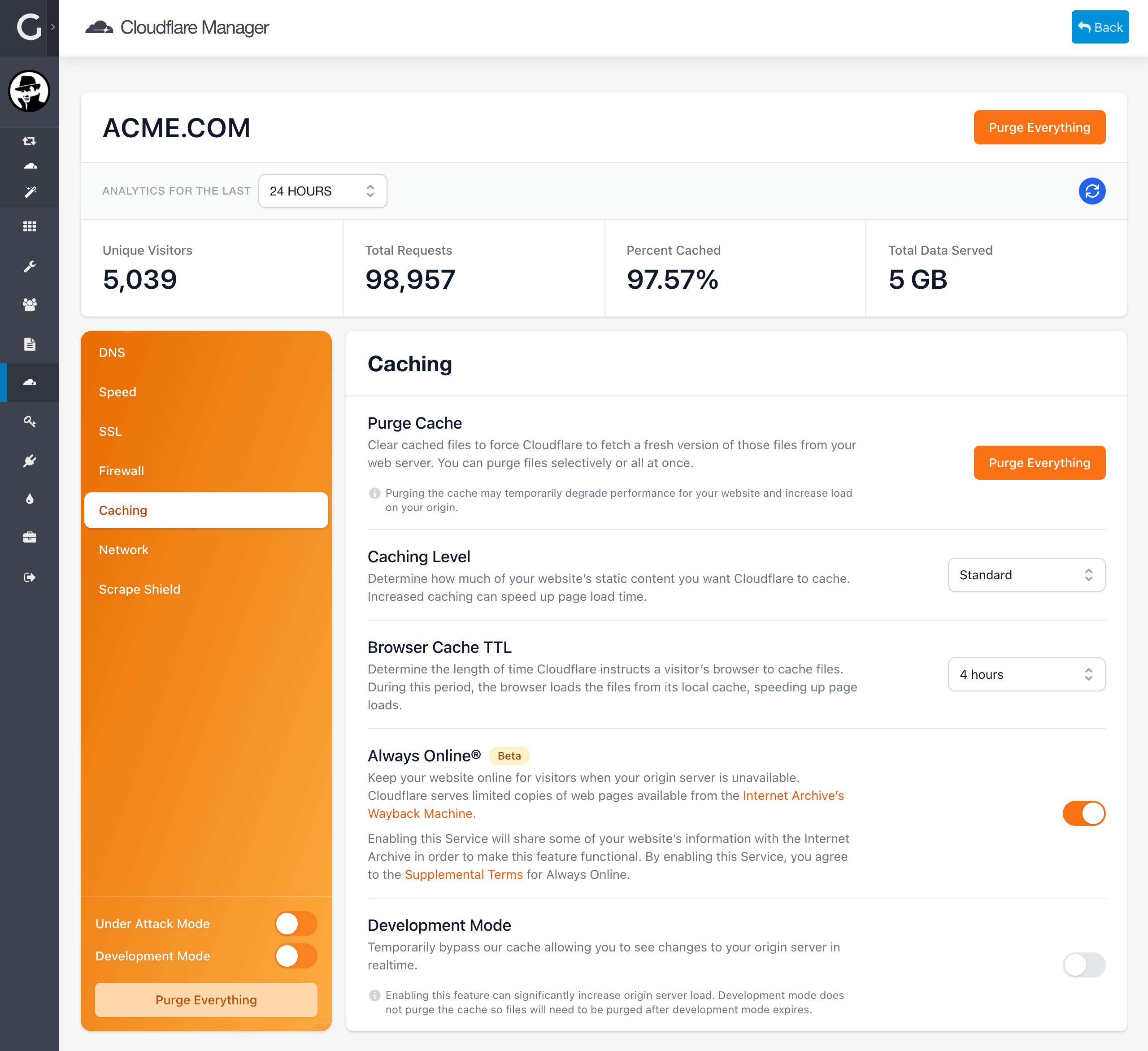
To maintain optimal site performance, Cloudflare heavily caches your site.
There are times where an updated image, some styling or some content is just not wanting to show up and purging cache is the quickest solution.
Purging everything immediately clears all resources from your CDN cache in all Cloudflare data centers and you can quickly access the feature in Quicktray from anywhere on the Admin Panel.
Screenshots & Examples
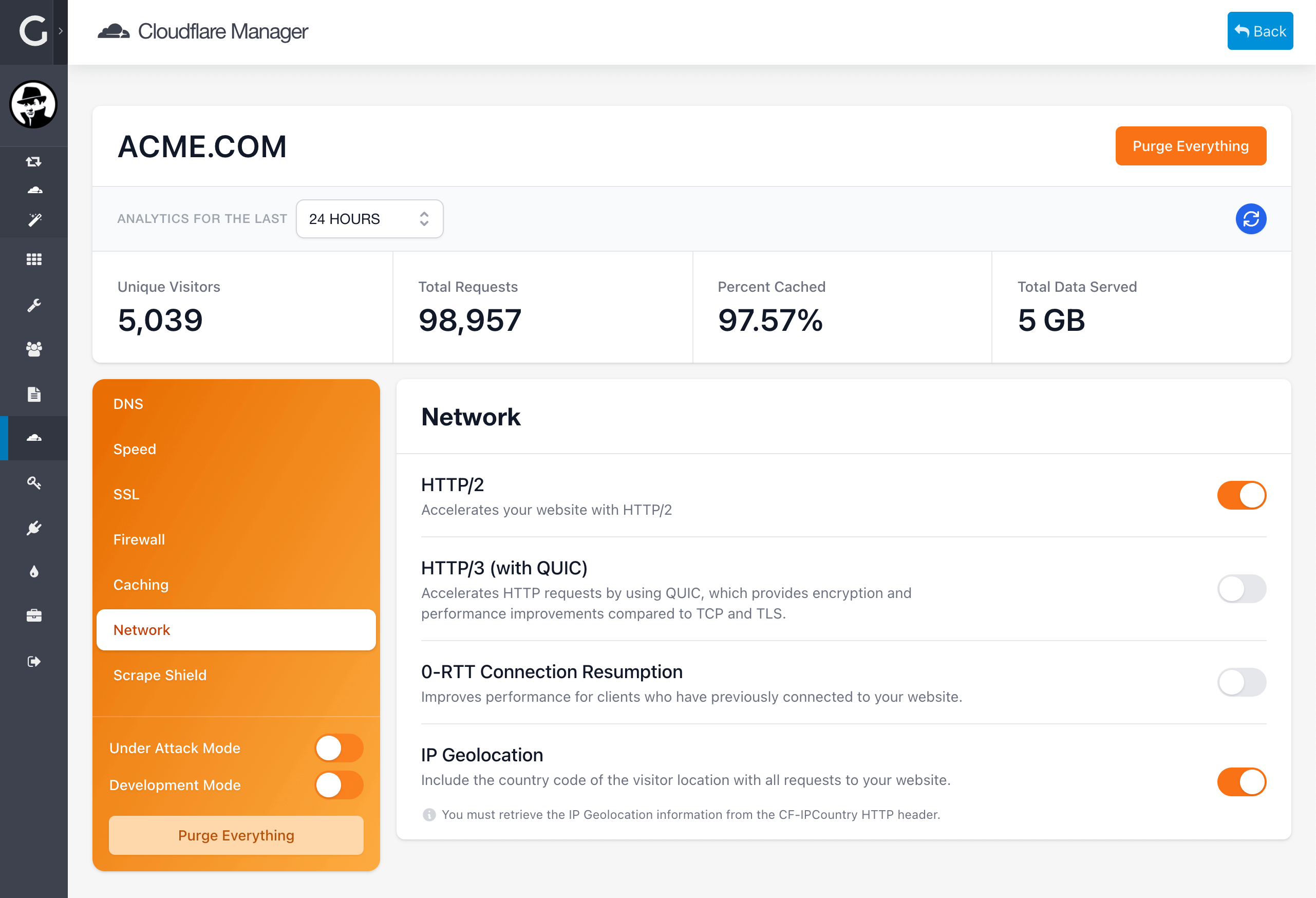
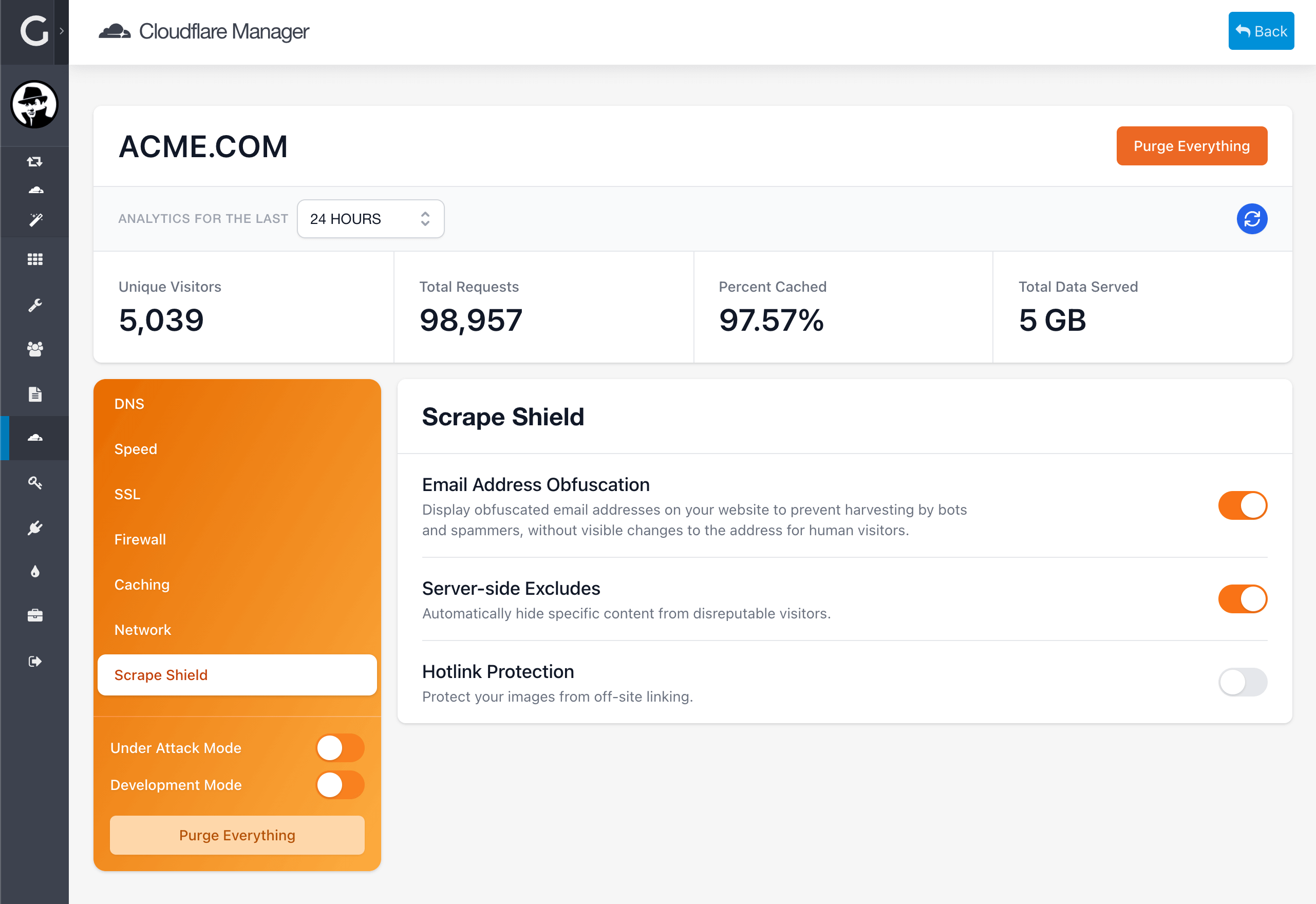
A peek at sites running Cloudflare Manager.
Frequently Asked Questions
The most commonly asked questions about Cloudflare Manager
What is coming next for Cloudflare Manager?
Cloudflare is continuously improving its service and adding new ways to keep your site secure. With Cloudflare Manager we want to make sure we keep everything up to date and fresh. Some things we have planned for the future are:
- Overview Panel with a summary of the domain, registrar, nameservers
- Implementation of Graphs for the Analytics to better display the performance of your domain
- Additional analytics data such as threats, traffic by countries, attacks blocked, etc
- Support for Custom Purge per URL
- Custom Dashboard Widget to include "I'm Under Attack!", "Developer Mode", "Purge Cache" and Analytics
Can I use the Cloudflare Manager plugin on multiple sites?
Per the Grav Premium license Grav Premium License, you need to have a license for each use