Typhoon Theme
High-performance TailwindCSS theme for Grav
The most powerful theme ever built for Grav. Typhoon is built on top of the latest Tailwind 4 CSS framework, and provides a flexible navigation architecture that allows for both dropdown and side-menu setups. It has the ability to provide customizable Hero sections on any page, and lets you easily configure logo and colors directly from the admin options.
Now available with Ready-to-Run prebuilt Grav install zips with Typhoon theme, sample skeleton package content, all plugins and licenses ready to go. Just unzip and go! Find the download links alongside your licenses in the license manager.
Typhoon theme includes a complimentary license to SVG Icons and Lightbox Gallery plugins.
Everything you need. Nothing you don’t.
Over 28 distinct features and integrations, out of the box.
watch for file changes and rebuild CSS instantly on-the-fly in development mode
onSiteThemeMenu() event to programatically hook into the menu system
SimpleSearch plugin with live-search field for blog
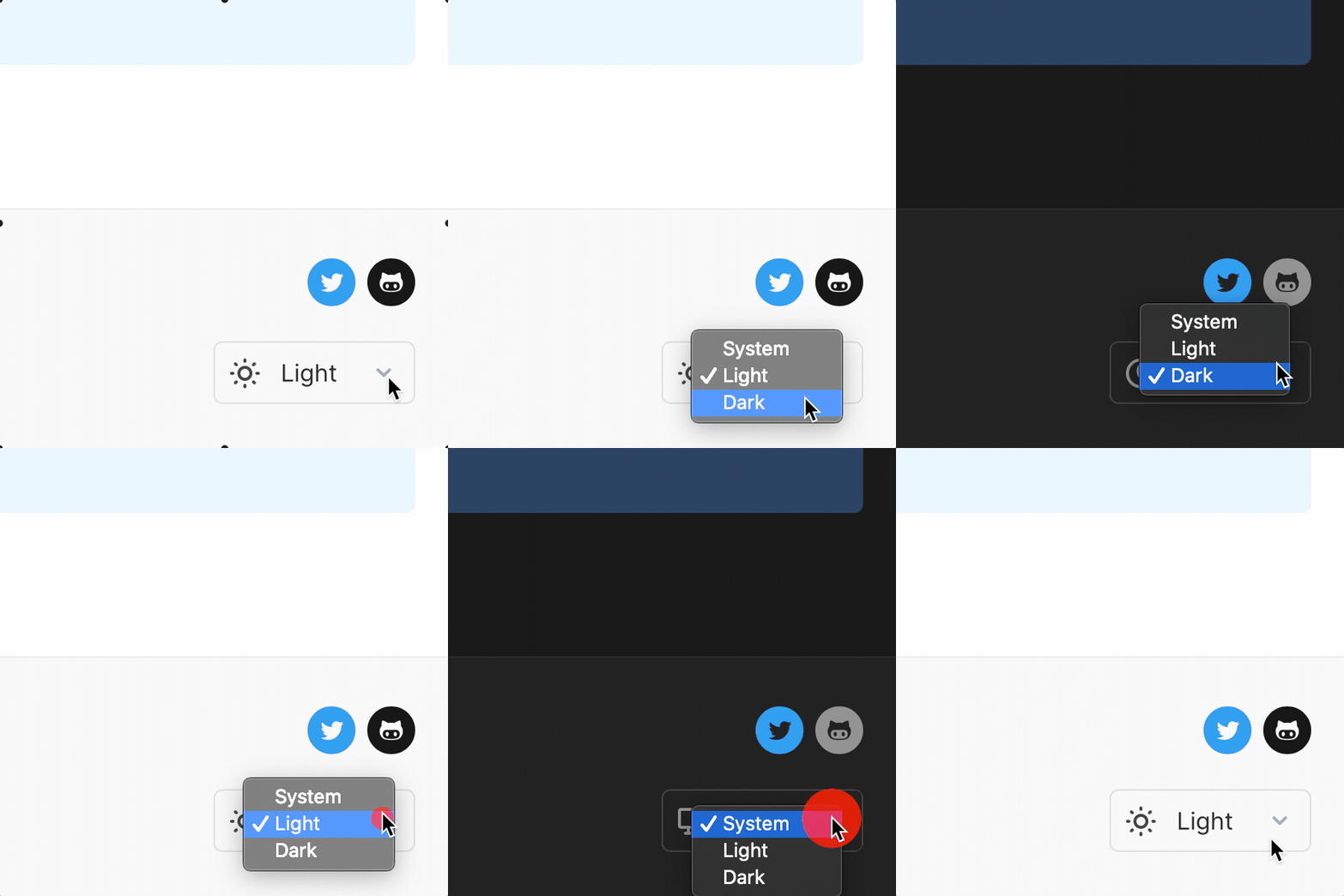
Dynamic Theme Chooser
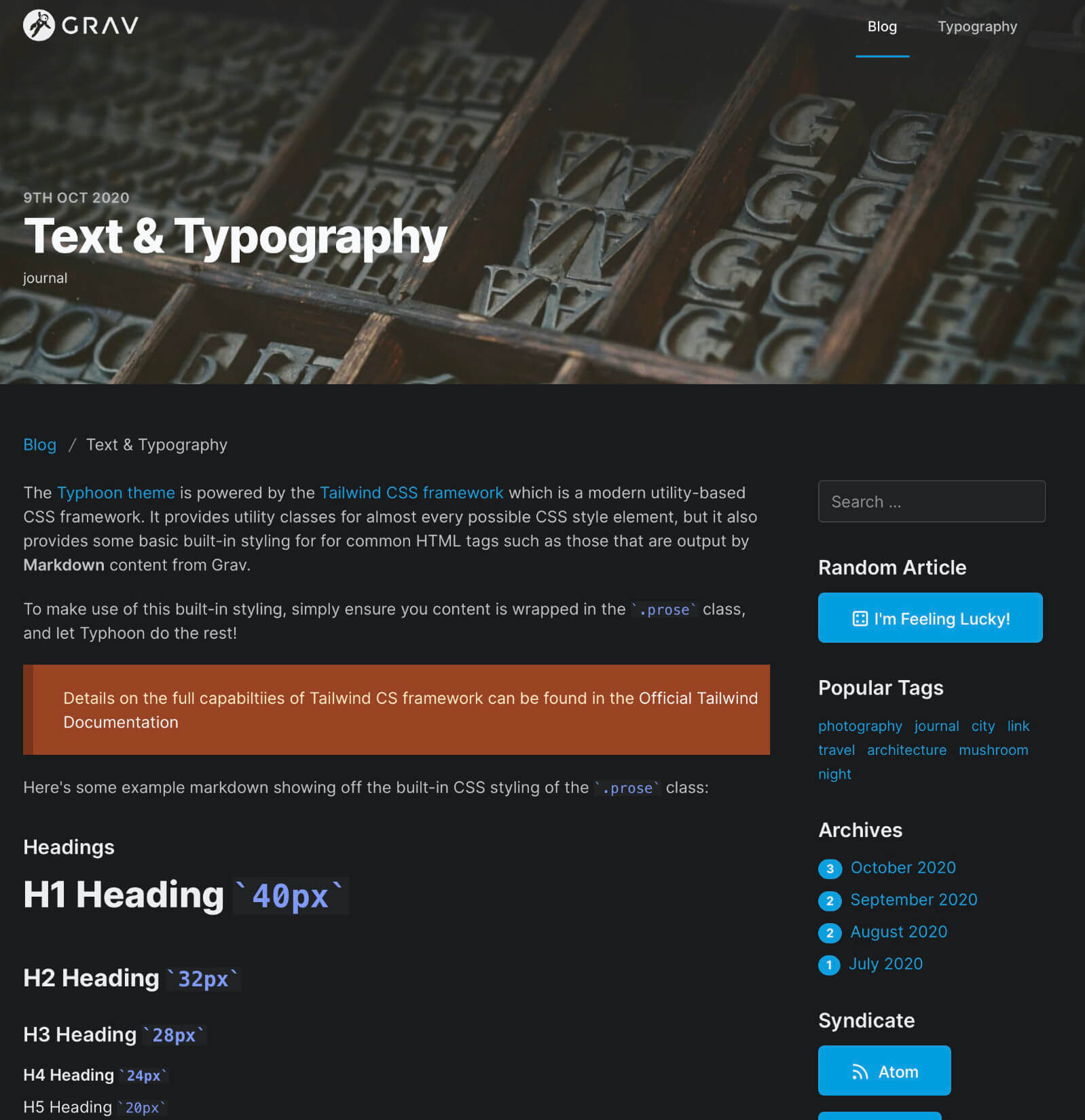
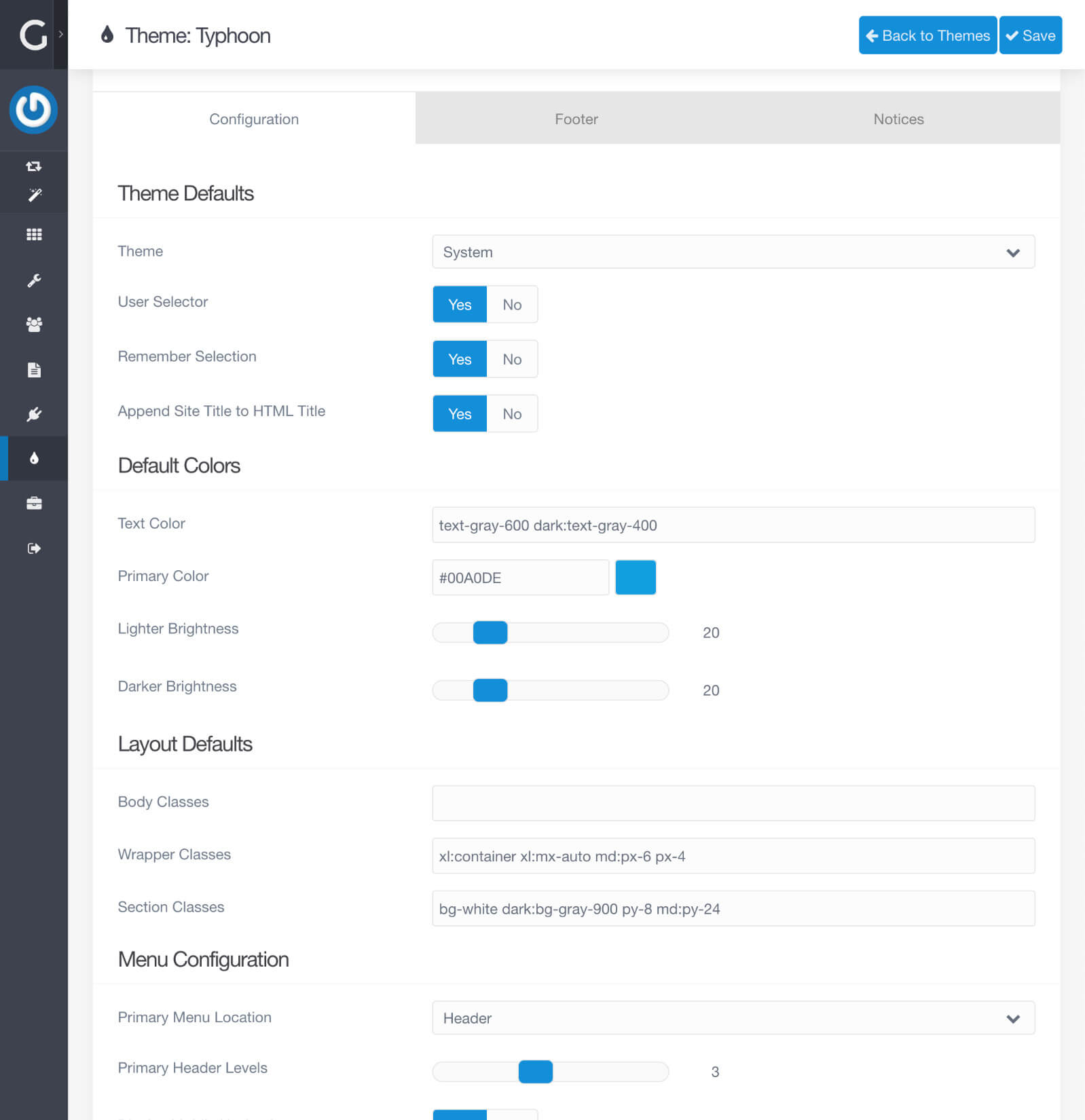
Typhoon has full support for light and dark themes. You can select a default value for you preferred style as well as the ability to let the Operating System choose based on the system configuration setting. You can also allow your users to change the theme with via a theme selection option in the footer of every page. This value is stored in the browser to ensure you preference is used throughout the site.
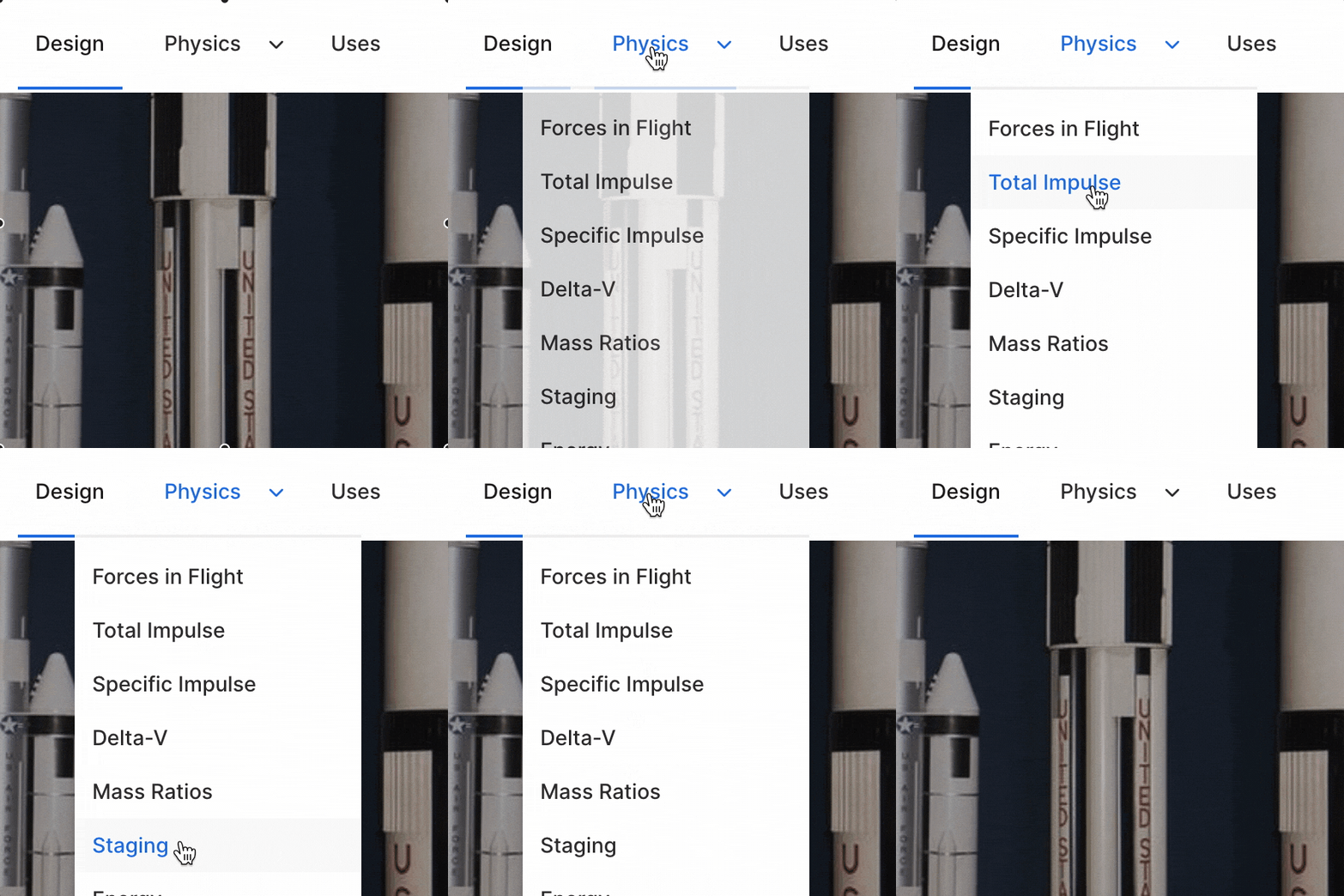
Powerful Menu System
Typhoon has a powerful menu system that automatically treats child-pages as dropdown menus. However, Typhoon also has the ability to treat child-pages as a secondary side menu and this behavior is configurable globally. You can also override the global behavior, and force a page's children to be displayed in the secondary side menu. This provides a very flexible and powerful menu system.
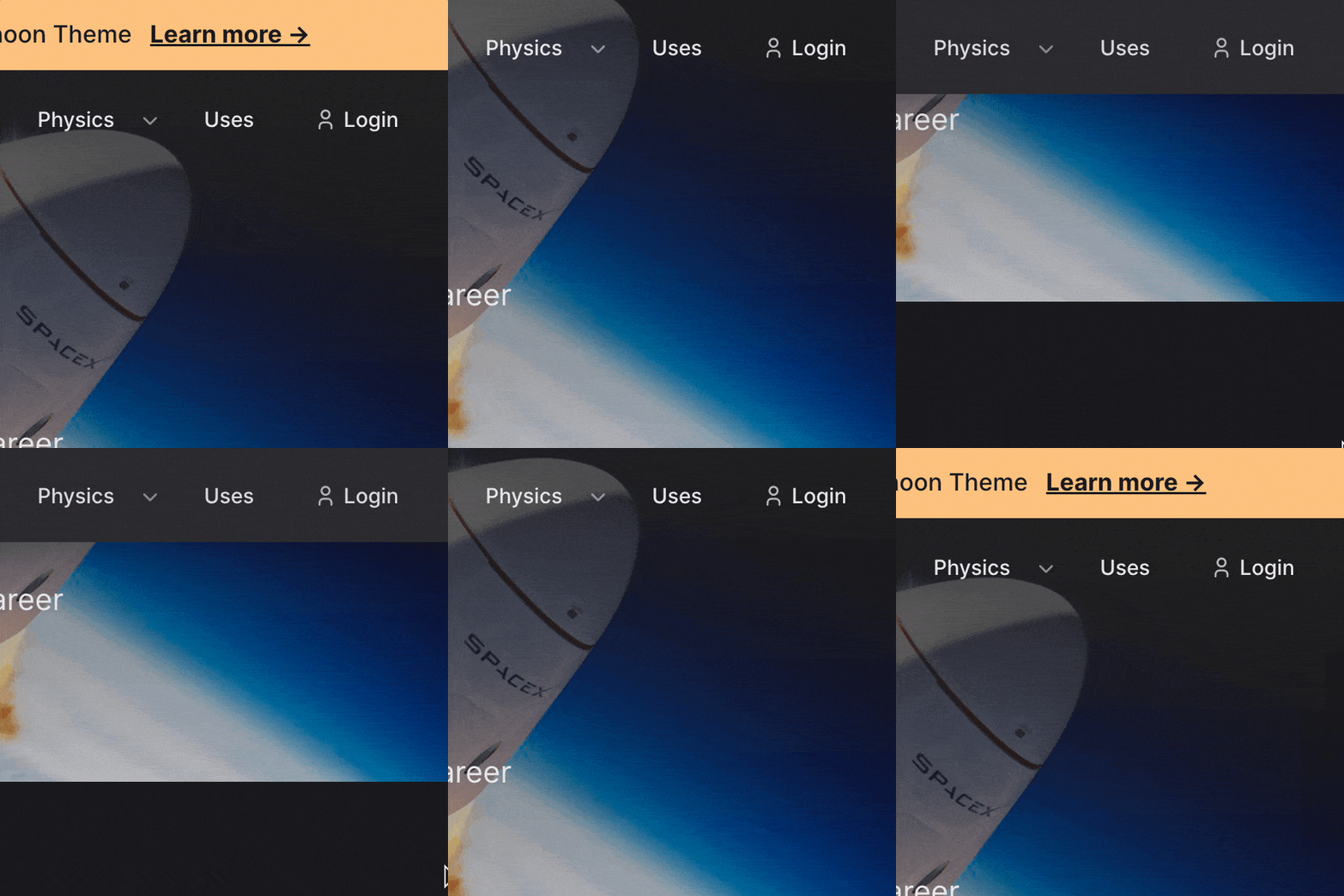
New Fixed Header Option
Typhoon now features a powerful fixed header option that fully support light and dark modes and works with all the flexible header options including: auto (same as body color), transparent and custom header colors. Combined with new options to specify the height of the header, Typhoon's menu is fully configurable even on a page-by-page basis.
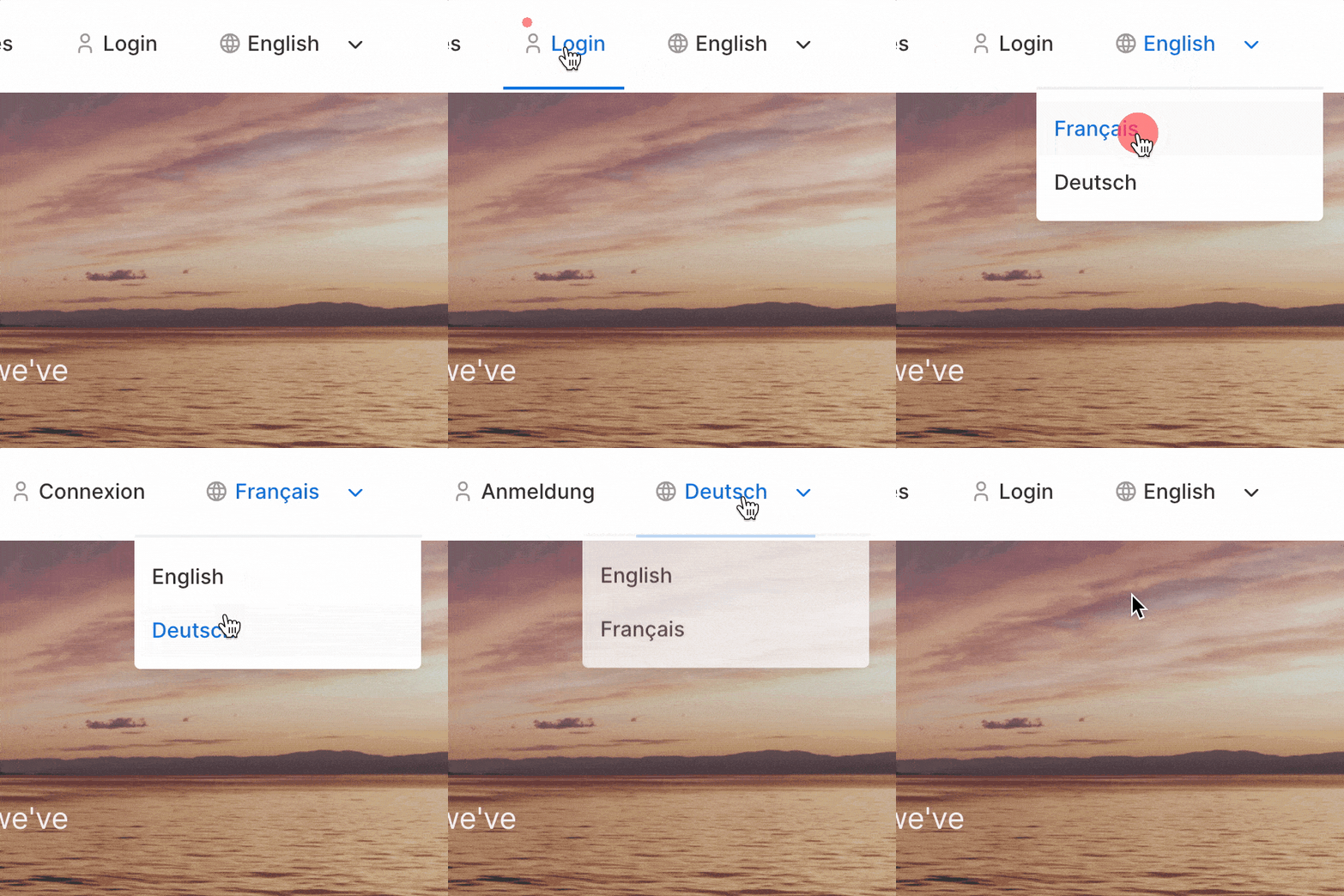
Event-based Login + Langswitcher Support
Taking advantage of Typhoons powerful and flexible menu system, it also now includes a new onSiteThemeMenu() event that allows you to hook into the menu system. Typhoon already provides integrated support for Login and Langswitcher plugins and you can add your own support via Theme or custom plugins with this event. Check the docs for detailed information.

Mobile Navigation
With full support for nested menu levels built-in to it's mobile-friendly menu, Typhoon is equipped to handle all of your responsive needs. Each level of menu hierarchy is expandable which allows for easy and intuitive navigation no matter the device you are using.
Quick Customization
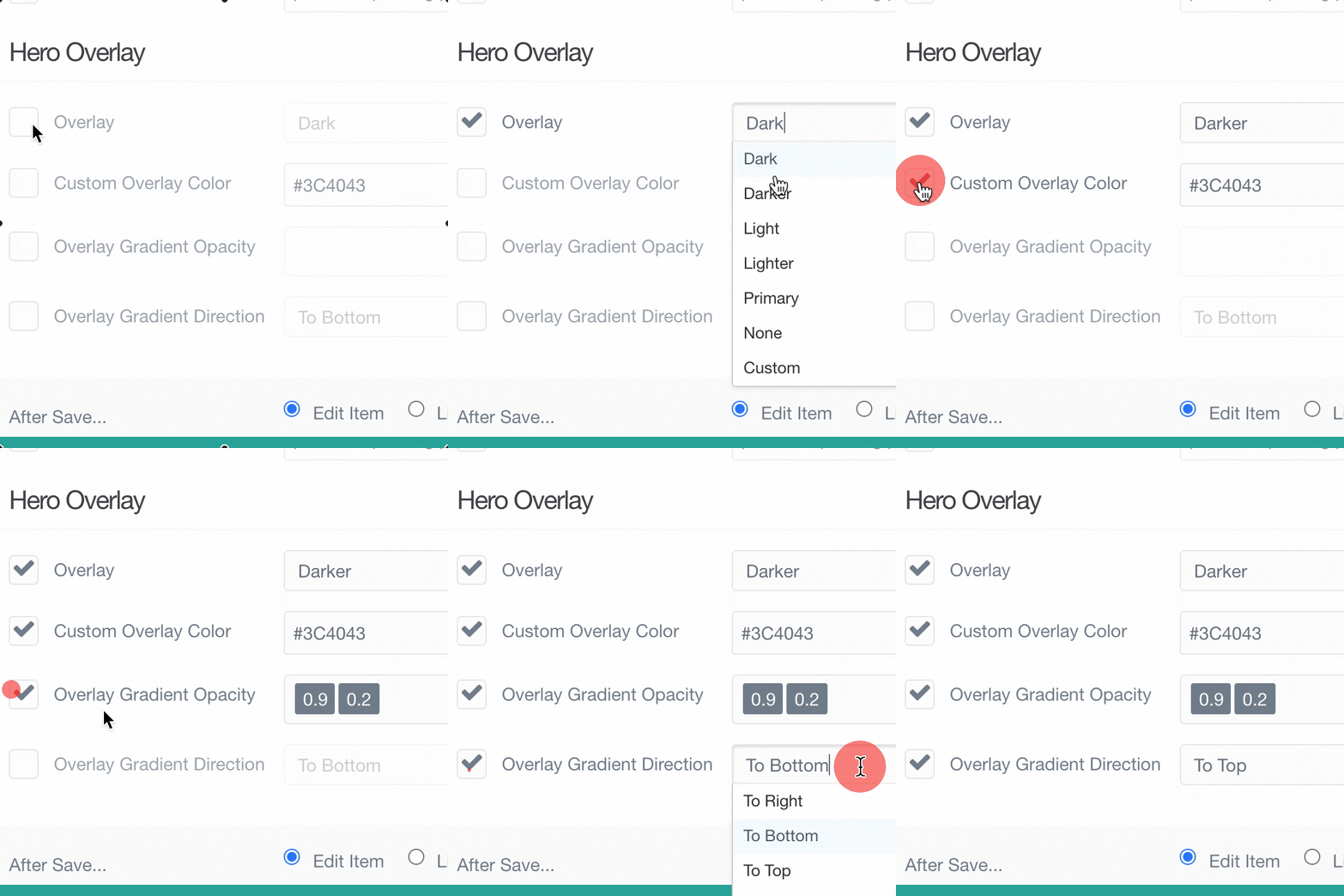
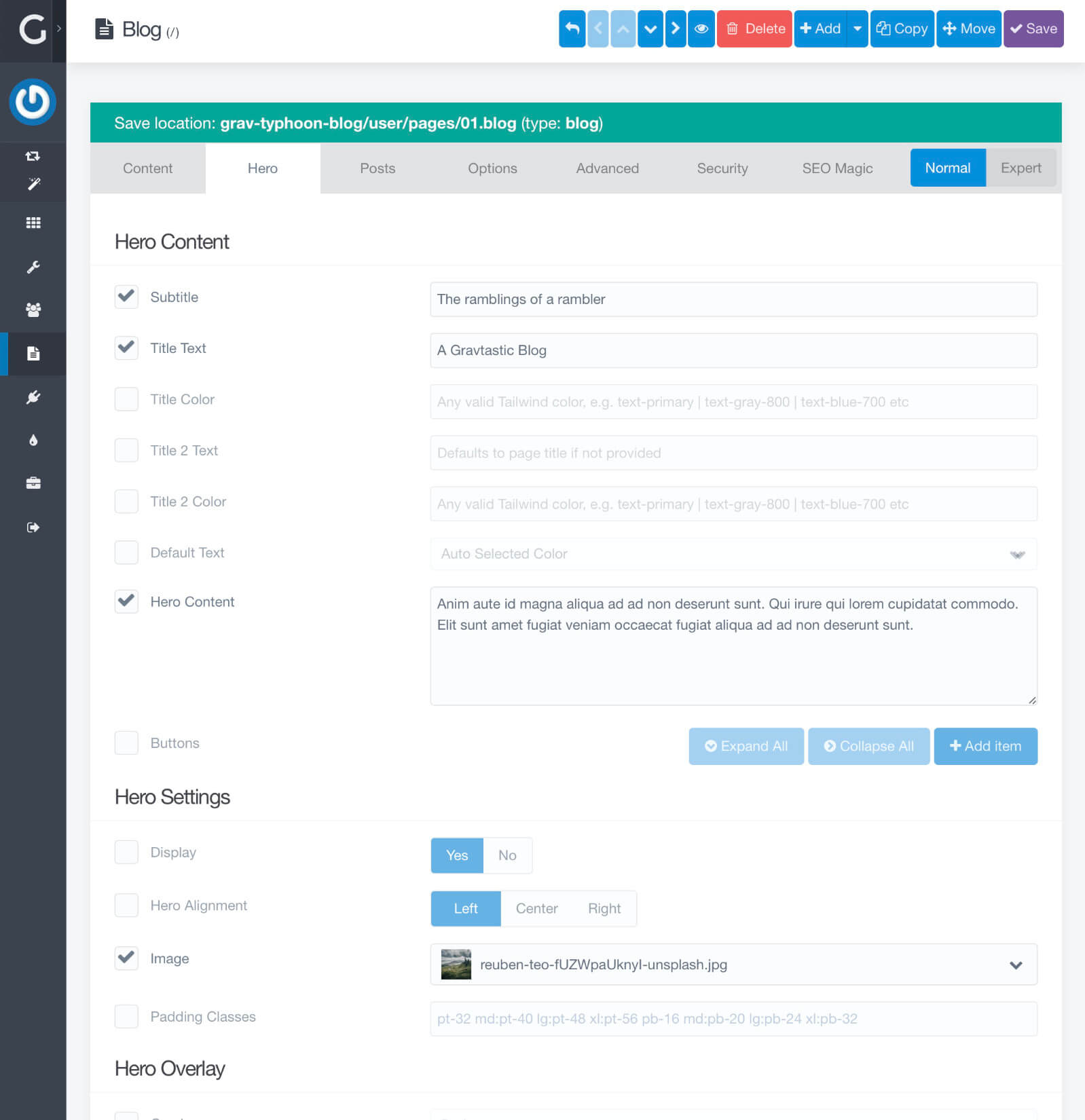
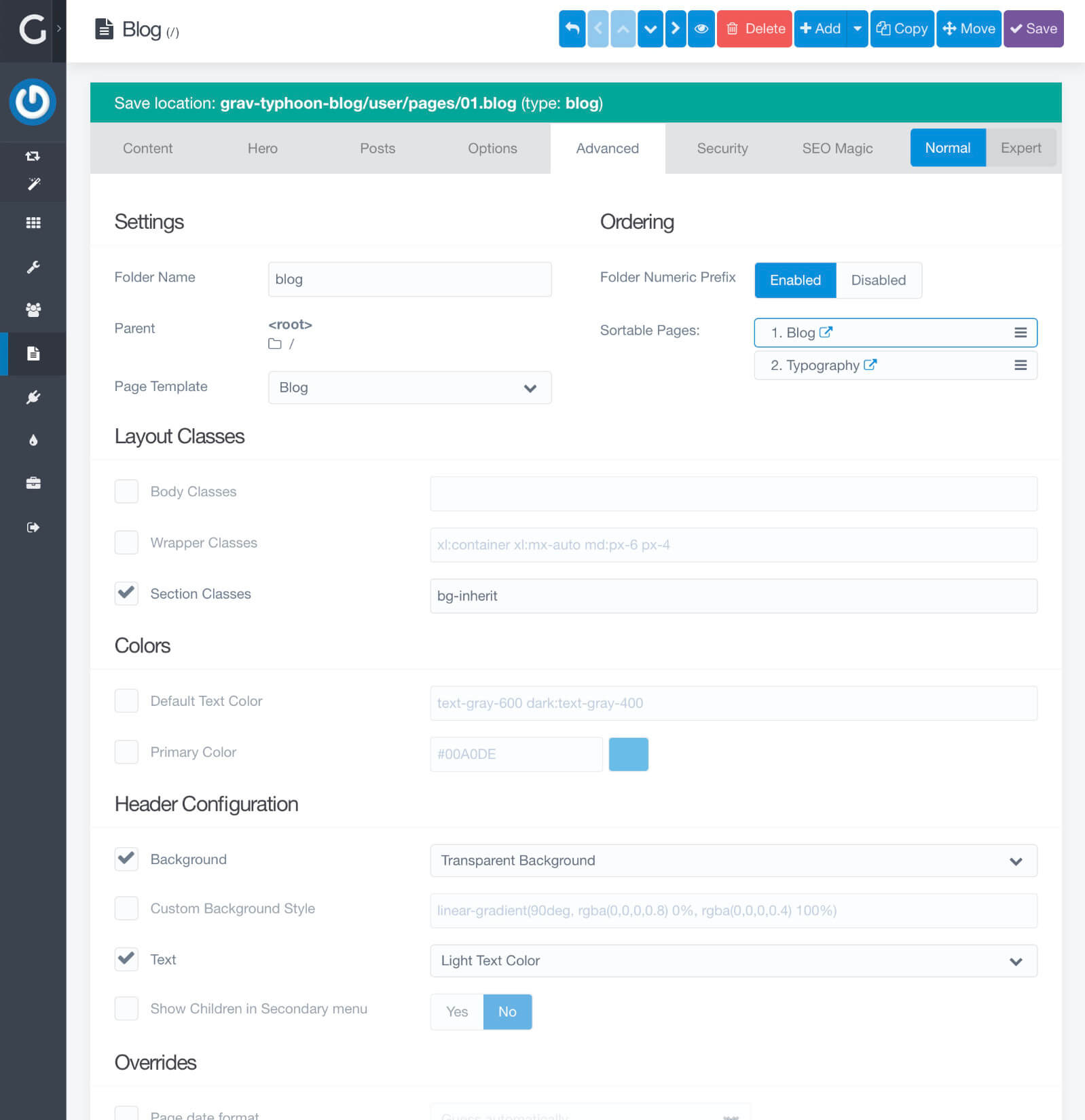
Quickly and easily customize your Hero for a specific page. In fact Typhoon has the ability to override almost everything at the page-level. So if you want the primary color to be red instead of the default blue, you can even customize that for a page, and all the children of that page will also inherit that setting. It's almost too easy!
Screenshots & Examples
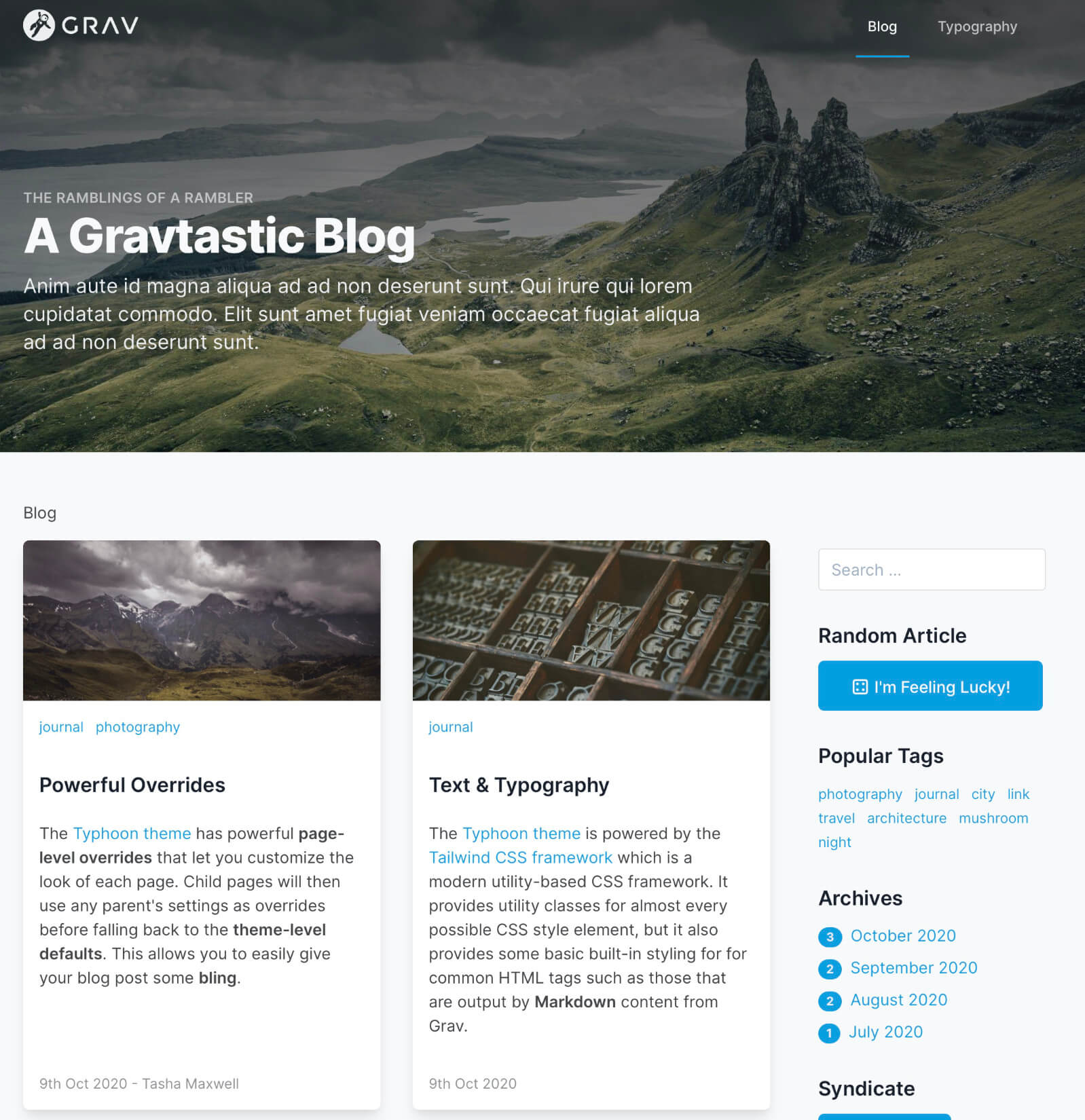
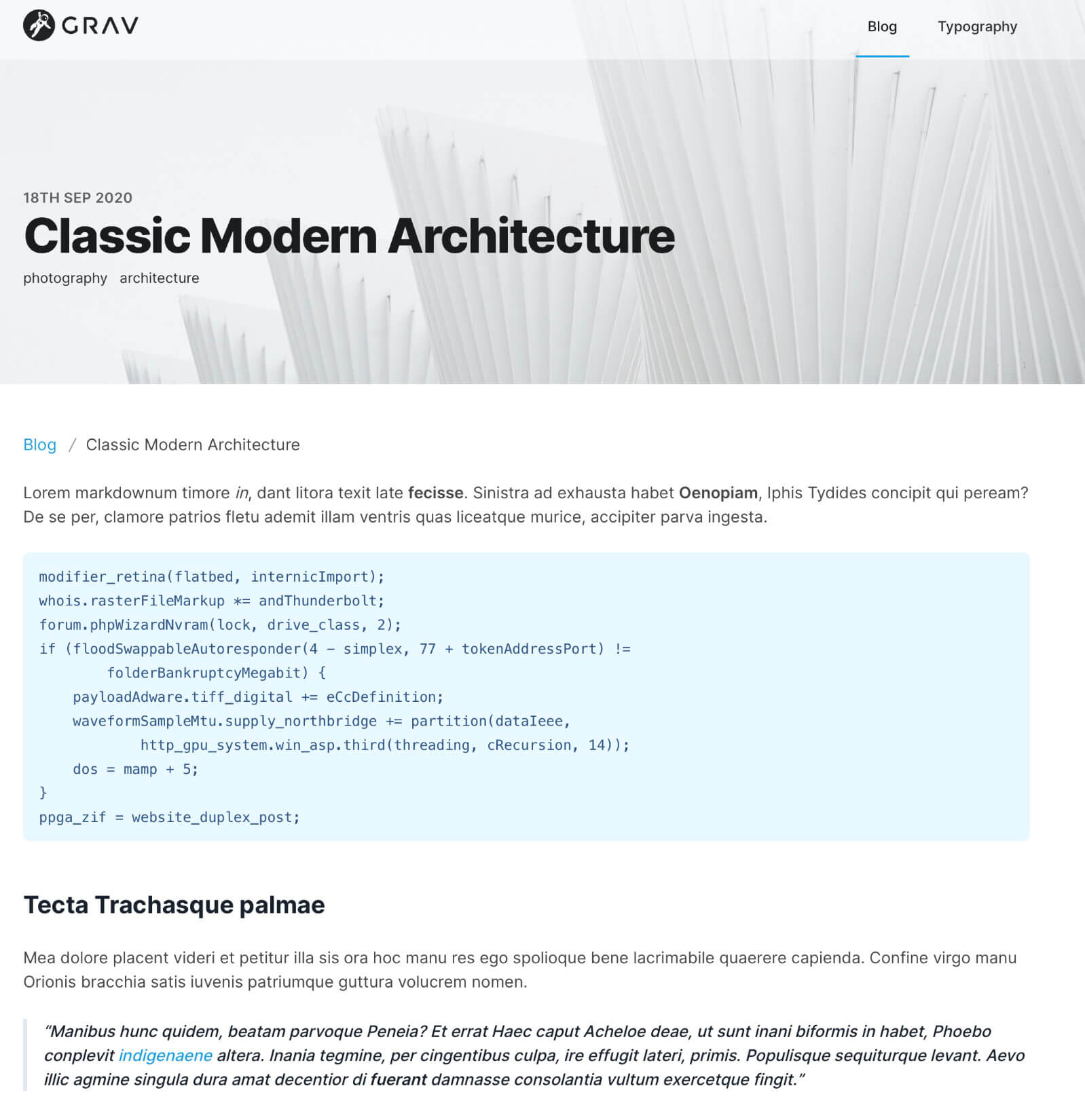
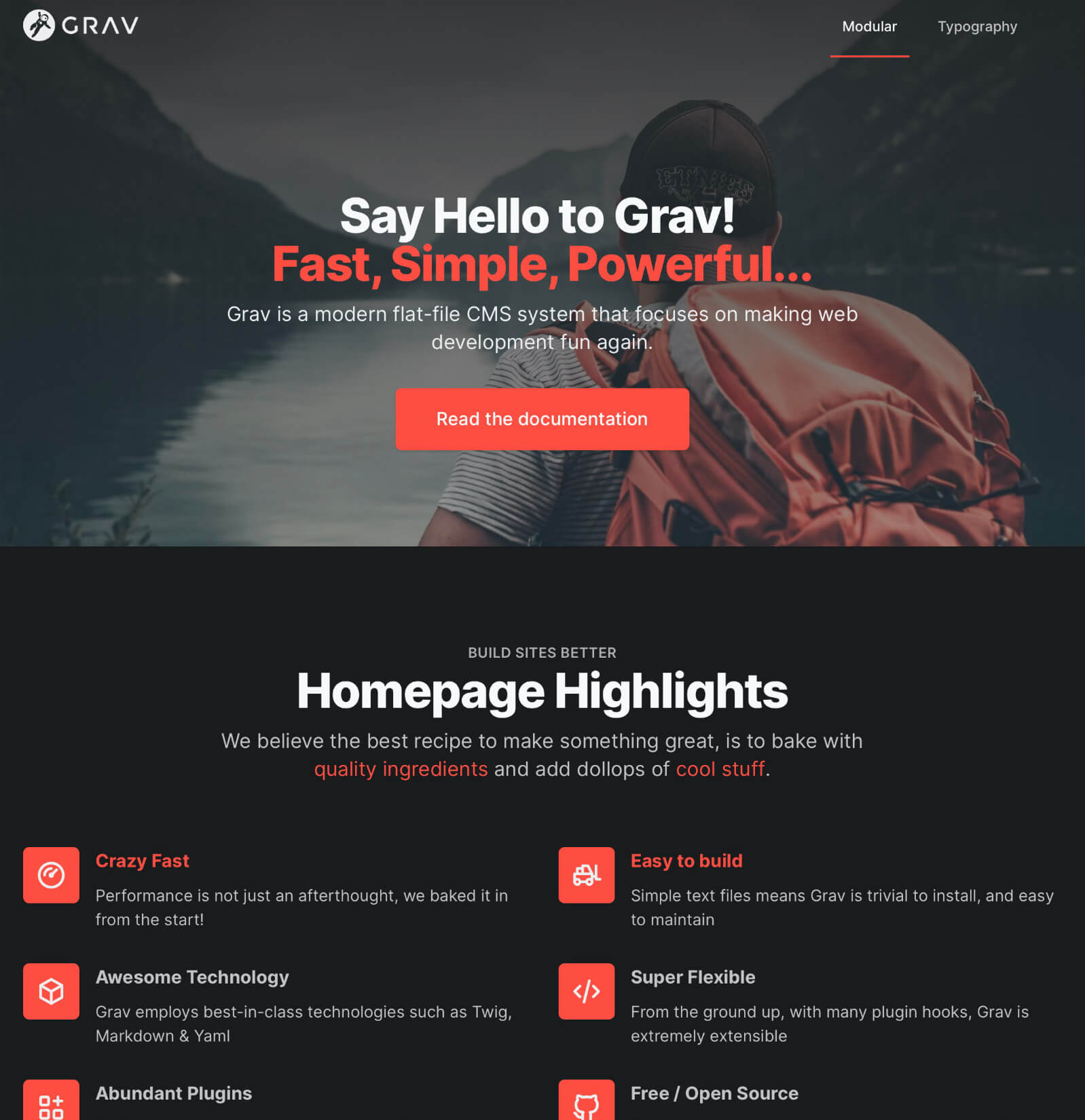
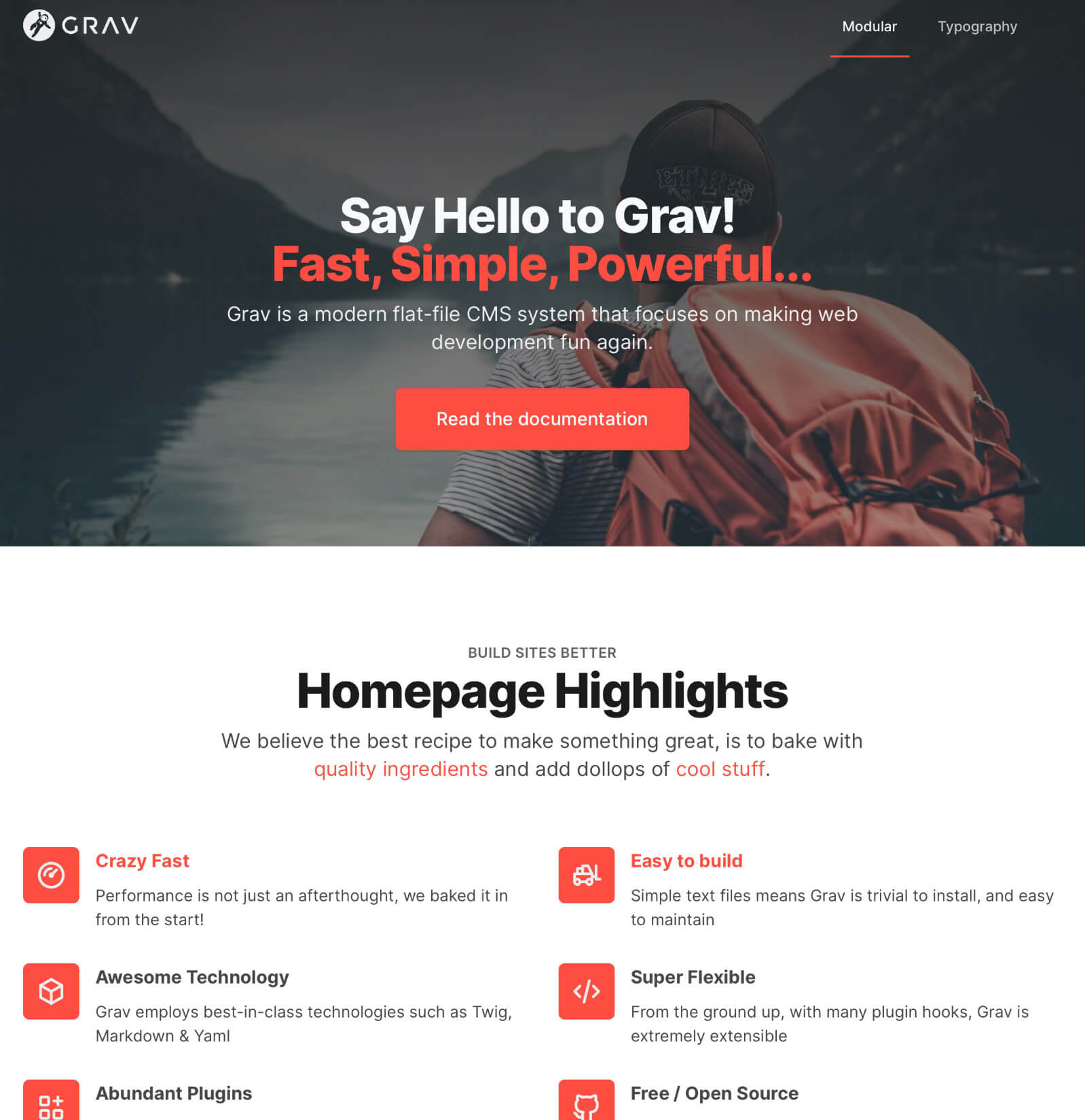
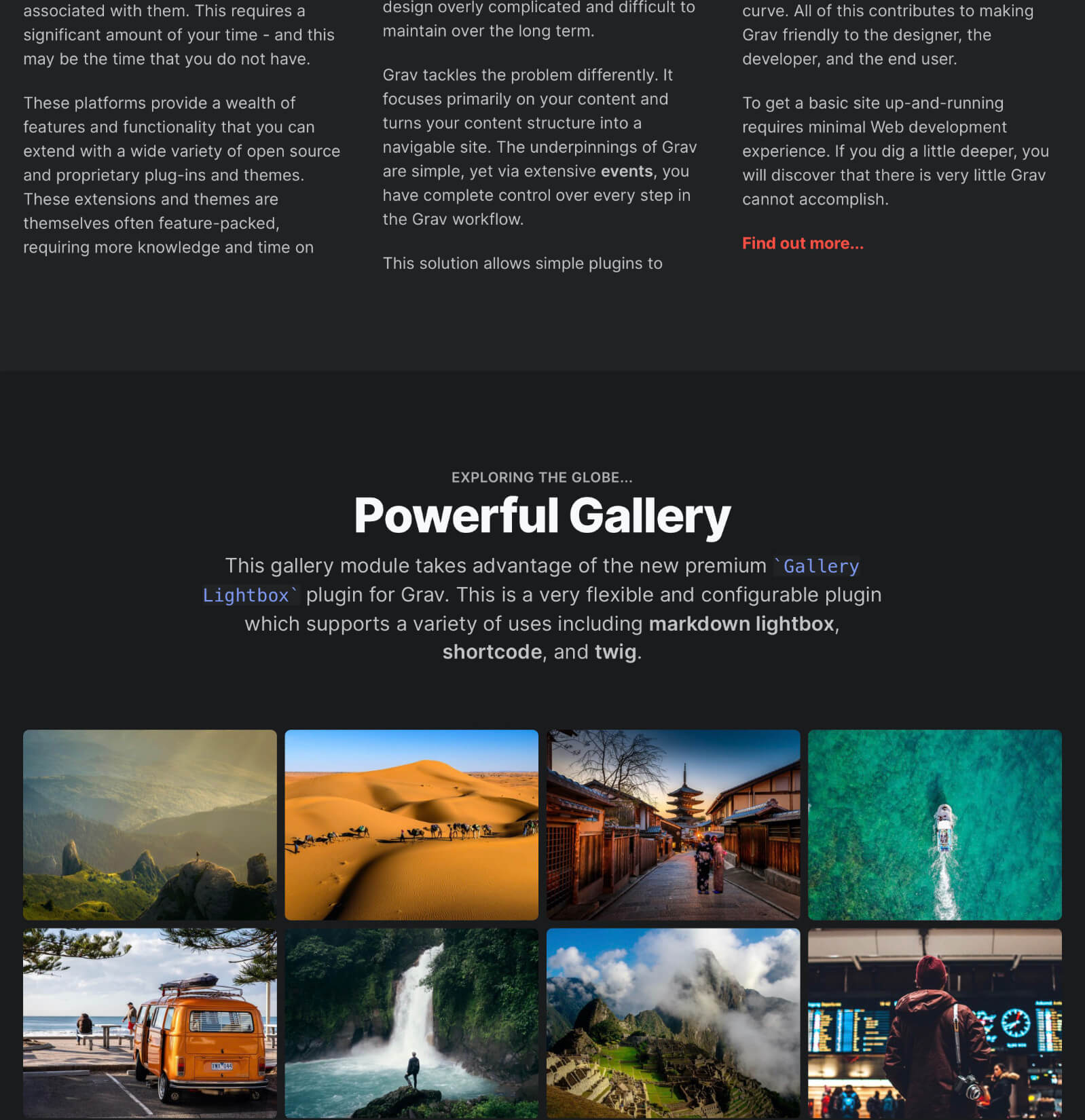
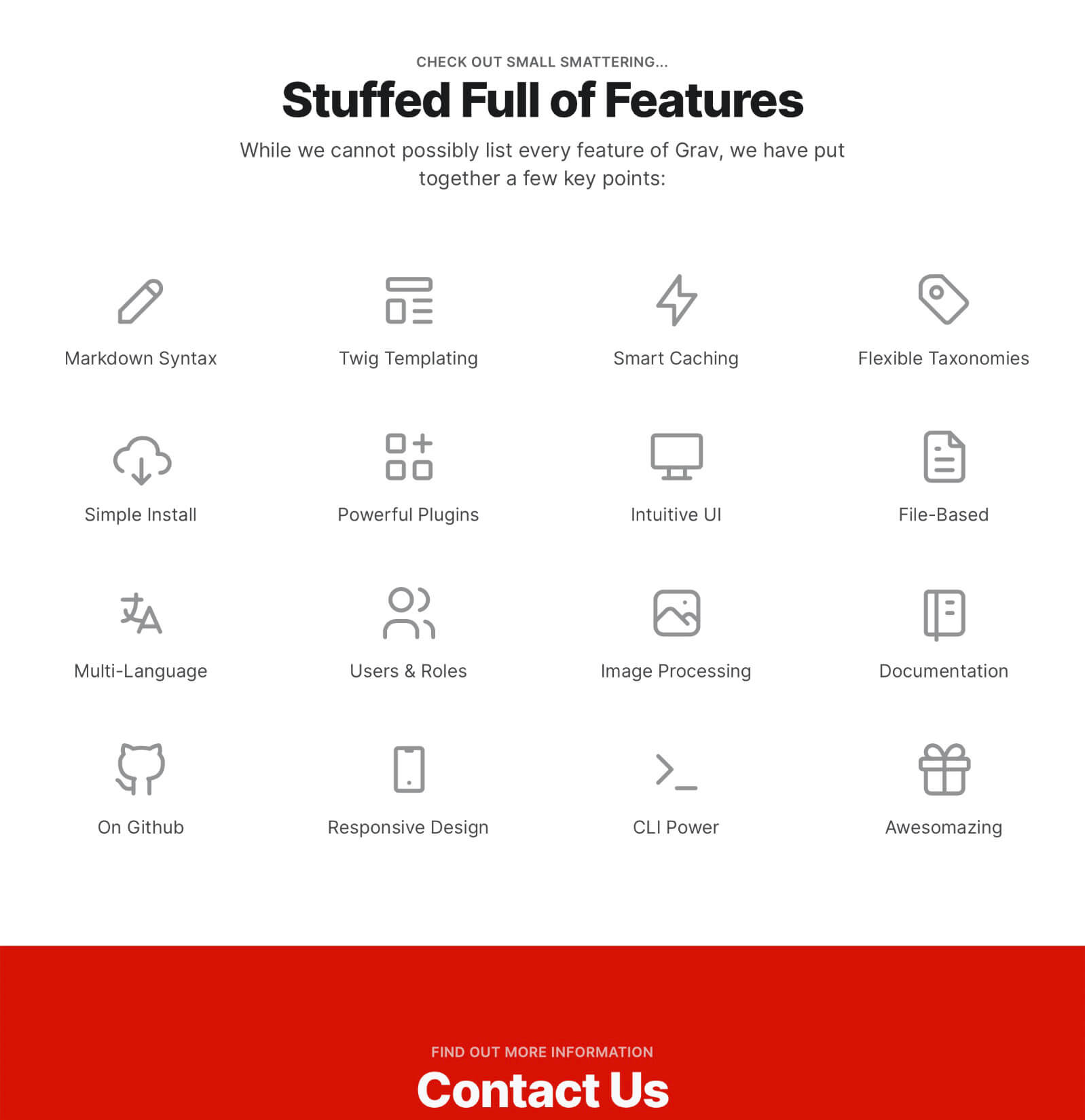
A peek at sites running Typhoon Theme.
Frequently Asked Questions
The most commonly asked questions about the Typhoon Grav theme
What is coming soon for Typhoon?
We have lots of great features planned for upcoming releases of Typhoon. Once purchased, you will be able to update Typhoon whenever you like to get access to the new functionality. Below is a working list of things we plan on bringing to Typhoon in the near future:
Fixed header optionScrollspy on-page navigation- Animated hero options
- Support for randomly rotating hero images
- Background video in hero
- Slide-in navigation
- Option for full time 'responsive' navigation
Login supportConfigurable favicon supportImproved multi-language support- Improved form styling options
Can I use Typhoon theme on multiple sites?
Per the Grav Premium license Grav Premium License, you need to have a license for each use
Can I extend Typhoon theme or modify it?
You can both extend and/or modify Typhoon. You will still need a dedicated Typhoon license for each site however, even if you are modifying it.
Where can I download Skeleton packages for Typhoon?
Check out the Skeleton Packages section of the documentation.
Can Typhoon display using the theme that matches my system settings?
Absolutely, there are 3 settings for the theme: light, dark, and system. The system option will dynamically set the theme based on your system's preference for light or dark, or even a dynamic setting based on the time of day.