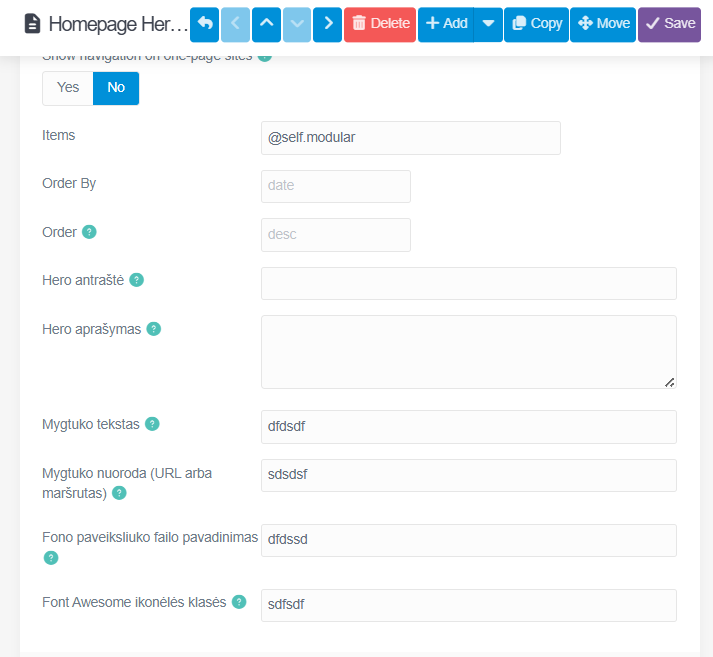
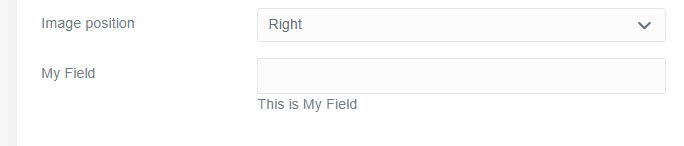
I’m working on a custom theme and creating new modular sections. Grav does detect the modular types (they appear in the template selection dropdown), and the .html.twig and .yaml files are all in the correct folders:
-
user/themes/nemora/templates/modular/hero.html.twig -
user/themes/nemora/blueprints/modular/hero.yaml
However, the issue is that the custom fields defined in the modular blueprint do not appear in the normal Admin view when editing the modular page. Only the default fields show up, even though the YAML blueprint extends the correct page type and has valid syntax.
Important details:
-
The page blueprint and the theme blueprint do show correctly in Admin
-
Only the modular blueprint’s fields fail to appear
-
The modular type itself is listed and selectable
-
Cache has been cleared multiple times
-
YAML indentation and naming match the template exactly
So Grav recognizes the modular template but ignores the blueprint fields.
What could cause Admin to skip rendering the modular blueprint fields even though the file structure is correct and the blueprint is loaded?
Links to the relevant files (with the same structure)