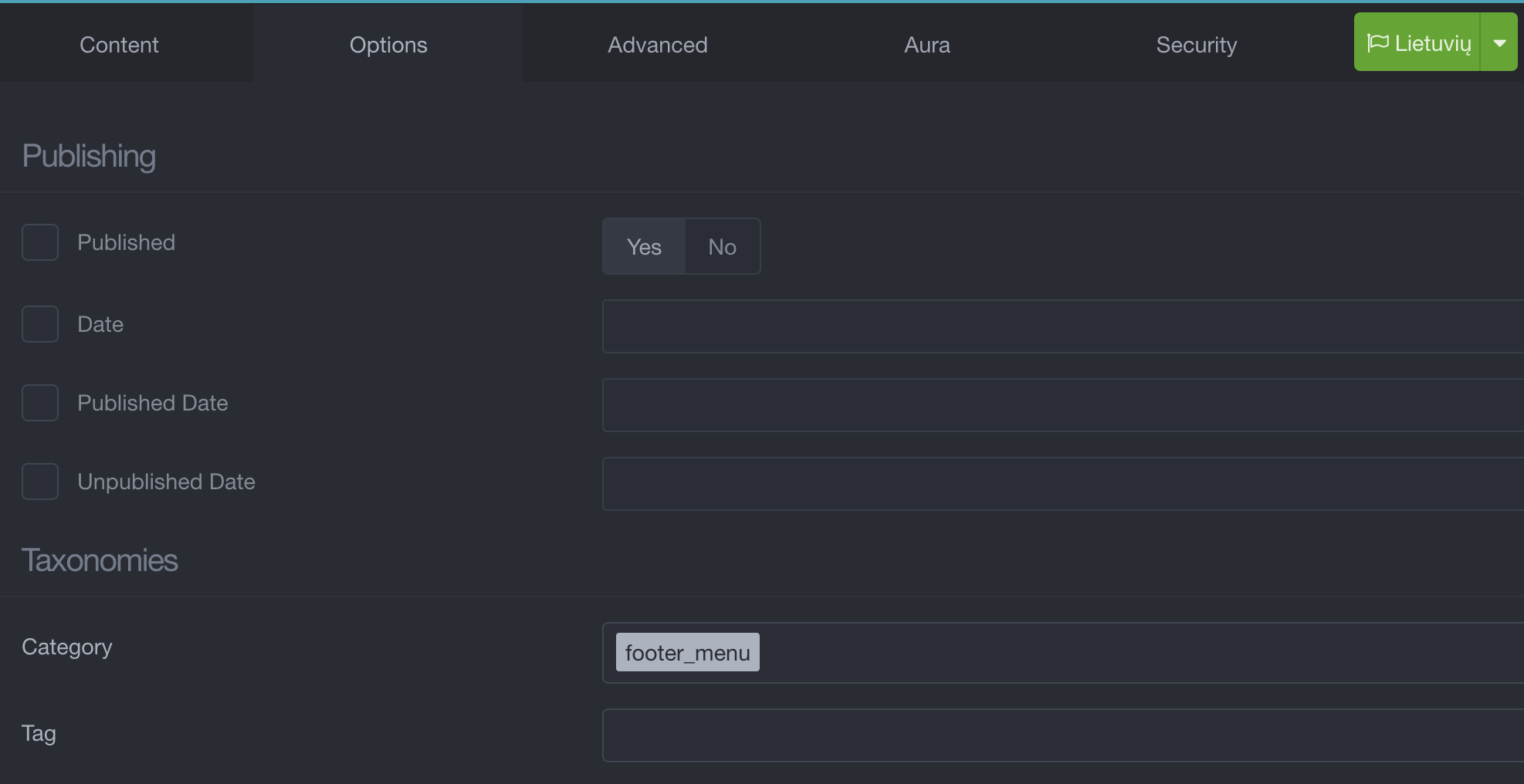
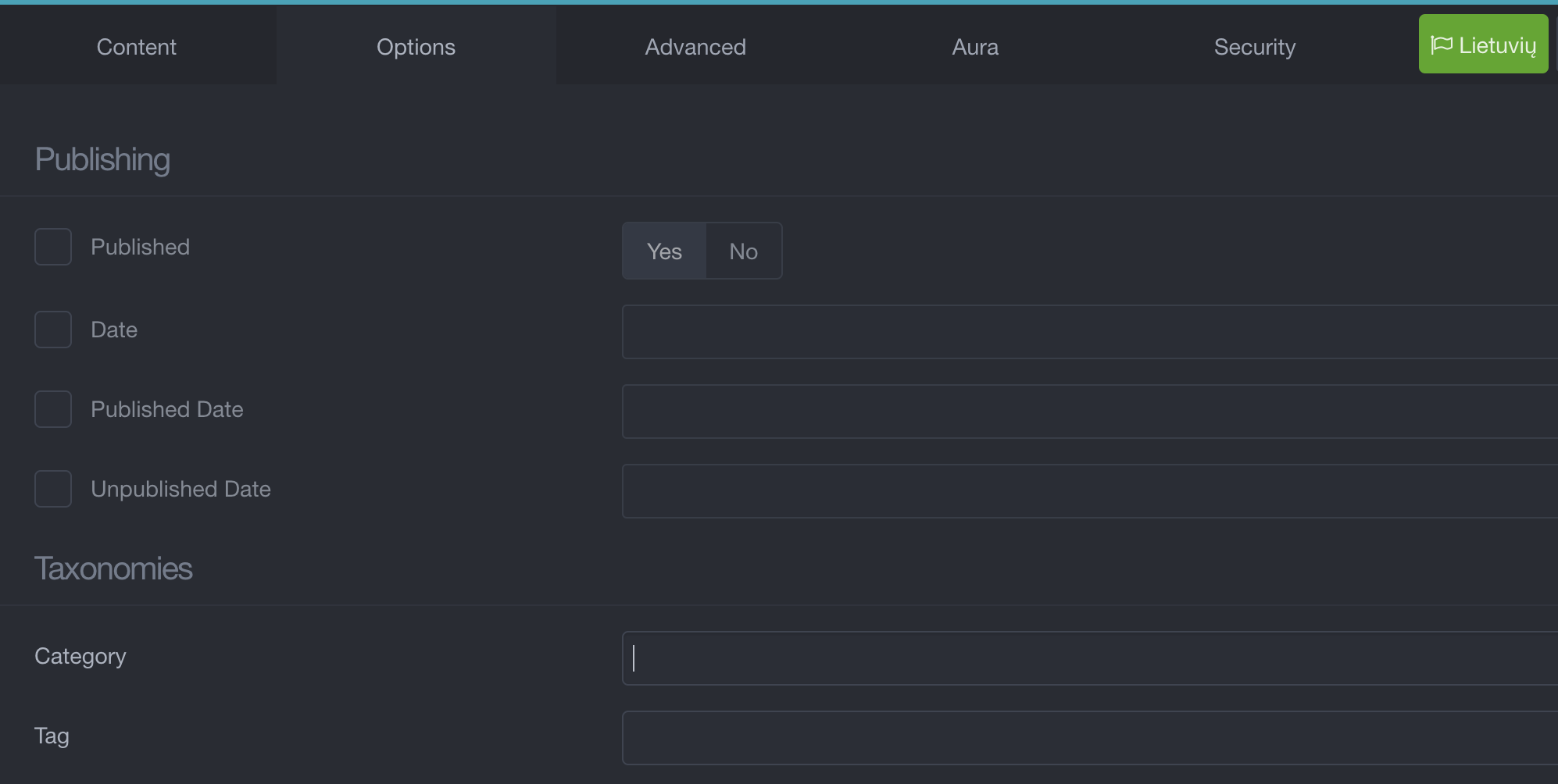
HI, I have an issue with taxonomies tag.
The problem is that when I create a new blog item page under Taxonomies field I found the right Category (blog) but some tags are missing form drop-down menu. I mean that totally I have 6 tags defined but when I create a new blog item page on 4 are showed in the drop-down menu
If I create a new tag and add it apparently works BUT this is missing again in the drop-down menu on the next blog item creation.
Any ideas?
Grav version 1.7.9
Taxonomi List plugin 1.3.5
Theme: Quark Open Publishing 2.2.7
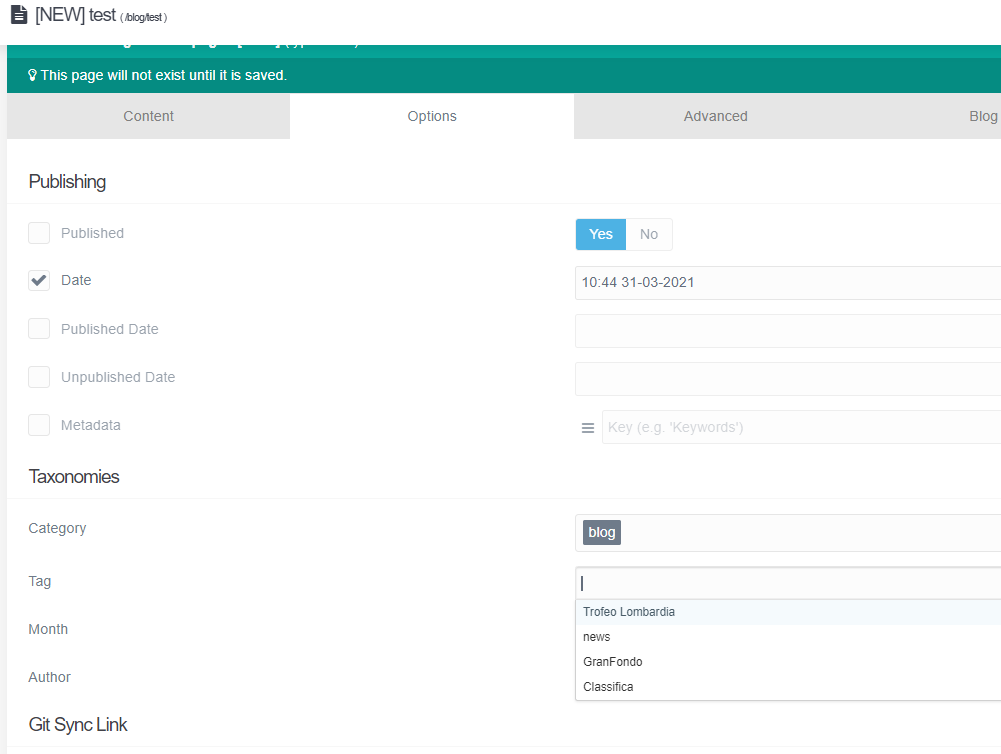
Thank youthe answer is Yes. If i creat a tag named NEWTAG it is show in the blog item when I open it.The issue is that if I create another Blog item the tag created (NEWTAG) in the previuos blog item is not show in the drop down menu. How the drop down menu' is created? Can I manually populate the dorop down menu?
@pamtbaau:
When creating a new blog item in Admin and adding a new Tag, the new Tag is shown in the list when creating a new blog item.
Maybe I should have said:
When creating a new blog item in Admin and adding a new Tag, the new Tag is shown in the list when creating another new blog item.
If others can reproduce the issue, you might consider creating an issue on Github. I'm not sure whether it is Admin or Grav core related though. I think I would start with Admin...
you are right. i've just done another test. A fresh installation of Open Publishing Space skeleton and the new tag works well. May be related to my environment and I'm not able to understand where is my issue. regards
HI, I found the issue.
I've customized supported Languages. In the system configuration I've add "it" and "en".
When I create a new blog Item a new folder is created. Inside this folder you can find item.it.md. I've understand that tag is visible (from drop down menu) only for item.md and not for all element item.en.md or item.it.md
@Nando, To me, it seems to be the right behaviour that Italian tags created while editing an Italian page (default.it.md) do not show up while creating an English page (default.en.md). A native English speaker shouldn't be bothered with tags written in Italian and vice versa...
Imagine the mess in the dropdown for tags/categories if a site supports 10 languages...
verify file named item.language.md inside blog item directory
Copy this file in the same dir and rename it to item.md
With both file you should have drop-down menu populated
@pamtbaau. the drop down menu is never populated in italian language but only with default language. There is not different list for different language. My experience is that item.it.md is never check to create drop down but item.md is always check for all languages