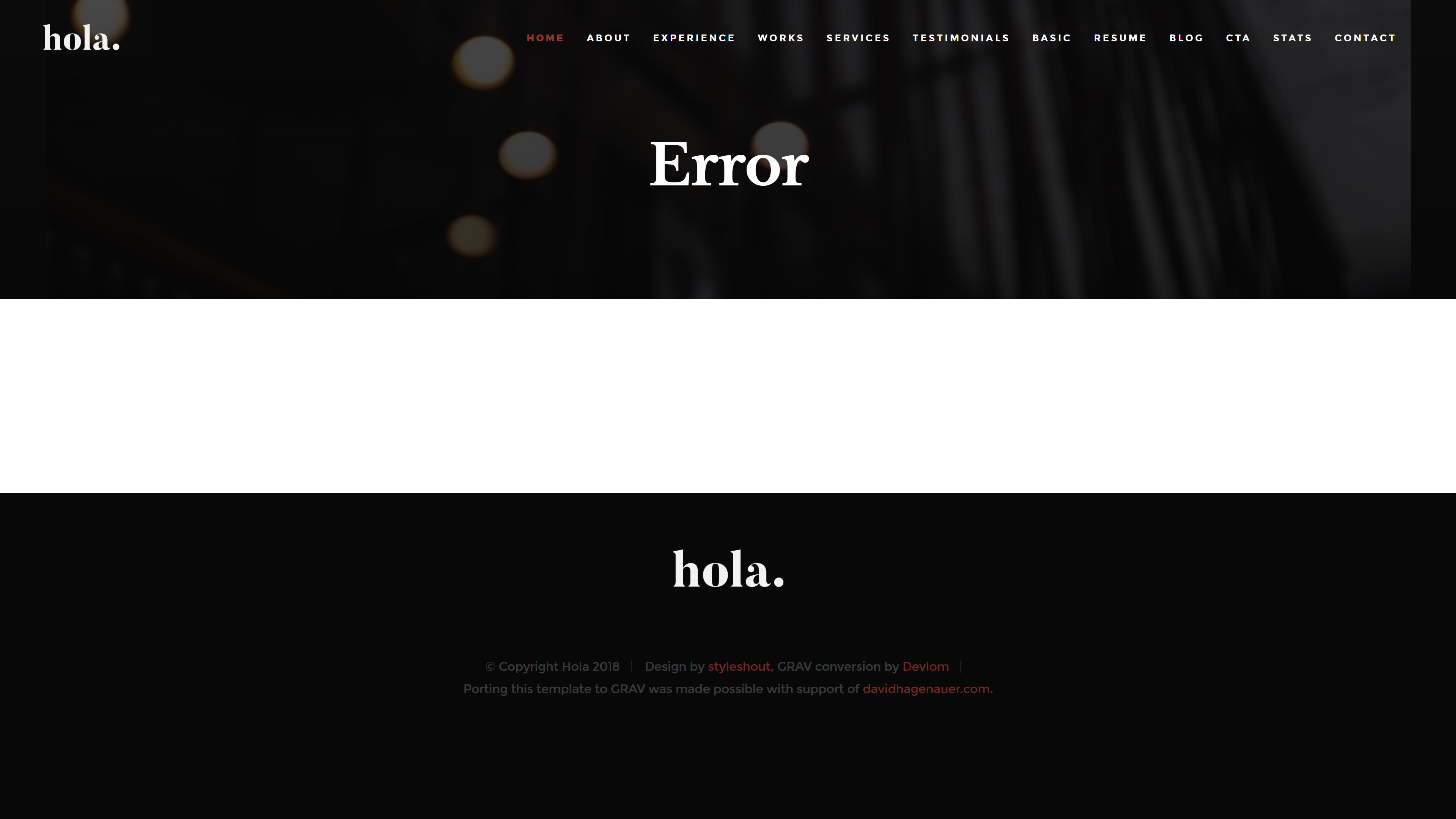
i just install the grav-admin on a MAMP installation on macbookpro. Then i installed the hola package with the bin/gpm install hola command in the directory /Applications/MAMP/htdocs/grav-admin
The i changed the default theme to hola. But how can i get the demo contents like
Hi @raymccoy, you could copy the pages folder that is in the Hola skeleton (https://github.com/devlom/grav-skeleton-hola/tree/master/pages) to your own Grav site user folder (it will replace your existing page folder, so be sure to make a backup before you do this).
Hi guys,
I know this is an old thread, but I'm just having the same problem and didn't want to start a new with the same question.
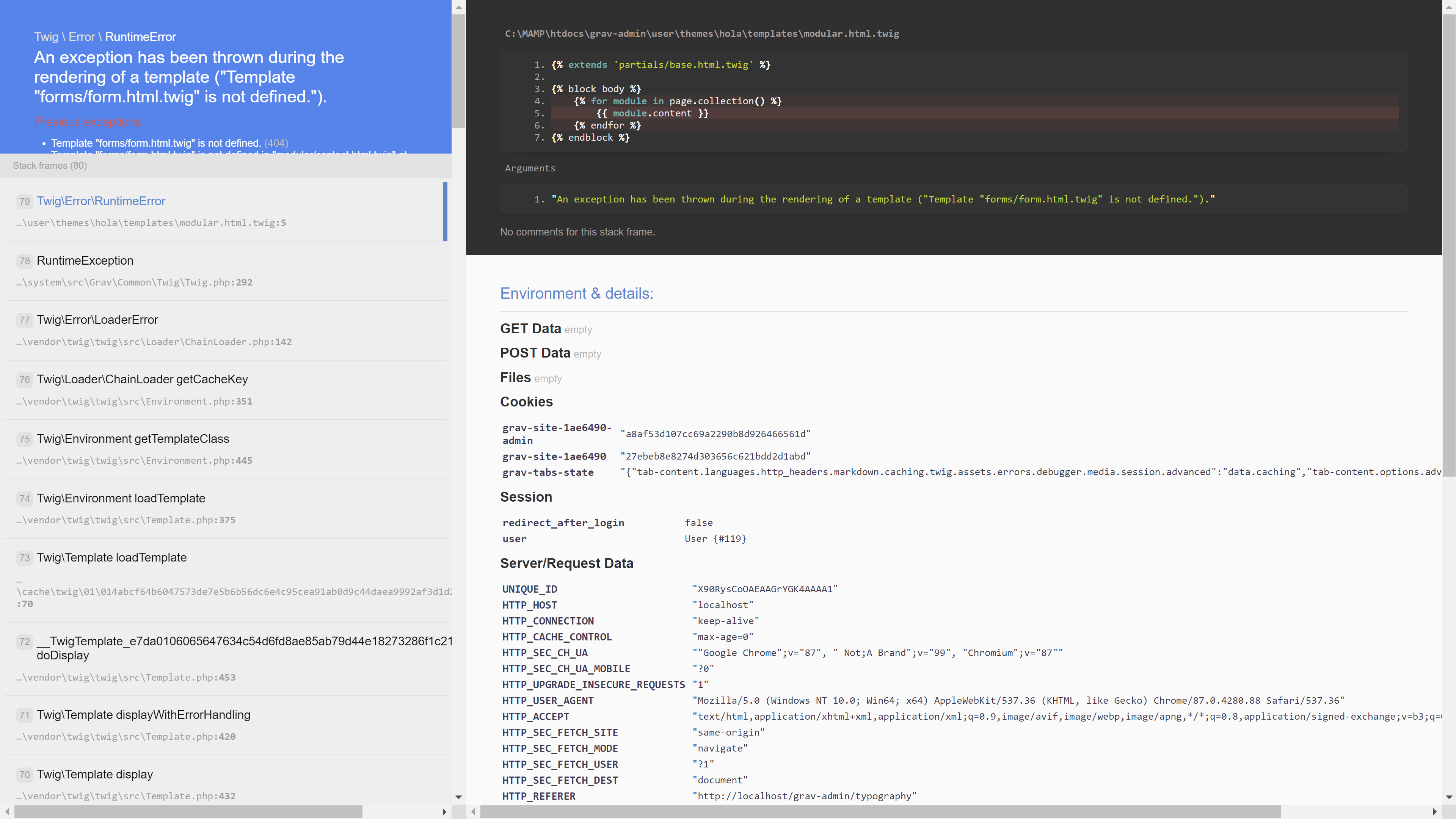
To get the demo contents just like in the preview I started with just copying the pages folder, like paulhibbitts said.But that didn't work out so I copied the hole zip and renamed it to "user" - following its installation guide on github. First renamed my old user-folder to "user ORIGINAL". But now I have all errors like attached. #
Don't know what happened here! I'll try around a little bit. But can anybody please tell me what exactly I have to do now to get a site just like the demo? Thanks in advance! 👍