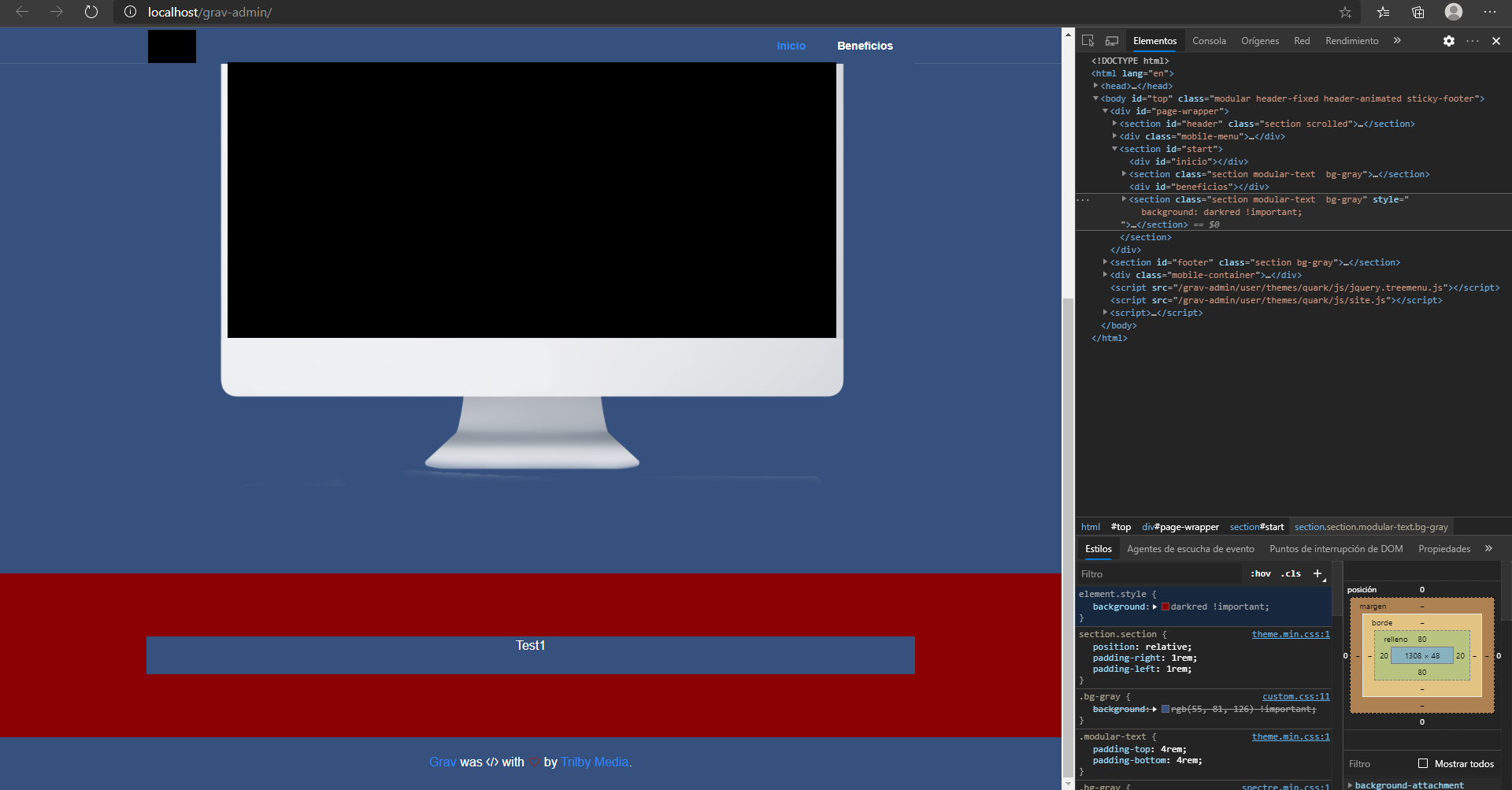
The thing is, I just need to change the background color of a modular, or a section, but the problem is that every section in my page has the same name, and that is a problem by modify or identify a section, div, etc. Is there anyway to modify the index.html, custom.css or index.md?
Solved by pamtbaau View solution
@Yourdead, Have you tried the Adjacent sibling combinator ?
Try the following in 'custom.css':
CSS
#beneficios + .section {
    background-color: darkred !important;
}
Note: Please make changes to a theme using an inherited theme, else your changes will be lost when the original theme gets updated.
last edited 07/17/20 by pamtbaau
It's just need to be ".section" or the whole "section modular-text bg-gray"? Didn't work anyways 😕
And if I'm not wrong the blank spaces are replaced by points, isn't?
Edited: Actually worked, I entered again. I dont know if it worked by cleaning the cache in the admin section, that was weird.
Edited 2: Need to clear cache on Edge, it's manually
last edited 07/20/20 by César Aguirre
Log in to reply.
Suggested topics
| Topic | Participants | Replies | Views | Activity |
|---|---|---|---|---|
| 2 | 106 | 39 minutes ago | ||
| 5 | 200 | 13 hours ago | ||
| 2 | 131 | 3 days ago | ||
| 1 | 131 | 2 weeks ago | ||
| 0 | 254 | 3 weeks ago |