Skip to content
Grav 2.1 is out: every page speaks Markdown. Read the announcement →

Picture limit? Admin keeps showing thumbnail error

Solved by Dorian Jepsen View solution

Started by Dorian Jepsen 2 years ago · 1 replies · 299 views
2 years ago

I can't upload more than 13 images for a page. The admin continues to display the excess images as an "error".
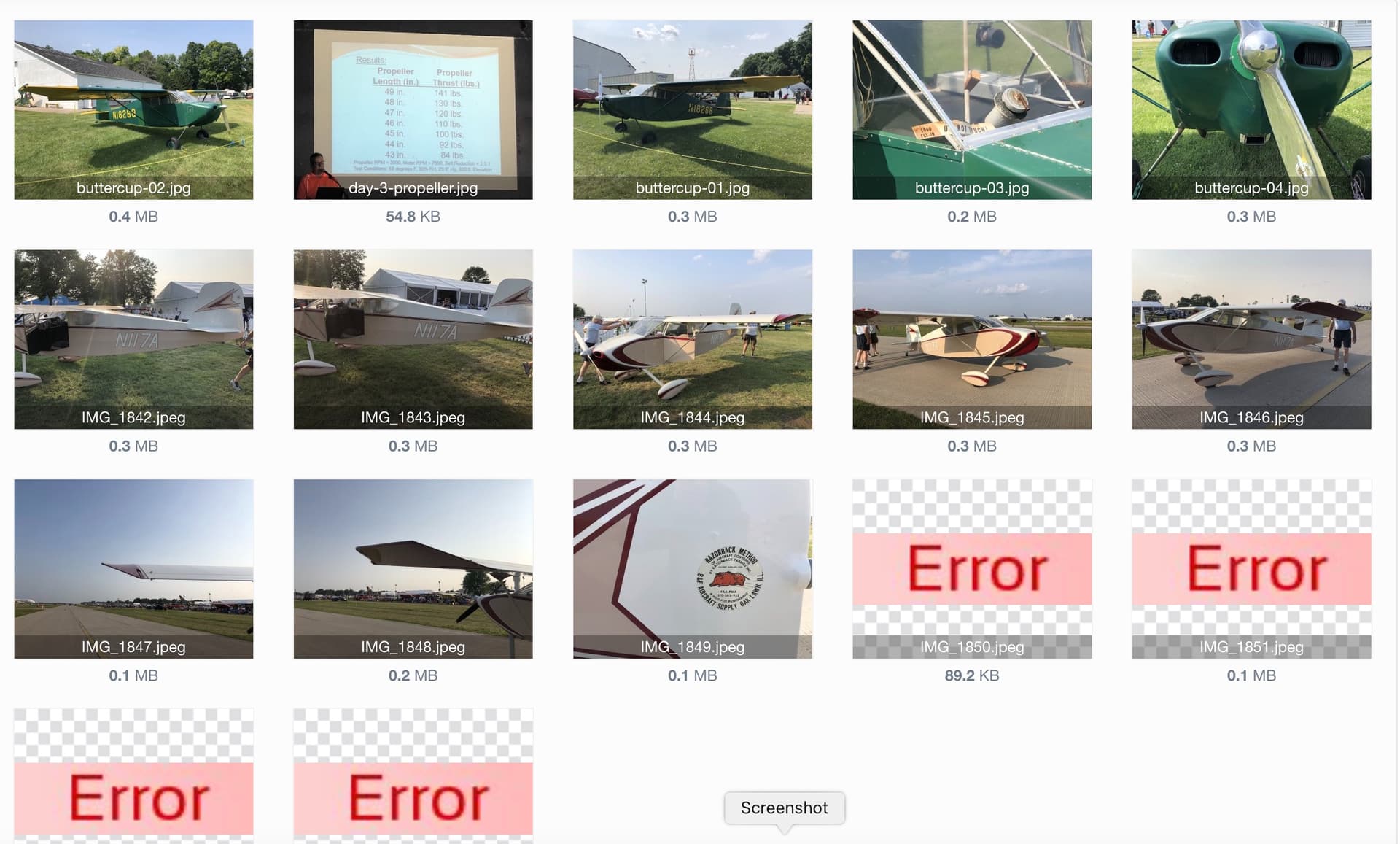
grav-image-error|690x415

I have deleted and re-uploaded the images via FTP and the transfer goes fine and I can view the images in a browser window with their proper address, but the grav admin won't acknowledge them.

2 years ago Solution

I'll chalk this up to a hosting issue. Even after logging out and back in to the admin, it continued to display those four thumbnails as errors so I gave up troubleshooting. This morning when I logged in, the thumbnails are there and displaying properly in the admin.

👍 1

Suggested topics

Topic Participants Replies Views Activity
General · by jeremycherfas, 1 week ago
4 180 2 days ago
General · by lynbor, 5 days ago
2 119 3 days ago
General · by Old Man Umby, 1 week ago
1 100 1 week ago
General · by Sebastian, 1 week ago
1 124 1 week ago
General · by Andy Miller, 3 weeks ago
0 248 3 weeks ago