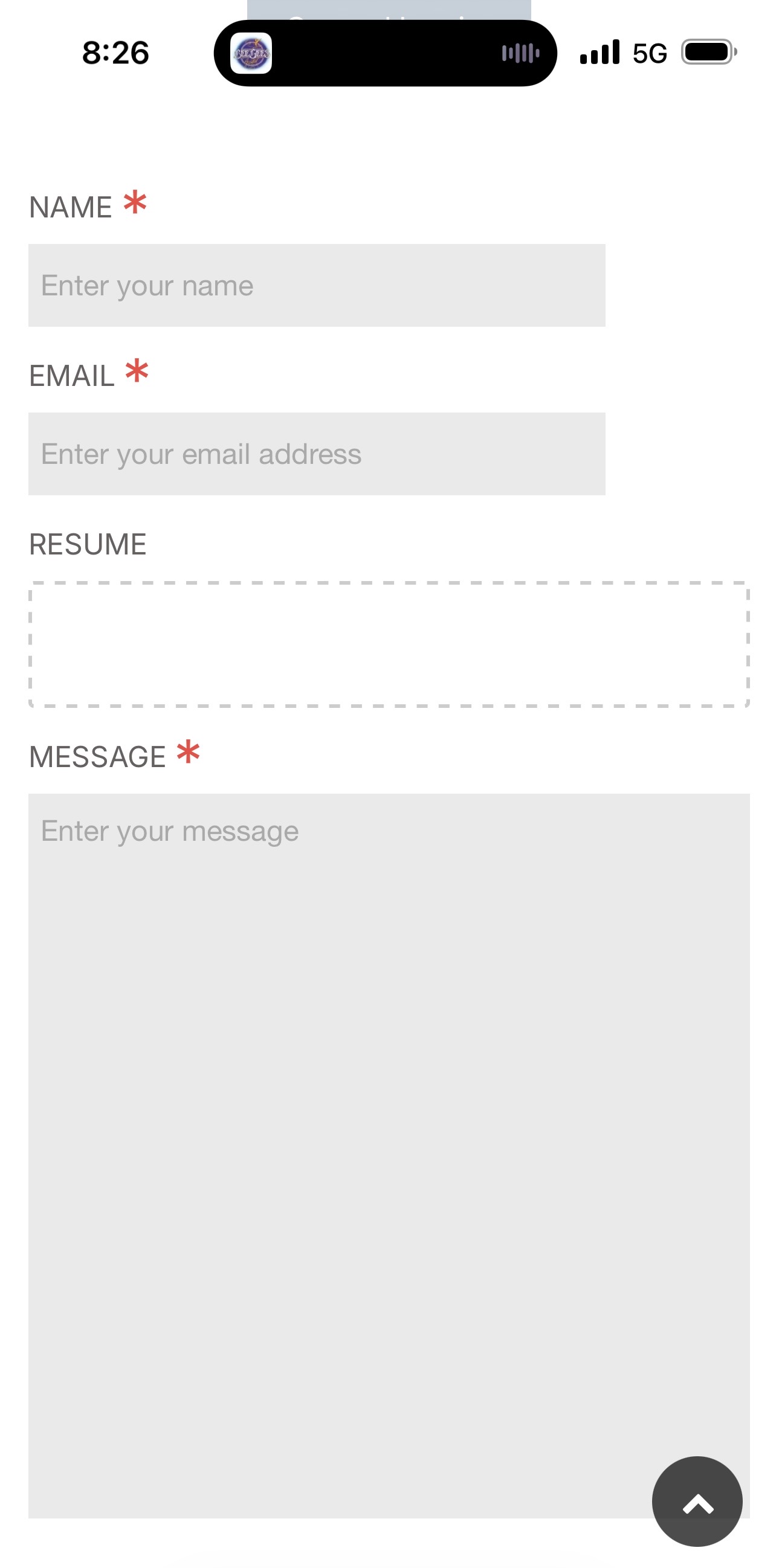
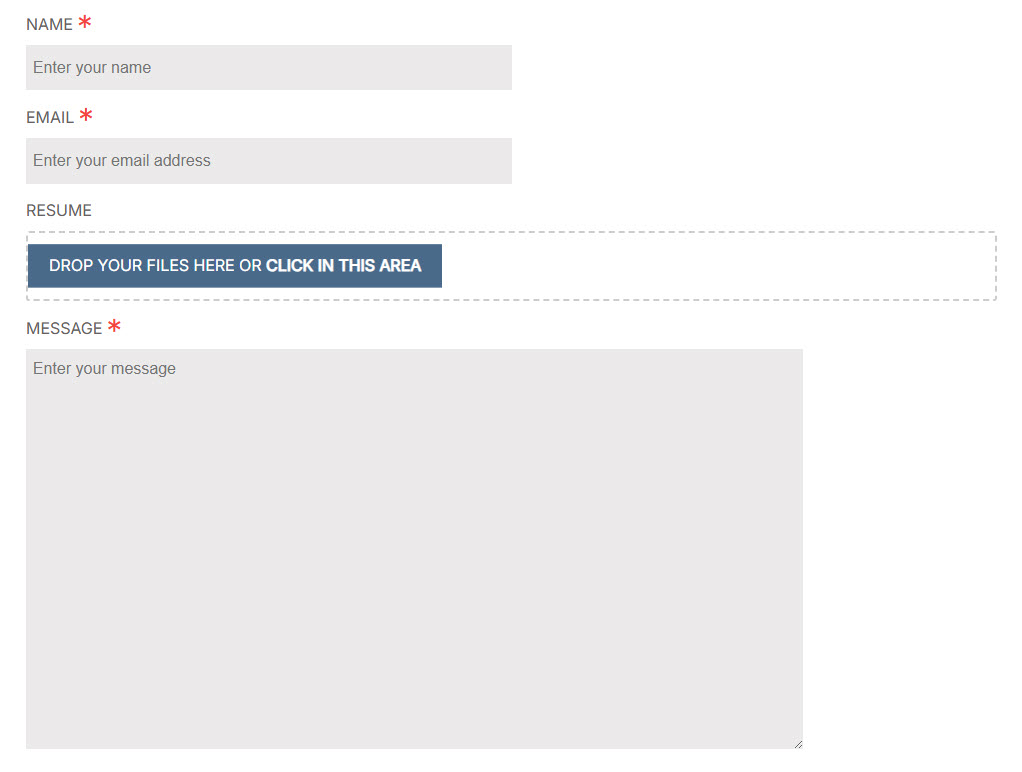
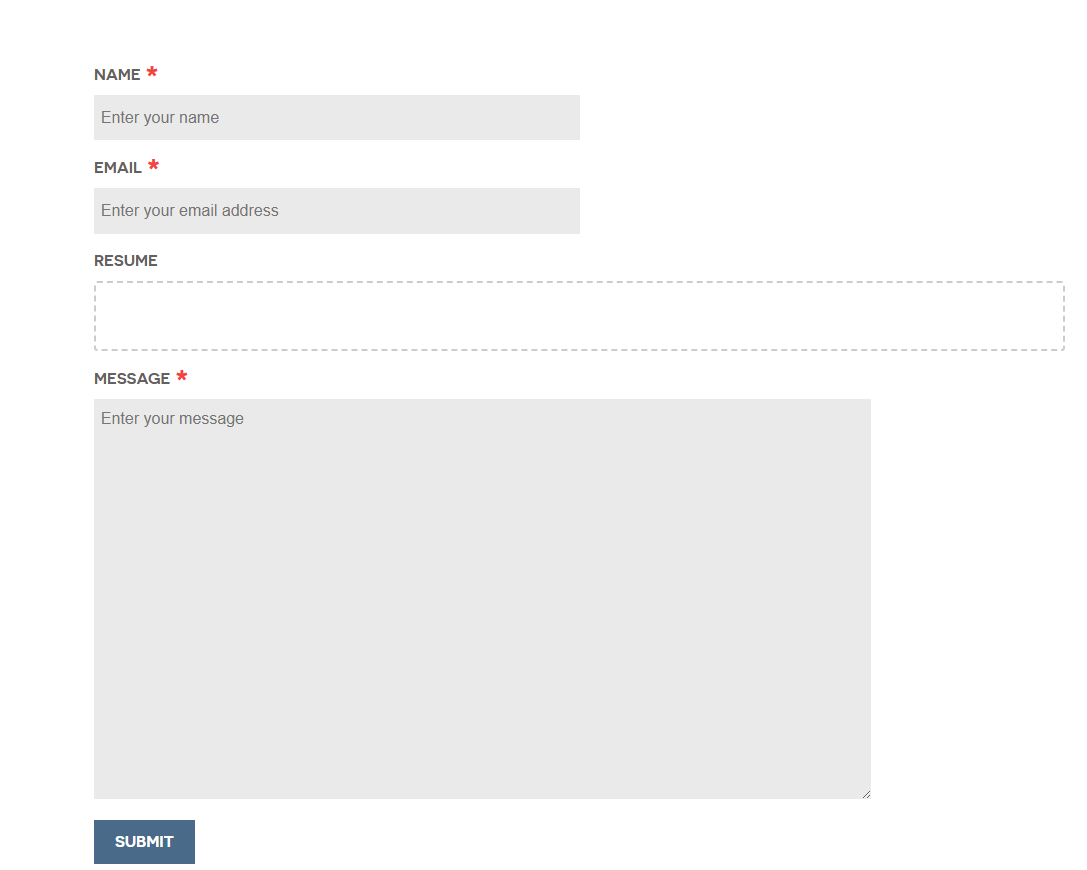
I’ve added an option to upload file in contact page. I’m able to drag or click on the upload box to select a file to upload. However, after submit , the upload button is gone. Not able to drag file or click on the box to search for a file.
The first submission went through. I received an email & the file is in its folder. I’m not by pc atm. The reset: true in process is not set since that causes issues
This is partial codes that pertains to the file upload.
modular_alt.md
YAML
form:name:email/inquiryaction:/contactfields:name:id:namelabel:Nameclasses:'form-control form-control-lg'placeholder:'Enter your name'autocomplete:'on'type:textvalidate:required:trueemail:id:emailclasses:'form-control form-control-lg'label:Emailplaceholder:'Enter your email address'type:emailvalidate:rule:emailpattern:"^\w([\w\.+-]*[\w-])?@([\w-]+\.)+[a-z]{2,5}$"required:trueuploads:type:filelabel:Resumedestination:'user/data/email/job/uploads'multiple:trueautofocus:falselimit:10accept:-image/*-application/x-pdf-application/pdf-.xlsm-.xlsx-. docx-.docmessage:label:Messageclasses:'form-control form-control-lg'size:longplaceholder:'Enter your message'type:textareavalidate:required:truecaptcha:type:turnstiletheme:lightbuttons:submit:type:submitvalue:Submitclasses:'btn btn-primary btn-block'reset:type:resetvalue:Resetclasses:'btn btn-primary btn-block'process:turnstile:trueupload:trueemail:from:'{{ config.plugins.email.from }}'to:-'{{ config.plugins.email.from }}'subject:'[Inquiry] {{ form.value.name|e }}'body:"{% include 'forms/data.html.twig' %}"save:fileprefix:'inquiry-[{{ form.value.name|e }}]-'dateformat:Ymd-His-uextension:txtbody:"{% include 'forms/data.txt.twig' %}"message:'Your email was sent successfully.'display:thank-you-inquiry
Based on your screenshot, I'll assume the field has some JS processing on load. I'll also assume it's an XHR form. I'm guessing JS does nothing after form is submitted and DOM rendered
Really stumped as to why it does not work 100%. Disabling the form plugin and enabling again brings back the dropzone. From there I am able to create an email with an attachment. The file is saved inside the tmp folder and I received an email. After that the dropzone disappears.
I don’t event have to create email to make the dropzone disappear. After re enabling the form, hitting the refresh browser button toggles off the dropzone.
I was following the cookbook example and read other posts using the same format. Figure this is the correct steps to take. I am not sure what is the normal file input is. Using the delivernext theme as a starting point.
If you are saying that the contact form file upload box loads fine for you from a fresh install, then there is something strange going on with my server. I've installed a fresh install of delivernext theme with Grav1.7. When I add the upload fields
Not even trying to send a test email, a refresh of the browser page looses the blue box thus not able to upload any files. Deleting the cache brings it back only to disappear again with a load of the page.
OK. I found the issue. In my system.yaml I have cache set to true. Setting it to false fixed it.
YAML
cache:enabled:false
I've read this somewhere when troubleshooting. Since I only wanted the contact page not to cache, I placed the above in the modular_alt.md of the contact folder, but it didn't do anything.
Shouldn't all pages be cache other than the contact page???
I just did a quick test with the File field for your issue and noticed the page had no cache_enable: false in its header. I didn't bother to look at it any further unfortunately...
Reading your latest reply, I had an "aha" moment.... The theme/skeleton contains a few issues:
The skeleton has a system.yaml containing:
YAML
cache:enabled:false
That's why it worked in my test script using the skeleton.
Cache should be enabled by default. If not, the entire site build upon the skeleton will have cache switched off by default, resulting in less than optimal (to put it mildly) performance.
Forms in modulars, need cache_enable: false in its header. (Unless cache is disabled for the entire site...).
if you forget this the form will be cached, along with the nonce that is generated every 12 hours. So when reaching the 12 hours change, the form will stop working until the cache is refreshed. This step is not needed for standalone page forms.
A suggested improvement for the demo content of the theme. According a note in the docs:
In Form v2.0, you can now define the form directly in the modular sub-page just like any other form. However, if not found, the form plugin will look in the 'current page', i.e. the top-level modular page for a form, so it's fully backwards compatible with the 1.0 way of doing things. !!!