Hello. I am very new to GRAV and its inner workings. I've built a very basic site and have added the Simple Search plugin. I'd like to add a search box in the header/end of my main menu items. I can't for the life of me find any easy to follow guidance.
Please provide the exact code and where exactly to put it. Thanks very much in advance.
I did but I did not find the instructions clear enough.
"After installing the SimpleSearch plugin, you can add a simple searchbox to your site by including the provided twig template. Or copy it from the plugin to your theme and customize it as you please:"
Where exactly would I put this line of code to have a search box show up in my main menu?
{% include 'partials/simplesearch_searchbox.html.twig' %}
Open file /user/themes/quark/css/custom.css and add:
CSS
.dropmenu.animated{display:flex;}
This is needed to inline the navbar and the searchbox.
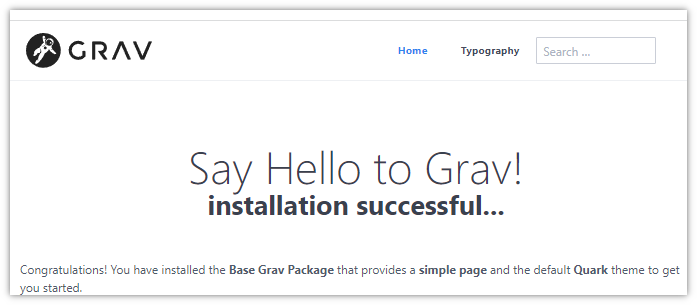
Open de home page of the site and you should see something like:
When entering a search term and hitting <return>, the results will be shown on page https://yourdomain/search
Of course, this is just a rough example to get you going.
Please note: You need an inheriting theme for this. Because when Quark gets a new version, your changes will be lost. An inheriting theme (aka child theme) is your own and will not be updated.
I have not yet used this plugin, but as an aside you got me curious why this was necessary. I took a look and it seems you've simplified some horribly complex logic.
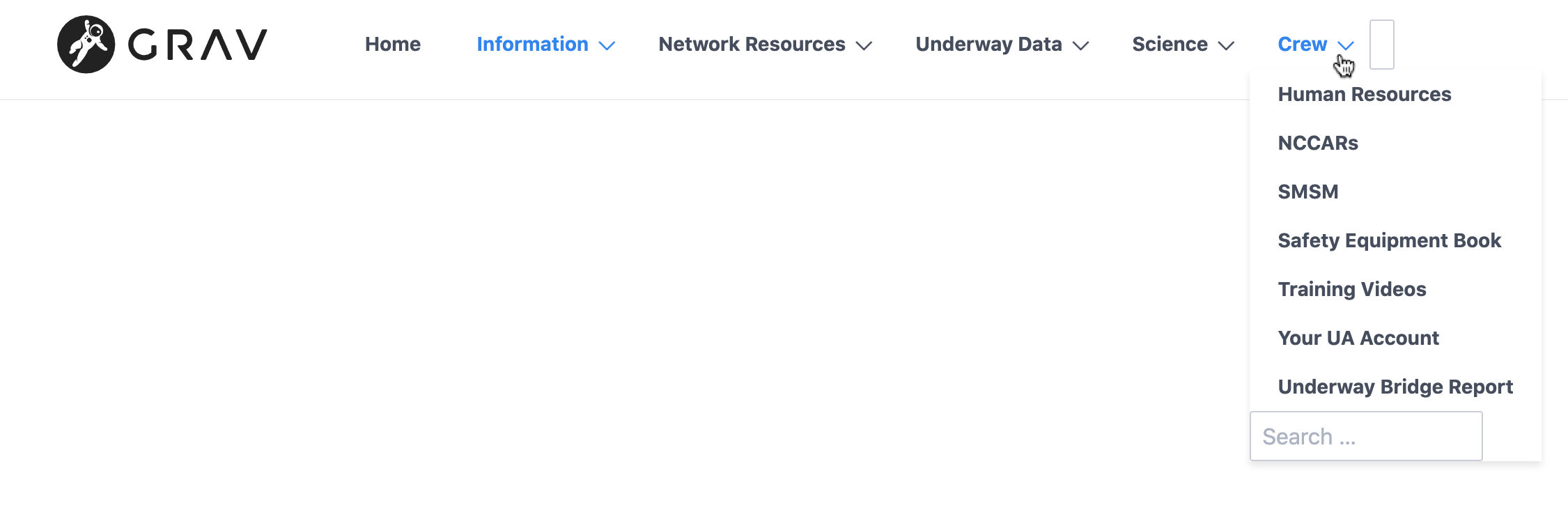
@pamtbaau thanks very much for responding. I do in fact have Quark as my theme. I tried your instructions. It sort of worked. In the attached screenshot you can see that a search box shows up at the bottom of each menu dropdown and a small nondescript box at the right end of the main menu items. I can type text in both boxes and get search results in mydomain/search
@skq, Unfortunately, I can reproduce the issue.... It's because the searchbox was added to macros.html.twig which is repeated for every child page.
When creating the previous solution inside the macro I noticed that the searchbox's "route" wasn't working properly. The result url was constructed improperly. That's why the fix was required.
I've now placed the searchbox in /quark/templates/partials/base.html.twig. However, some css is now needed to inline the navbar and the searchbox.
I've update my previous reply which should now be simpler.
@hughbris, The simplified logic was needed because the searchbox seems to behave differently when placed inside a macro...