Skip to content
Grav 2.0 is officially stable. Read the announcement →

Community guidelines

Please keep discussions civil and on-topic. Repeated violations may lead to a temporary ban.

Themes & Styling

Custom Field Grouping

Started by Dan Hart 9 years ago · 7 replies · 1171 views
9 years ago

Within custom fields, is it possible to have groups of custom fields that you could add to, remove, and potentially reorder?

For example, say through the admin panel I want the user to be able to create a list of car parts where each part item has a title, image, and price. There is a predefined list of categories (e.g. Engine, Exhaust, Tires, etc...)

...high-level workflow would be something like:

  1. User enters part items for "Engine" category (e.g. Engine Part 1, Engine Part 2, Engine Part 3, etc...)
  2. User enters part items for "Exhaust" category (e.g. Exhaust Part 1, Exhaust Part 2, Exhaust Part 3, etc...)

I've got some of this done already as I'm able to enter part items, but they're just not grouped in any way. What's the best way to approach this?

last edited 10/10/17 by Dan Hart
9 years ago

Hey Paul, I have a field list already but will look at field set and see if that’s what I need.

Thanks!

9 years ago

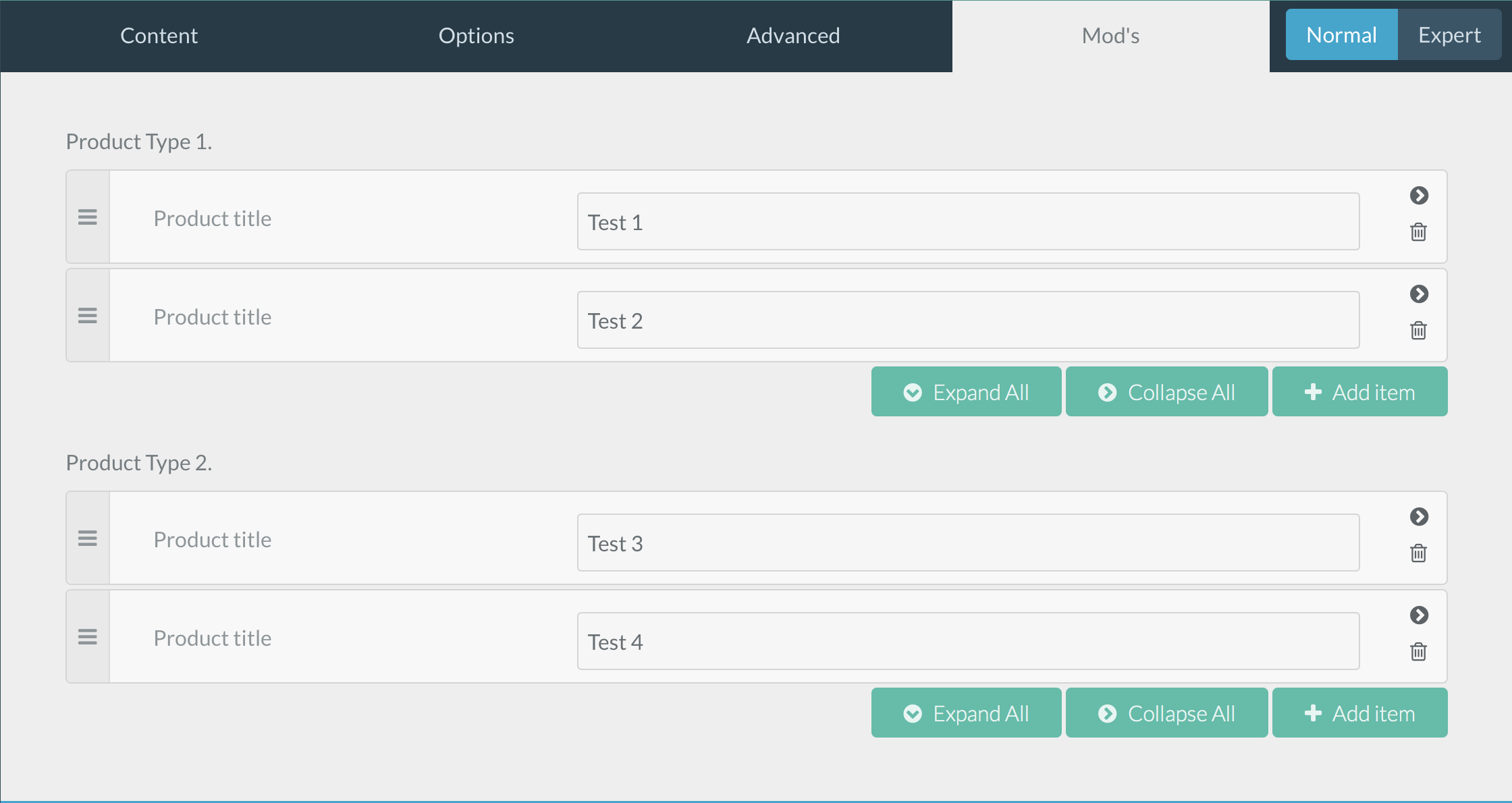
Within the Grav Admin I'd like to have custom tab that contains grouped entires that a user could add to. Take a look at the attached screenshot; I have a Field List that contains a title and entries. Currently that is somewhat hardcoded in my YAML file as I have "header.fieldlist1" and "header.fieldlist2" but I don't feel like that is very dynamic.

Ideally I would like the user to have the ability to add another category like "Product Type 3" (or whatever they want to name it) and then within the category add the list items they want. Some gold plating on all of this would be if the user could drag to reorder the categories (similar to the list items)

Is this even possible?

09 PM|690x366

Thanks!
Dan

9 years ago

@dan you can achieve that with nested list field

9 years ago

Hey @dimitrilongo thanks for the reply. Can you explain a bit more about the nested list field? I'm looking through the documentation and not finding a bunch on it. Thanks!

9 years ago

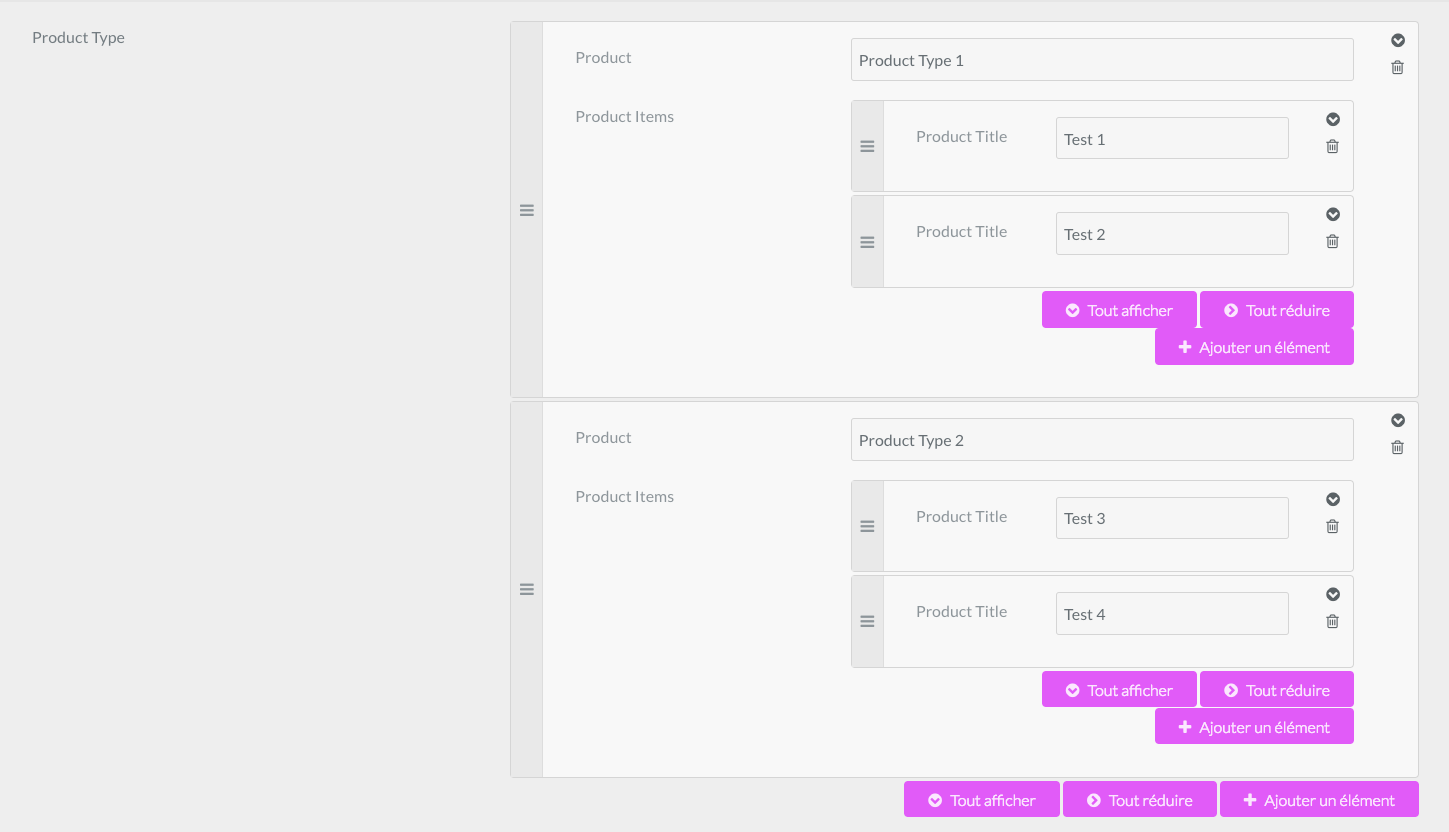
you nest field list inside list field

34|690x396

YAML
            header.product:
              name: buttons
              type: list
              collapsed: true
              label: Product Type
              fields:
                .producttype:
                  type: text
                  label: Product
                .productitem:
                  name: socials
                  type: list
                  collapsed: true
                  label: Product Items
                  fields:
                    .productitle:
                      type: text
                      label: Product Title
👍 2
9 years ago

Nice! That worked perfectly. I have been so impressed with how flexible Grab is. Thanks for the help!!!!

Suggested topics

Topic Participants Replies Views Activity
Themes & Styling · by Pedro M, 2 months ago
4 193 2 months ago
Themes & Styling · by Ian, 2 months ago
3 90 2 months ago
Themes & Styling · by Norbert, 2 years ago
11 449 3 months ago
Themes & Styling · by Lukáš Findeis, 3 months ago
0 44 3 months ago
Themes & Styling · by Sebadamus, 4 months ago
5 123 3 months ago