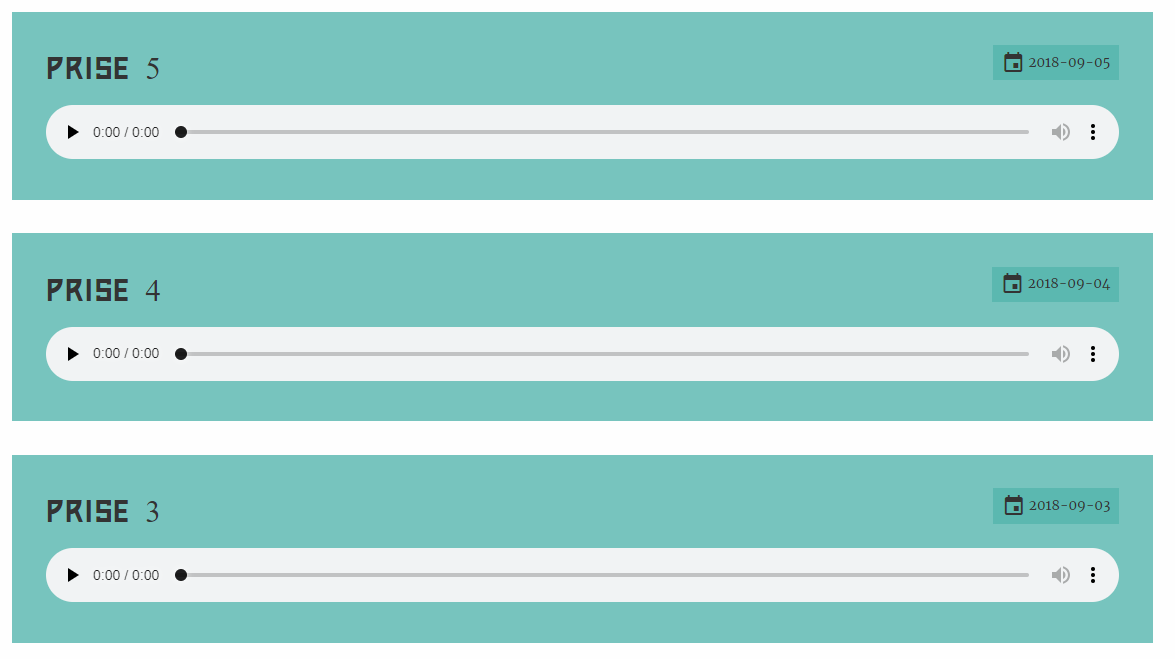
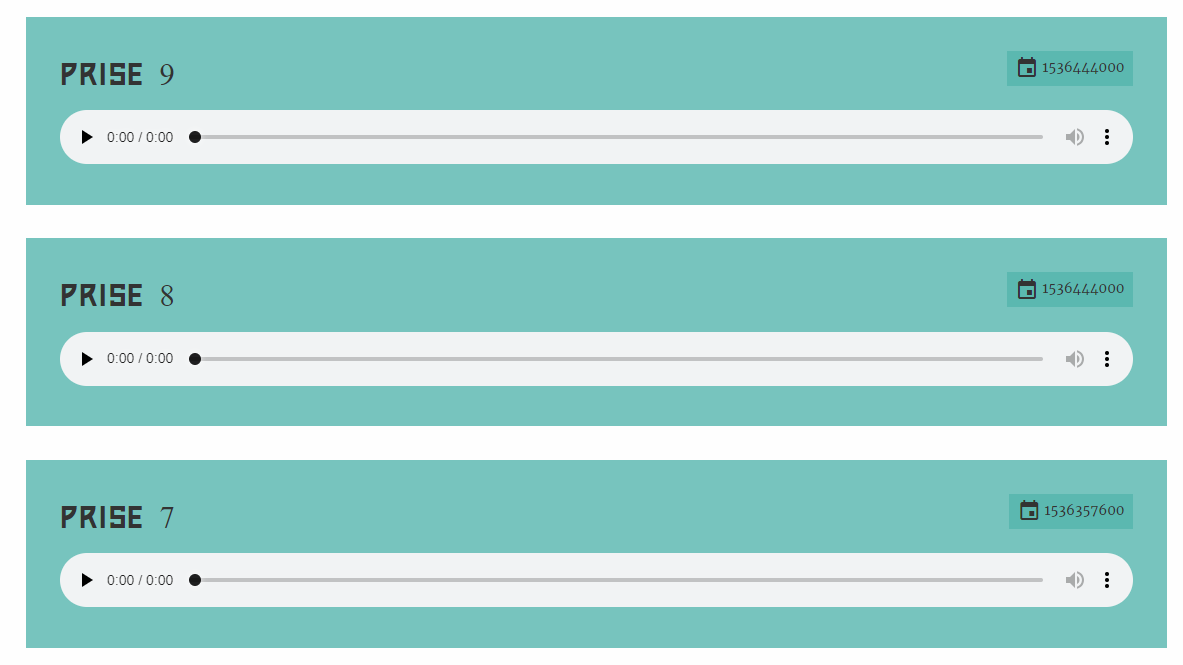
Hello,
Sorry if it is a silly question but I am trying to sort a custom field collection by descending date but can't find out how to do this with the sort_by_key filter.
Could someone please tell me how I can do this?
Concerned fields in my song.yaml file
YAML
    header.recordings:
      ordering@: 2
      type: fieldset
      title: Enregistrements
      help: Ajouter les enregistrements faits pendant les répétitions
      icon: microphone
      collapsed: true
      collapsible: true
      fields:
        header.recordingItem:
          name: recordingItem
          type: list
          style: vertical
          fields:
            .prise:
              type: text
              label: Titre
            .recordingDate:
              type: date
              label: Date
            .recordFile:
              type: file
              label: Fichier audio
              destination: 'self@'
              multiple: false
              filesize: 30MB
              accept: ['.mp3', '.wma', '.wav']
The code in my songs.html.twig file:
TWIG
{% set recordingItems = page.header.recordingItem %}

      {% for recordingItem in recordingItems|slice(2,last)|sort_by_key('recordingDate') %}
      <div class="prise grid-x">
        <div class="cell">
          <p class="h3 float-left">{{ recordingItem.prise }}</p>
          <p class="label float-right"><i class="material-icons">event</i> {{ recordingItem.recordingDate }}</p>
        </div>
        <div class="cell">
          <audio controls preload="none">
            <source src="{{ recordingItem.recordFile|first.path }}" type="audio/mp3">
            Votre navigateur ne supporte pas le format audio.
          </audio>
        </div>
      </div>
      {% endfor %}
The result I have on the front office:
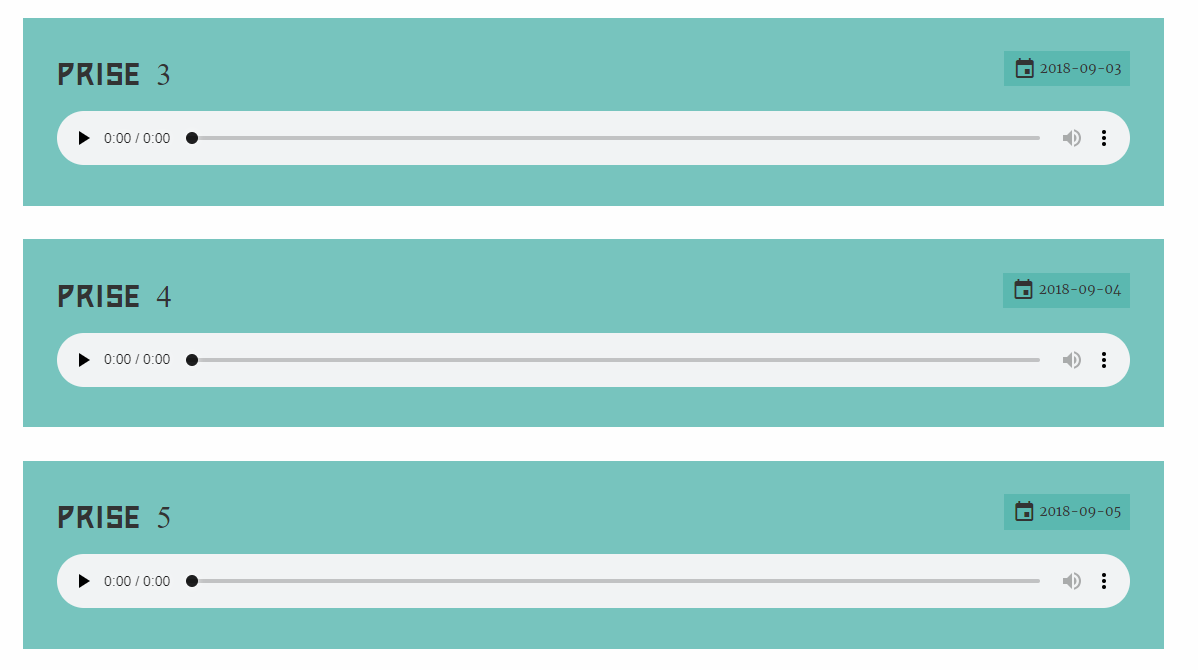
The result I would like to have: