HI all. I need to add two date picker fields to a contact form (they should enable the customers of a B&B to choose the from/to dates for their staying).
I use the "Example contact form" displayed in GRAV documentation.
Any idea how to add these fields?
Thanks in advance!
Solved by pamtbaau View solution
@maria,
- What have you tried sofar?
- Is the DateField not working for you?
<img src="https://learn.getgrav.org/user/pages/06.forms/02.forms/02.fields-available/date_field.gif">
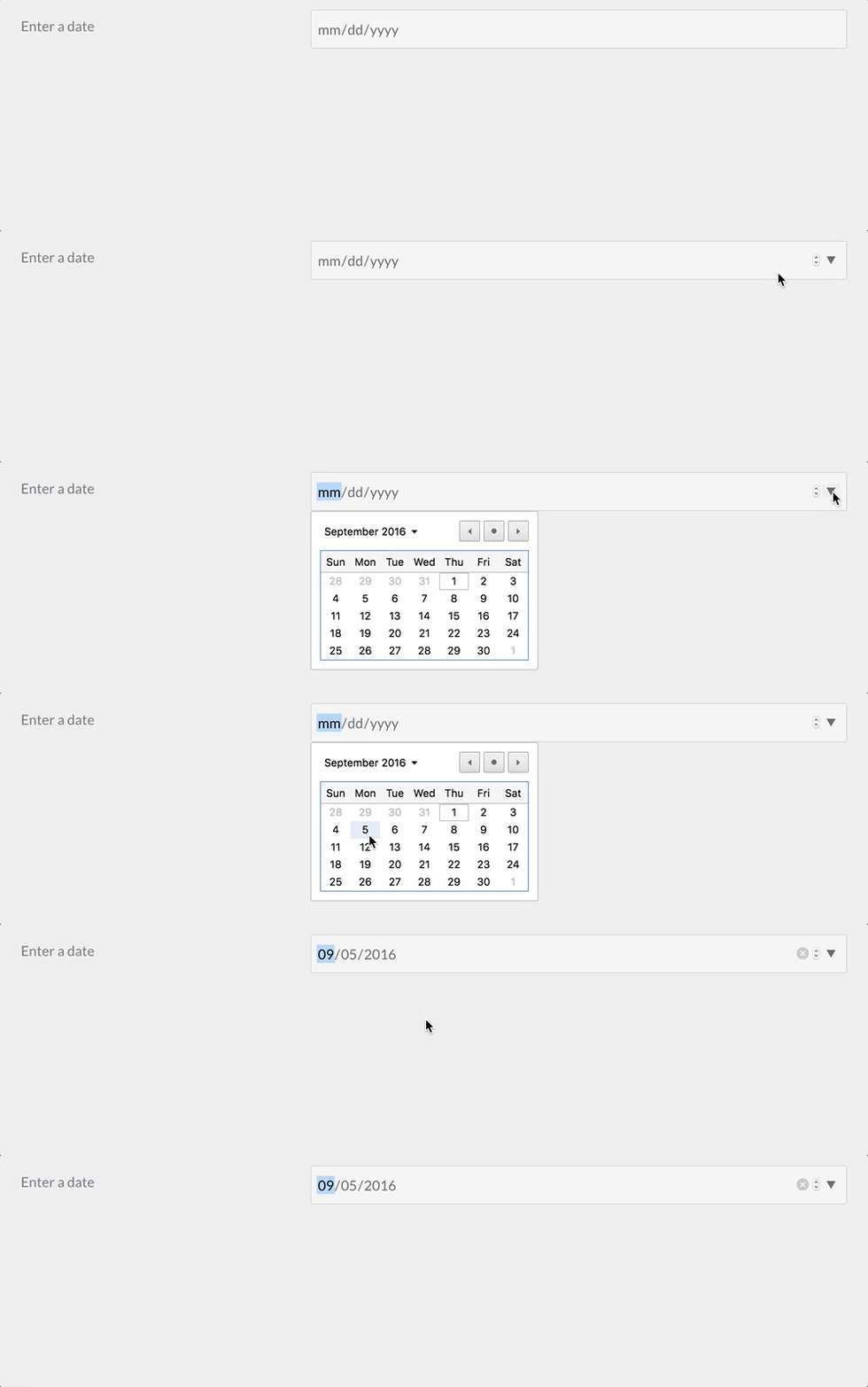
OOOPS! Completely my fault!! I read the documentation related to the admin Plugin :upside_down_face:
Now I tried with your link and it works!
Can you explain the meaning of "Validate min" and validate max? I'm a bit confused about that..
@maria, I can imagine the docs are a bit confusing...
Try:
YAML
validate:
    min: "2022-01-01"
    max: "2022-01-10"
You will see that the dropdown allows the user to only pick (or enter) a date between Jan. 1st and Jan. 10th
Note the ISO format of the date.
Thank you sooooo much! It's perfectly clear now 🙂
Log in to reply.
Suggested topics
| Topic | Participants | Replies | Views | Activity |
|---|---|---|---|---|
| 5 | 100 | 4 days ago | ||
| 13 | 2119 | 7 months ago | ||
| 0 | 604 | 8 months ago | ||
| 9 | 694 | 9 months ago | ||
| 7 | 741 | 10 months ago |