Skip to content
Grav 2.0 is officially stable. Read the announcement →

Community guidelines

Please keep discussions civil and on-topic. Repeated violations may lead to a temporary ban.

Forms & Blueprints

How to get an array / list on my front-page

Started by Christian Puschendorf 8 years ago · 7 replies · 1243 views
8 years ago

I'm using the shoppingcart-plugin (but it is also a form-problem):

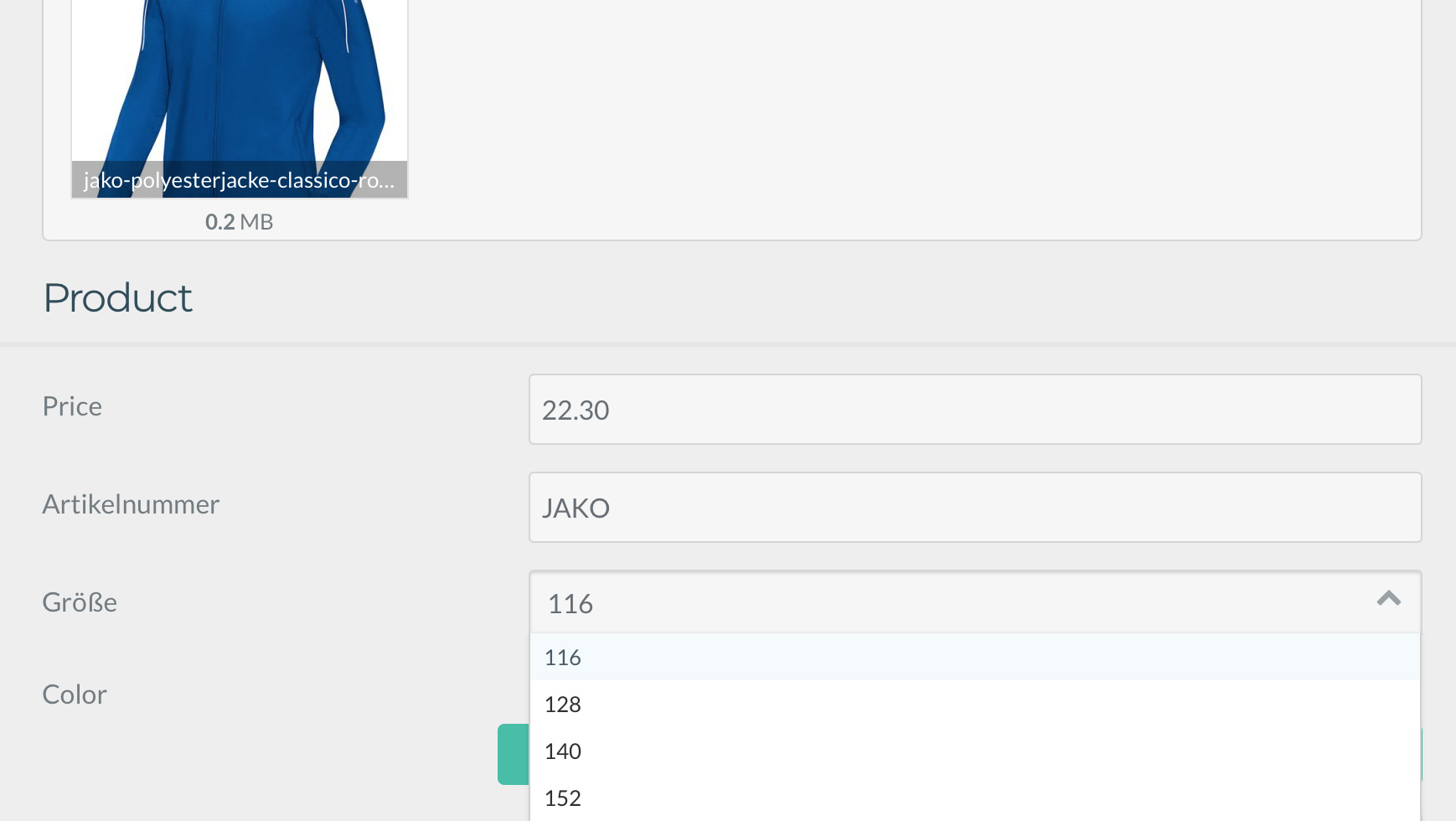
I've added in my backend a list of sizes to a product:

shoppingcart_product.yaml
header.size:
type: list
label: Size
default: 116
options:
116: 116
128: 128
140: 140

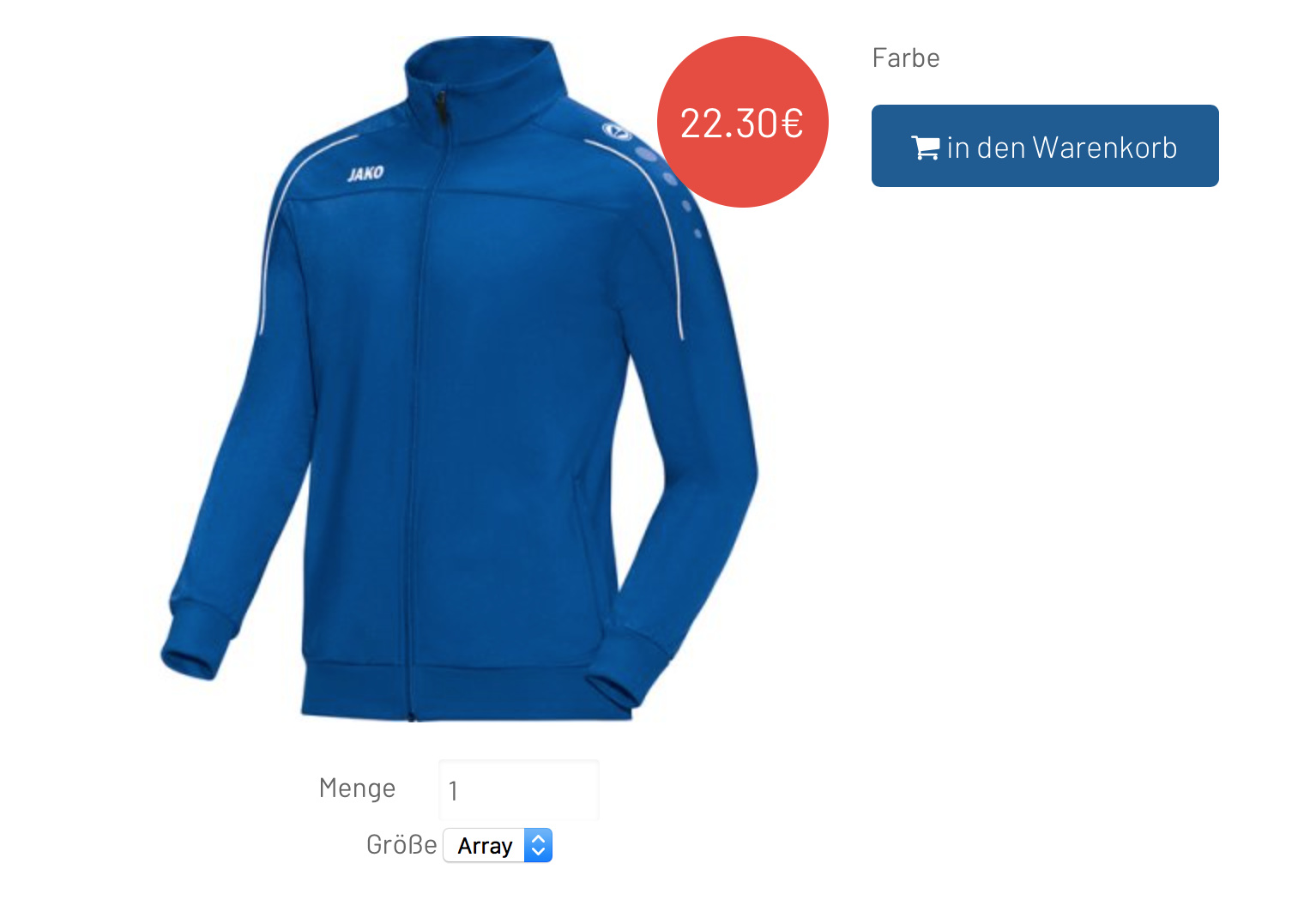
Now these options should be visible as a select-option on my frontpage.

How can I put the "page.header.size" in a select field?
8 years ago

If it is for a frontend form, can you post your whole form definition?

In any case, I think using a select fieldinstead of alist` field should solve your problem.

8 years ago

Here is the part in my "shoppingcart_core_detail_item.html.twig":

TWIG
            <select class="shoppingcart-size">
                <option value="" >{{ page.header.size }}</option>
            </select>

The "page.header.size" is filled by the backend-form.

13|690x389
54|690x474

8 years ago

Here is what I would do:
In your blueprint:

YAML
header.size_available:
  type: selectize
  label: size available
  default: 116

Then in your template:

TWIG
<select>
{% for size in page.header.size_available|split(',') %}
<option value="{{size}}">{{size}}</option>
{% endfor %}
</select>

Note that we need split filter because the data is stored as a commalist.
Hope this answer your question

last edited 02/23/18 by Paul Massendari
8 years ago

You mean you want to pass the value to the order?

8 years ago

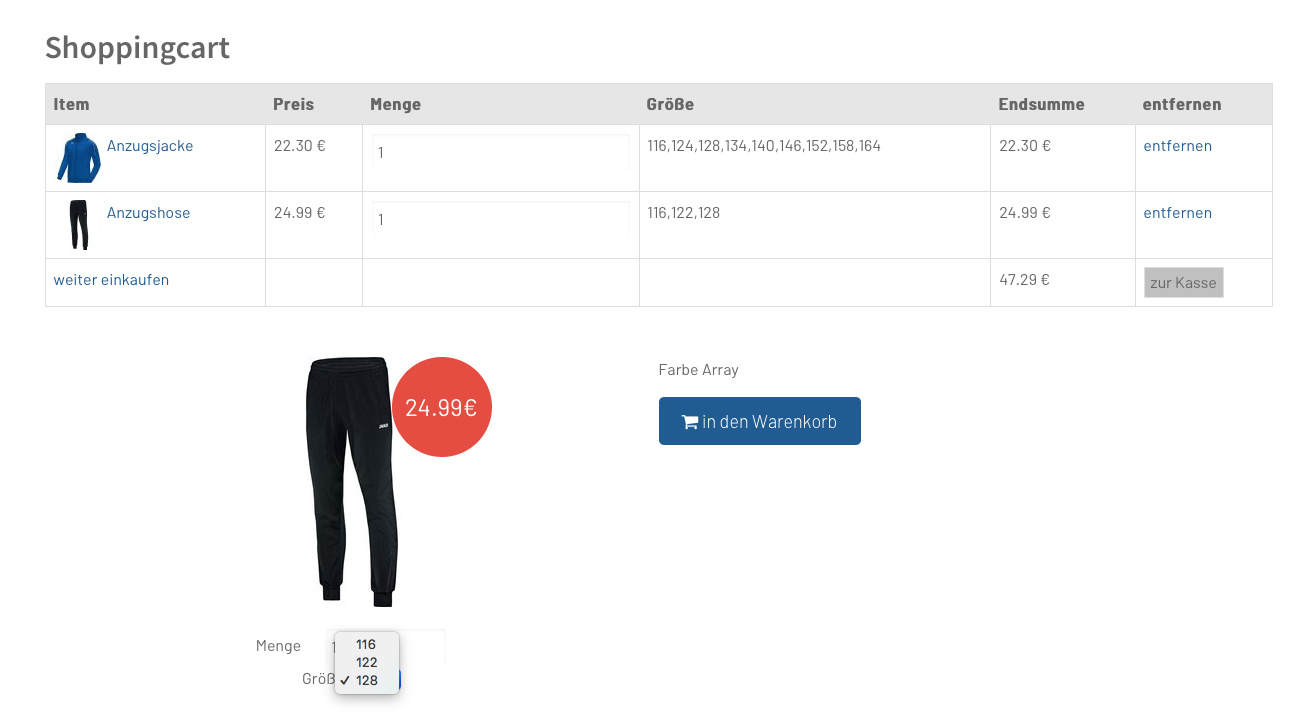
How can I get only the selected size in my Cart? Any idea?

Here is the html.twig:

TWIG
{% set price = product.price|number_format(2, '.', '') %}
{% set image_size_cart = config.plugins.shoppingcart.ui.image_size_cart %}
{% set size = product.size %}

{{ shoppingcart_output_page_product_before_add_to_cart|raw }}

<button type="button" class="button js__shoppingcart__button-add-to-cart" data-id="{{product.id|e}}">
    <i class="fa fa-shopping-cart"></i> {{ 'PLUGIN_SHOPPINGCART.ADD_TO_CART'|t|e }}
</button>

<script>
    (function() {
        var currentProduct = {
            title: "{{ product.title|e }}",
            id: "{{ product.id|e }}",
            formatted_price: "{{ price|e }}",
            price: "{{ price|e }}",
            formatted_size: "{{ size|e }}",
            size: "{{ size|e }}",

// here I need only the selected size ... not all sizes/options availeble ...

TWIG
            image: "{{ product.image.cropResize(image_size_cart, image_size_cart).url|raw }}",
            url: "{{ product.url|raw }}"
        };

        // Checks if page is a list of products or single product
        if (ShoppingCart.currentPageIsProducts) {
            ShoppingCart.currentProducts.push(currentProduct);
        } else {
            ShoppingCart.currentProduct = currentProduct;
            ShoppingCart.currentPageIsProduct = true;
        }
    }());
</script>

Suggested topics

Topic Participants Replies Views Activity
Forms & Blueprints · by Ton Haarmans, 5 years ago
13 1135 4 months ago
Forms & Blueprints · by Hugo Oliveira, 5 months ago
0 61 5 months ago
Forms & Blueprints · by Flachy Joe, 6 months ago
9 134 6 months ago
Forms & Blueprints · by Augustus, 7 months ago
7 108 7 months ago
Forms & Blueprints · by Julien, 7 months ago
10 128 7 months ago