Skip to content
Grav 2.0 is officially stable. Read the announcement →

Community guidelines

Please keep discussions civil and on-topic. Repeated violations may lead to a temporary ban.

Support

Adding new Pages to Homepage results in 404

Started by Kai 1 year ago · 10 replies · 149 views
1 year ago

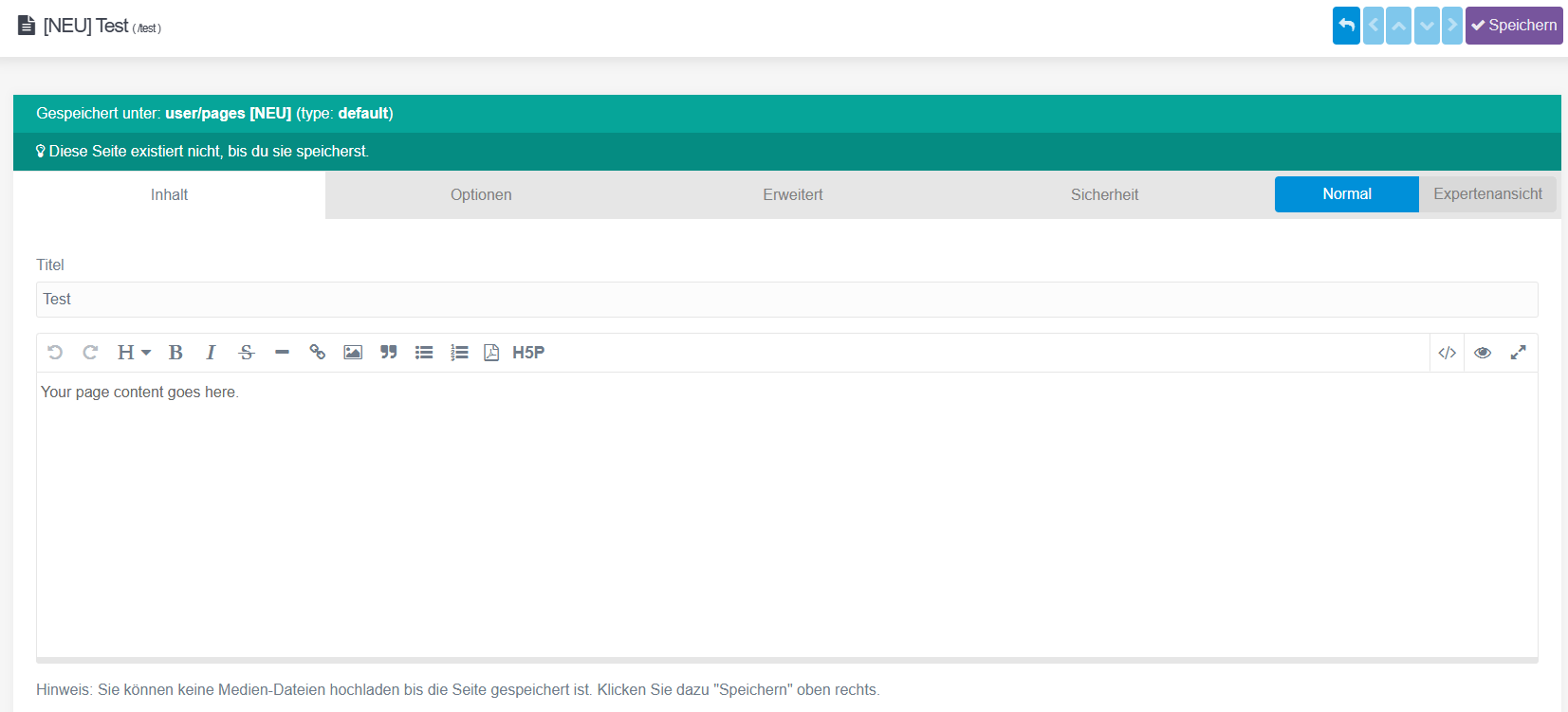
I am adding new Pages to my Page:
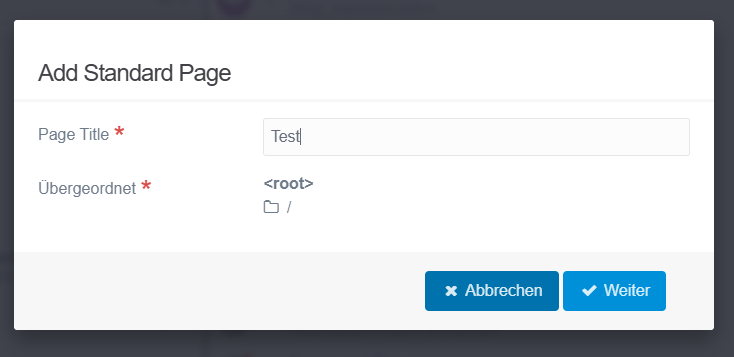
image|690x335

image|690x313

And after hitting save, Grav redirects me to:
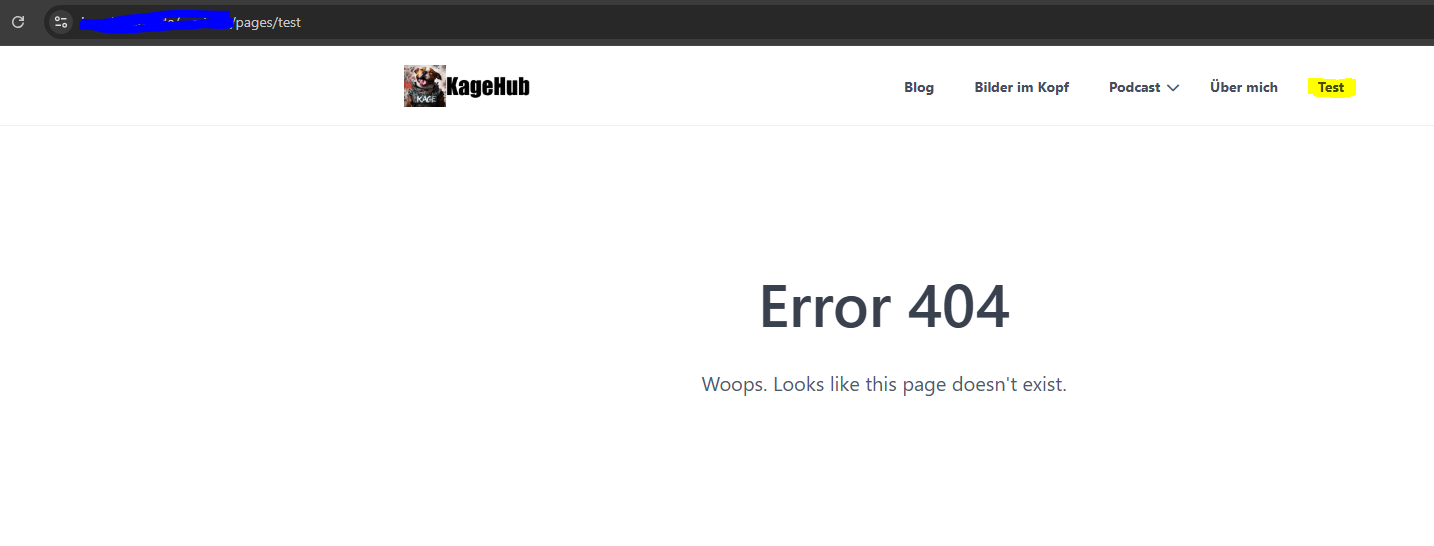
image|690x262

But you can see that the Page already exists in the Menu-Bar. And here you can see it in Admin-Plugin:

image|157x60

I can then go back via Browser and save the Page again. The Save Button is then not clickable but "looks" like it can be clicked (not disabled).

When I refresh the Page (F5) the page reloads and is empty but existing then:
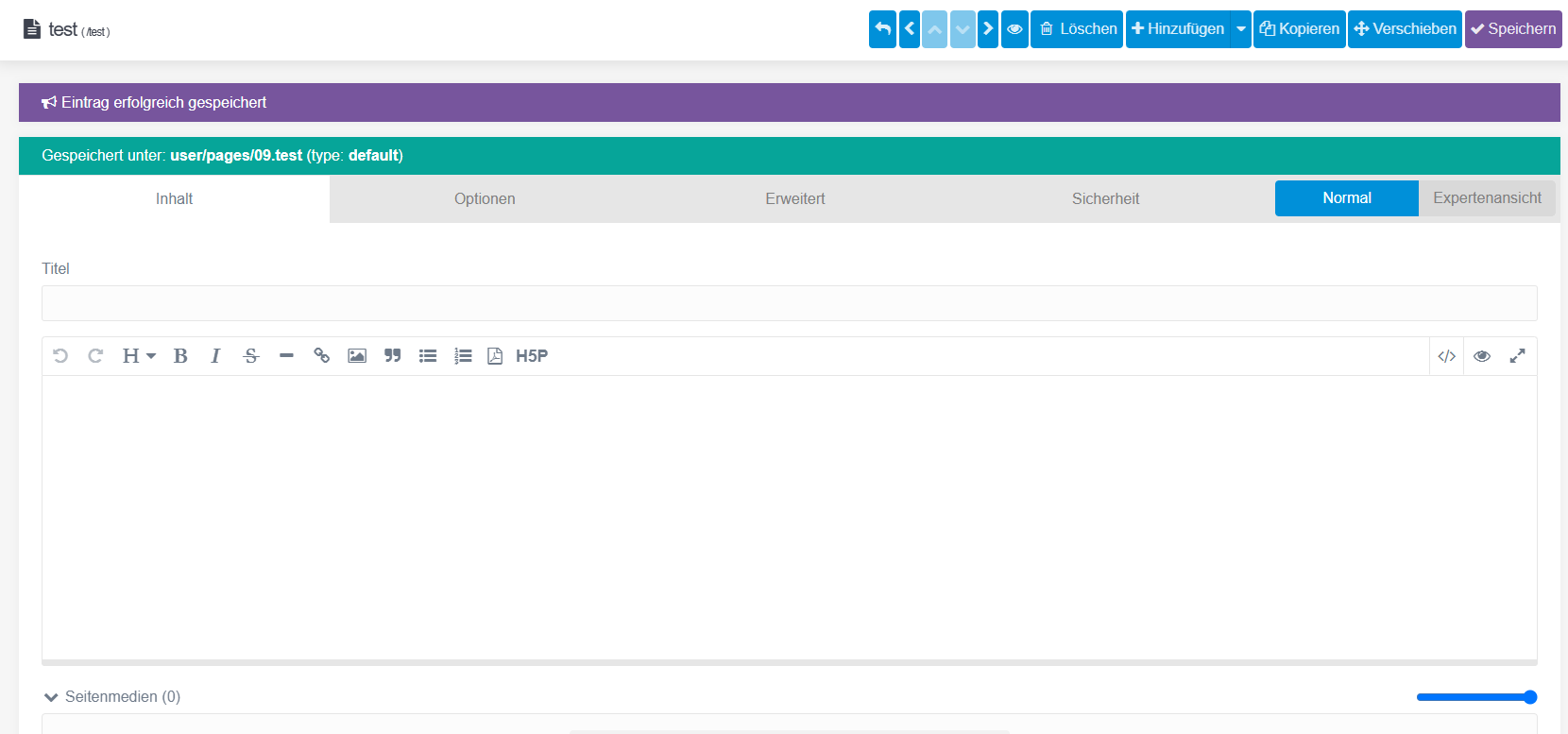
image|690x322

I can now correctly edit it and save it. I dont have any Error-Logs to show as no real Error seem to occur.

It was not like this all the Time. I had the Plugin "WebP" installed (https://github.com/greenrivers/grav-plugin-webp) and this somewhat broke my Site with an Error:

grav.CRITICAL: Call to undefined method GuzzleHttp\Utils::chooseHandler()

I have removed the Plugin and the described stuff from above started to happen.

Cache (method: all) has already been cleared.
Admin Panel Version: v1.10.48
Grav Version: v1.7.48

What could be the Issue?

last edited 01/02/25 by Kai
1 year ago

How come you add the page to / (root), but URL is to /pages/test? Where soes the /pages part come from?

1 year ago

Its the Pages-Part of the Admin-Plugin where you can Edit the Pages you have.

1 year ago

And this View with the Error should be the Edit-Window but I think Grav redirects to a different Place then the Edit-Window.

1 year ago

So it sounds like this redirect losses the /admin part somewhere. Try disabling plugins one by one or just fully reinstall Grav and restore user folder after

1 year ago

I did a full reinstall of Grav and restored user-Folder.

Issue persists, how can I check the User Folder for Issues? Maybe the Theme got changed.

1 year ago

Did you try disabling plugins one by one to see if that fixes it?

1 year ago

Huh thought it was something about the State of Grav itself but I went with your approach and disabled Plugins until I found out that disabling "Flex Objects" helped and everything seem to work now.

Page can be created and saved as usual. No error or 404 anymore.

What is the next Step? No changes on Plugin (Updates) in near past.

Do you think a fresh install of the plugin could help? Can I break something by deleting an re-install?

1 year ago

@Snickbrack:
Do you think a fresh install of the plugin could help? Can I break something by deleting an re-install?

Strange. Flex Objects come by default with Grav. You can try deleting it and re-installing. You already must have a backup, so should be no harm done

1 year ago

Okay its getting more strange now.

I have deleted the Plugin and copied it from fresh skeleton, updated it, enabled it again.

Issue persists.

I dont know where this is coming from.

1 year ago

Does it work without updating? Did you try older versions?

Suggested topics

Topic Participants Replies Views Activity
Support · by Thomas, 1 week ago
2 54 12 hours ago
Support · by Anna, 3 days ago
2 60 15 hours ago
Support · by Justin Young, 16 hours ago
1 30 15 hours ago
Support · by Duc , 1 week ago
2 65 5 days ago
Support · by Colin Hume, 1 week ago
2 57 5 days ago