Skip to content
Grav 2.0 is officially stable. Read the announcement →

Community guidelines

Please keep discussions civil and on-topic. Repeated violations may lead to a temporary ban.

Support

Grav flattens and desaturates my images, watch short comparison clip

Started by Japhy 6 years ago · 3 replies · 524 views
6 years ago

I noticed it every time I edited a photo in Photoshop, saved it for the web and uploaded it to grav. Somehow processing is causing it to make my photos 'flat' and somewhat desaturated. Is there a way to prevent this? See this clip. starts off with the image uploaded to Grav and shown in Firefox, next one is original image opened Firefox.

Image quality is set to 100%, no filters applied

Is this the php module installed on my server that is causing this?

I spend a lot of time editing my images in PS so this is kinda annoying. Hope someone can help me.

https://drive.google.com/file/d/1kxapFZzxdvDt83W_gP7ljmNCGU3vUET-/view?usp=sharing

last edited 05/05/20 by Japhy
6 years ago

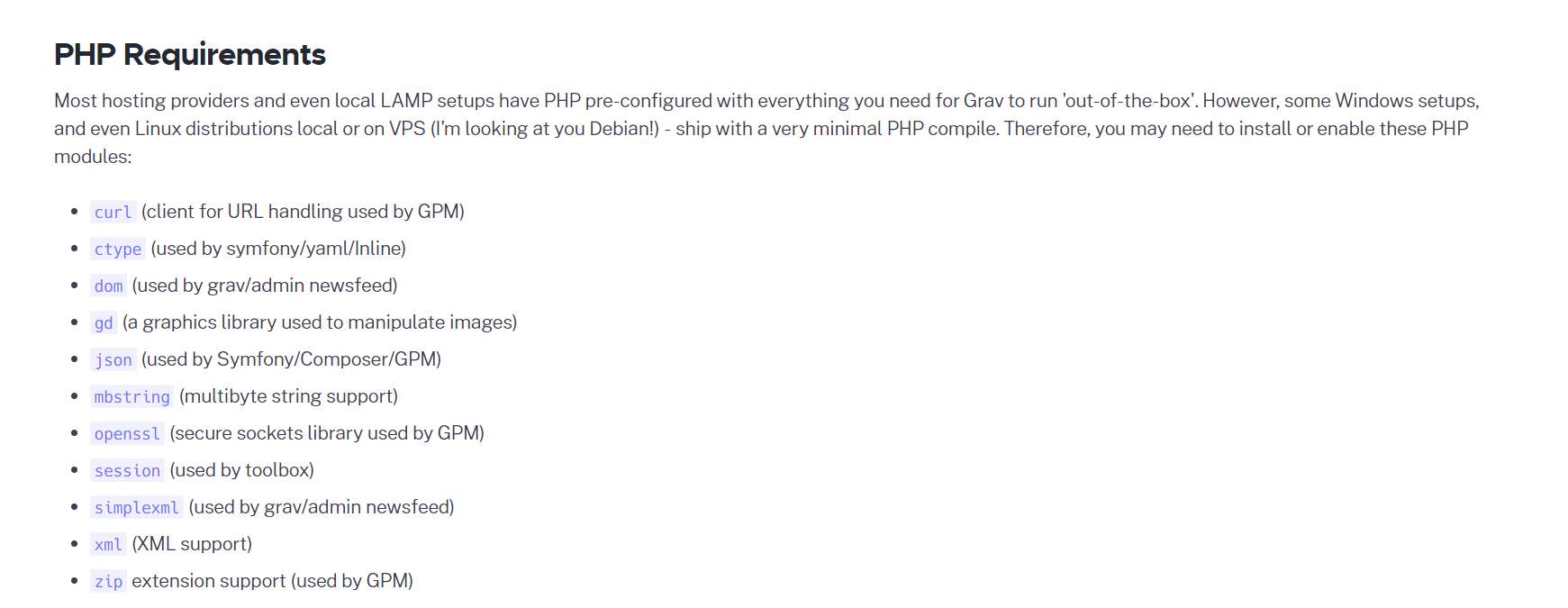
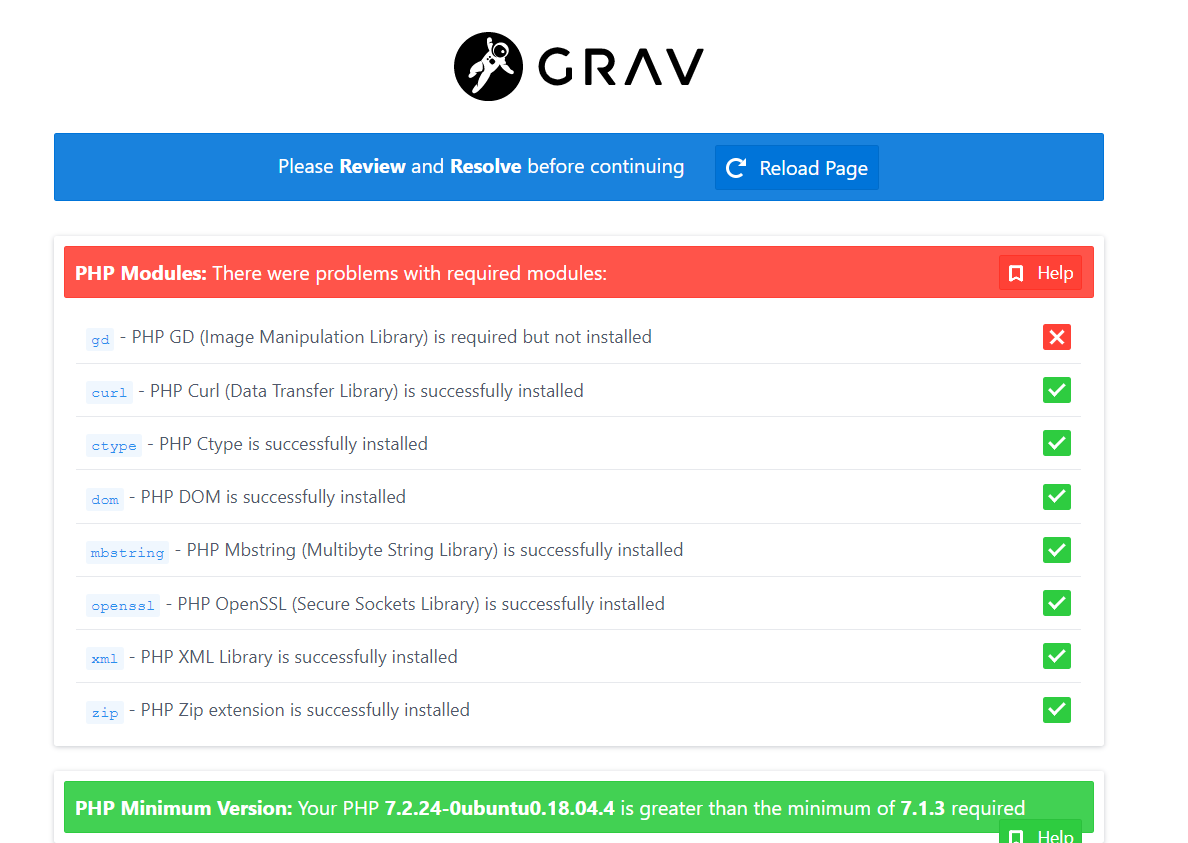
I had a look, and both GD as Imagick are installed. How can I tell which one is being used? Apparently the latter shows way better colors. Well one very bad way to check is to just disable one.

dpkg --get-selections | grep -i php
sudo phpdismod gd

Screenshot (1)|690x489

Screenshot (1)|690x267

So my question is now; how can I use a different library :)

last edited 05/06/20 by Japhy
6 years ago

@pamtbaau Ah nice! I missed that one when searching for related issues! It's quite old though so wonder if it still being considered.

Suggested topics

Topic Participants Replies Views Activity
Support · by Thomas, 1 week ago
2 55 13 hours ago
Support · by Anna, 3 days ago
2 60 16 hours ago
Support · by Justin Young, 16 hours ago
1 31 16 hours ago
Support · by Duc , 1 week ago
2 65 5 days ago
Support · by Colin Hume, 1 week ago
2 58 5 days ago