Skip to content
Grav 2.0 is officially stable. Read the announcement →

Community guidelines

Please keep discussions civil and on-topic. Repeated violations may lead to a temporary ban.

Support

Image Link Broken

Solved by Yann M. View solution

Started by Yann M. 6 years ago · 3 replies · 578 views
6 years ago

Hi,
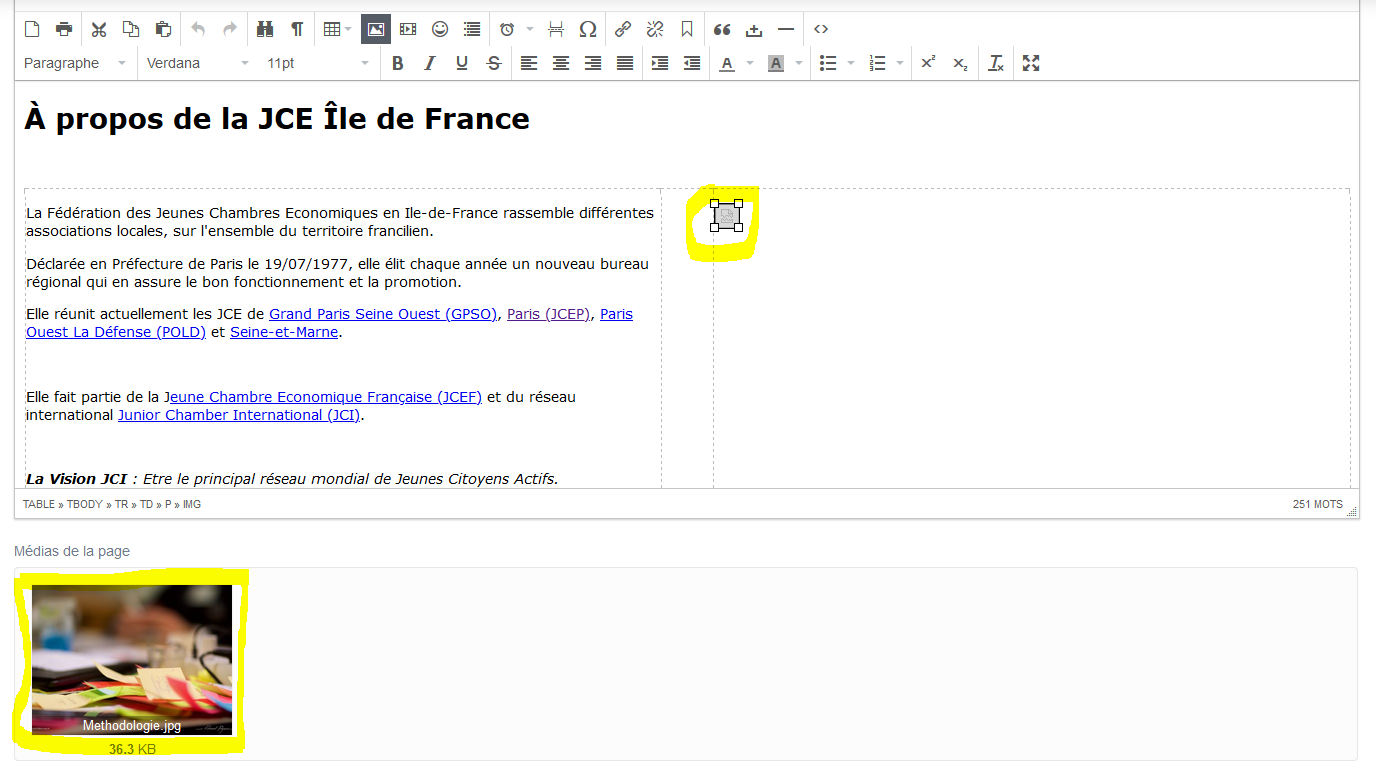
I encountered a problem after loading my site on a server. The images in the body of a page appeared with a broken link.
two identical copies of the site are on two different servers and one displays the images correctly, the other does not.

The problem is visible directly from the administration when adding an image in the body of the page.

Note that the problem does not appear for images of blog posts.

View attachments and links below

Link doesn't work : https://jceiledefrance.fr/jce-idf/a-propos
Link work : https://greenbox.kevinguerin.fr/jce-idf/a-propos
Capture|690x391

I think about a wrong url rewriting, but I made no changes between the two sites.

Thanks
6 years ago

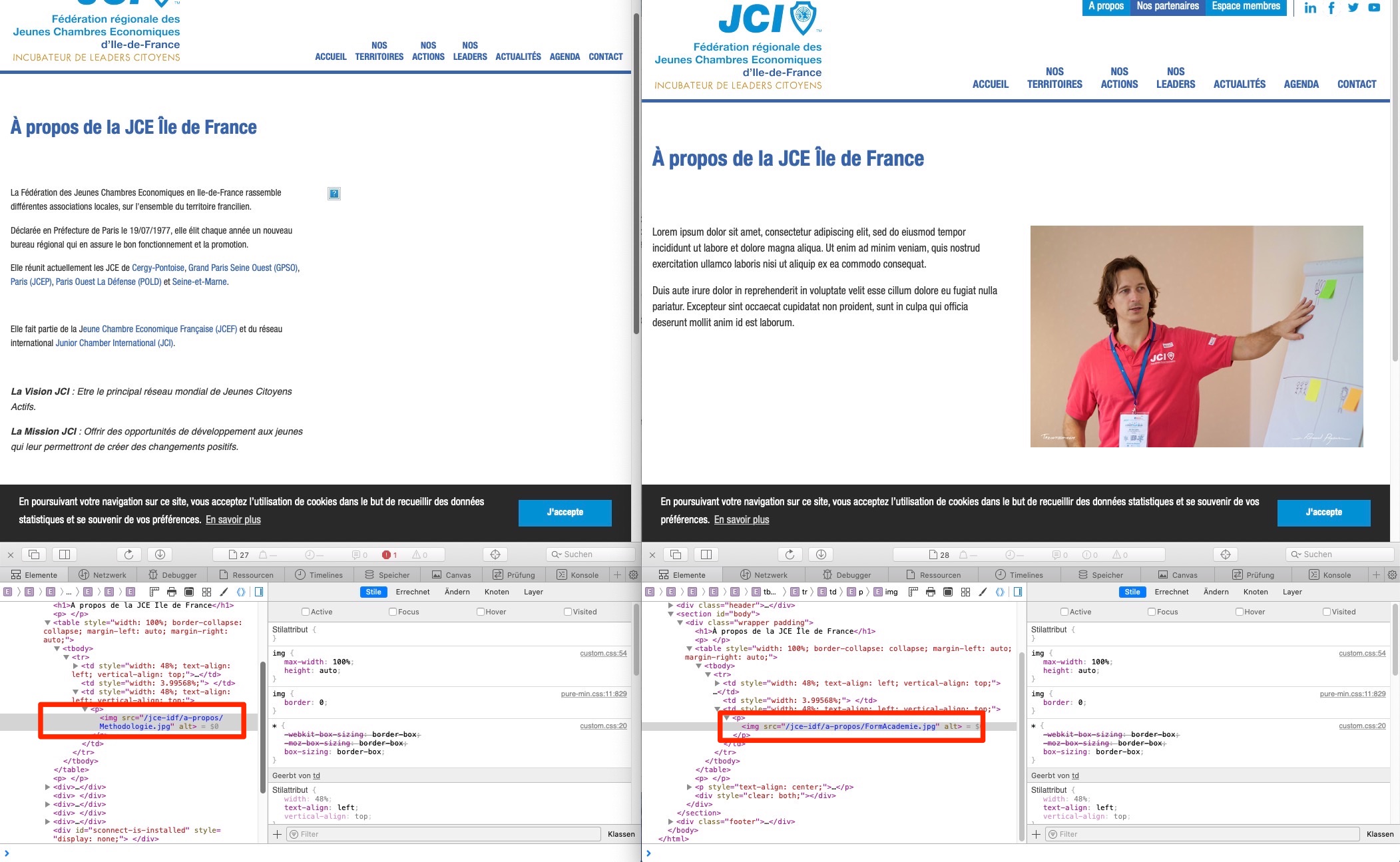
These are 2 different image URLs. See screenshot. Also the page content is different.

Bildschirmfoto_2020-02-25_um_15_21_25|690x424

6 years ago

You are right the content of the page is different because changes have been made since the upload, including the image. However, this does not affect my problem. I load an image from the text editor of a page, the thumbnail is visible in the "page media" tool but the url is broken in the content block.

I did several tests on different servers, the problem only appears for this server.

6 years ago Solution

The problem seems to be resolved. The hosting company has updated the php version and it works now !

Thanks for your attention, Regards

Suggested topics

Topic Participants Replies Views Activity
Support · by Thomas, 1 week ago
2 54 11 hours ago
Support · by Anna, 3 days ago
2 60 14 hours ago
Support · by Justin Young, 15 hours ago
1 30 15 hours ago
Support · by Duc , 1 week ago
2 65 5 days ago
Support · by Colin Hume, 1 week ago
2 57 5 days ago